
AI training crawlers
Automated crawlers associated with model training or model improvement. These can often be restricted without blocking ordinary search.
Plan, create, and check your robots.txt
Create a crawler-specific policy, publish it at /robots.txt, and test the live result. Separate AI training, AI search, user-triggered agents, regular search engines, dataset crawlers, and SEO bots before deciding what to allow or block.
Start with the outcome
A safe robots.txt policy begins with the result you want. Provider-wide blocking can combine training, search, and user-requested access even when those uses should be treated differently.
Use separate groups for search engines and training-oriented crawlers instead of a blanket block that can remove useful visibility.
Open the selective templateReview AI search and user-triggered agents separately from training crawlers so assistants can still discover or fetch public pages when intended.
Review AI search accessStart with the listed AI crawler names, then review the result before publishing. New, unidentified, or non-compliant crawlers may require additional controls.
Review the strict templateFetch the live robots.txt file, select a crawler and path, and inspect which group and rule determine the result.
Run the live checkerUnderstand the trade-offs
Crawler names are grouped below by their published purpose. Use these differences to avoid blocking ordinary search, AI search, user-requested access, or third-party tools when your real goal is narrower.
Automated crawlers associated with model training or model improvement. These can often be restricted without blocking ordinary search.
Crawlers used to discover or retrieve pages for AI-powered search. Blocking them may reduce discovery and citation opportunities.
Agents that fetch a page after a person asks an assistant to open or use it. They are not interchangeable with bulk training crawlers.
Robots.txt tokens that express a product-use preference but may not operate as a normal standalone HTTP crawler user-agent.
Crawlers that power conventional search indexing. Blocking them can directly reduce normal search visibility.
Crawlers that build reusable web datasets or archives. Their downstream use can differ from both search and first-party AI products.
Third-party crawlers used for link intelligence, audits, and competitive SEO data rather than public search indexing.
A robots.txt file is most useful when each rule supports a clear publishing decision. “Block AI” is not one decision: a provider may use separate tokens for model training, AI search, user-requested page access, ordinary search indexing, or product-level controls. Blocking an entire provider without checking those roles can remove access that you intended to keep.
For example, OpenAI documents GPTBot, OAI-SearchBot, and ChatGPT-User as separate tokens. A publisher can therefore express a selective policy instead of treating training, search discovery, and user-triggered retrieval as the same activity:
User-agent: GPTBot
Disallow: /

User-agent: OAI-SearchBot
Allow: /

User-agent: ChatGPT-User
Allow: /
This example is a starting point, not a universal recommendation. Your policy may depend on search visibility, licensing, server load, customer expectations, and whether an assistant should be able to fetch a public page after a user requests it. Review the current provider documentation before relying on any token.
User-agent groups instead of reaching immediately for User-agent: *.https://example.com/robots.txt. A file placed inside a subdirectory does not govern the entire origin.The checker requests the public robots.txt file for the submitted host and evaluates a selected crawler and path. It can help identify:
User-agent group applies to the selected crawler;Allow or Disallow rule is the most specific;The checker cannot guarantee that every automated client will comply, authenticate a crawler from its user-agent string, or determine the legal meaning of a provider’s use of public content. Those questions require server-side verification, provider documentation, contractual review, or real access controls.
Robots.txt is publicly readable and relies on voluntary compliance. It does not hide a URL, require a password, encrypt a file, prevent copying by a non-compliant scraper, or guarantee removal from search results. Never publish secrets, private customer data, paid content, administration paths, or confidential files and assume that a Disallow rule makes them safe.
Protect sensitive resources with authentication, authorization, server configuration, rate limits, network controls, and application-level checks. Use indexing controls supported by the relevant search engine when the goal is to prevent a page from appearing in search rather than merely controlling crawling.
Use the crawler directory to find the exact User-agent name, understand what the crawler is used for, and open the provider's official documentation. Use a template when your goal matches a common policy, or read the guides when you need to compare options and understand their consequences.
Crawler names and provider policies can change. Before publishing an important allow or block rule, confirm the current provider documentation, test the live file, and update the policy when a provider introduces or changes a crawler. Report a broken source or inaccurate description through the contact page.
Tools and reference material
Use the generator to create a draft, the checker to test a live file, a template for a common policy, or a guide when you need to understand the trade-offs first.
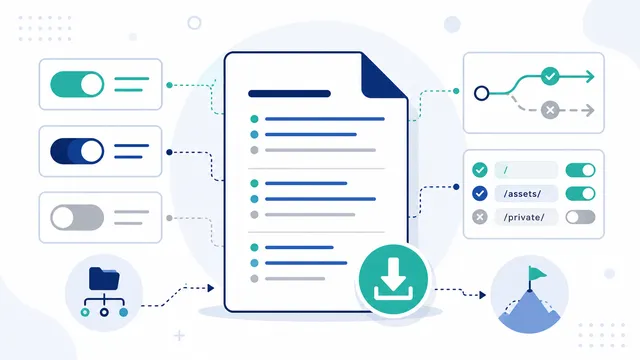 AI robots.txt Generator
Choose a preset or set individual crawler rules. The generator shows what will be allowed or blocked, highlights issues to review, and gives you a robots.txt file to publish yourself.
 robots.txt Checker
Test the live robots.txt served by a website or paste unpublished rules to simulate a crawler across up to eight URL paths. Review the winning Allow or Disallow rule before deploying changes.
 AI Crawler List
This directory groups crawler tokens by purpose so you can decide what to allow or block without treating every automated request as the same. Open a crawler page for its documented role, exact robots.txt token, policy trade-offs, and verification guidance.
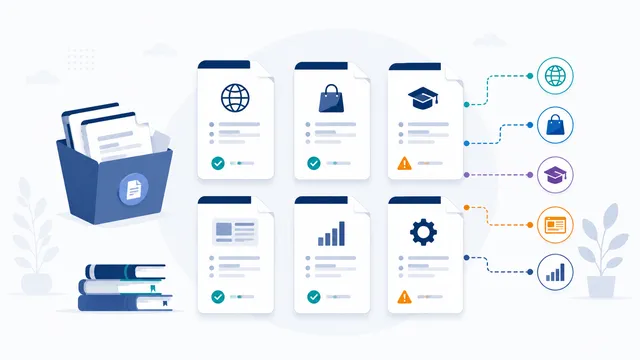 Robots.txt Templates
Start with a copy-ready robots.txt example that matches the result you need, then merge it with the live file instead of replacing existing rules blindly. Use the specialized templates for AI crawlers, WordPress, Shopify, and business sites, and test the published result before relying on it.
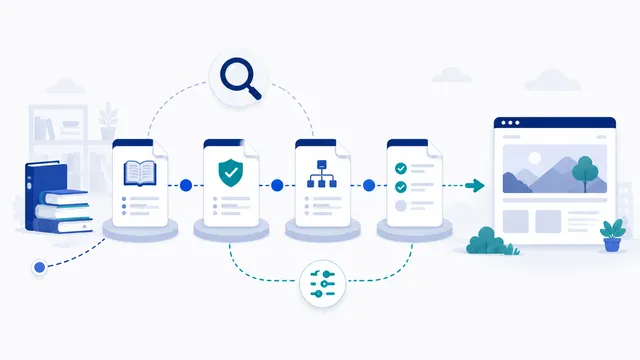 AI Crawler and robots.txt Guides
Use these guides to move from a policy question to a verified live robots.txt file. They cover crawler roles, training versus search access, syntax, deployment, testing, status codes, wildcards, and the limits of robots.txt.
 Robots.txt and AI Crawler Glossary
Use this glossary for concise definitions of crawler roles, robots.txt directives, and newer AI-content control terms. Each entry explains what the term means, what it does not mean, and where it fits in a practical website policy.
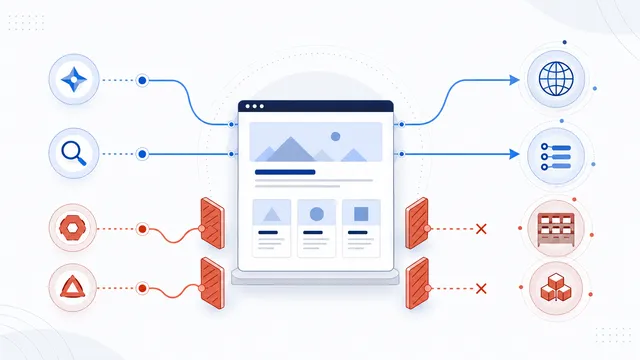 How to Block AI Crawlers with robots.txt
Block only the exact crawler names that match your policy, keep ordinary search and user-requested access separate when you still want them, publish the merged file at the correct host root, and verify each important crawler and path on the live site.
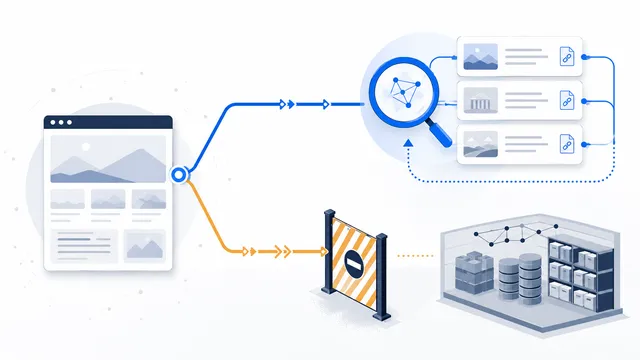 How to Allow AI Search but Block AI Training
Block only the documented training or product-use controls, such as GPTBot, ClaudeBot, Google-Extended, and Applebot-Extended. Leave AI search crawlers unblocked unless an existing rule blocks them; add explicit search groups only when necessary, and repeat any private-path restrictions inside those groups. Then test the live file by crawler and path.
There is no universal default. Start with the outcome you want, keep ordinary search crawlers open when search visibility matters, and use each provider's published crawler name for the uses you intend to restrict.
No. OpenAI documents GPTBot, OAI-SearchBot, and ChatGPT-User as separate robots.txt tokens. Each needs its own rule when you want different treatment for training, search, and user-triggered access.
Yes, when you use the relevant crawler or product tokens instead of blocking Googlebot or every crawler with User-agent: *. Google-Extended and Googlebot serve different control purposes and should be reviewed separately.
There is no reliable AI-only wildcard that covers every current and future crawler. User-agent: * with Disallow: / is much broader and asks all compliant crawlers, including ordinary search engines, not to crawl the site.
Publish it at the root of the exact scheme and host it should govern, such as https://example.com/robots.txt. A file inside a subdirectory does not control the whole site.
Use the live checker with the exact domain, crawler token, and path. Then review server logs when you need evidence of real requests, remembering that a claimed user-agent does not by itself authenticate the requester.
No. Robots.txt is a public voluntary instruction, not access control. Protect sensitive content with authentication, authorization, server rules, and other enforceable security controls.