
How to Allow AI Search but Block AI Training
Block only the documented training or product-use controls, such as GPTBot, ClaudeBot, Google-Extended, and Applebot-Extended. Leave AI search crawlers unblocked unless an existing rule blocks them; add explicit search groups only when necessary, and repeat any private-path restrictions inside those groups. Then test the live file by crawler and path.
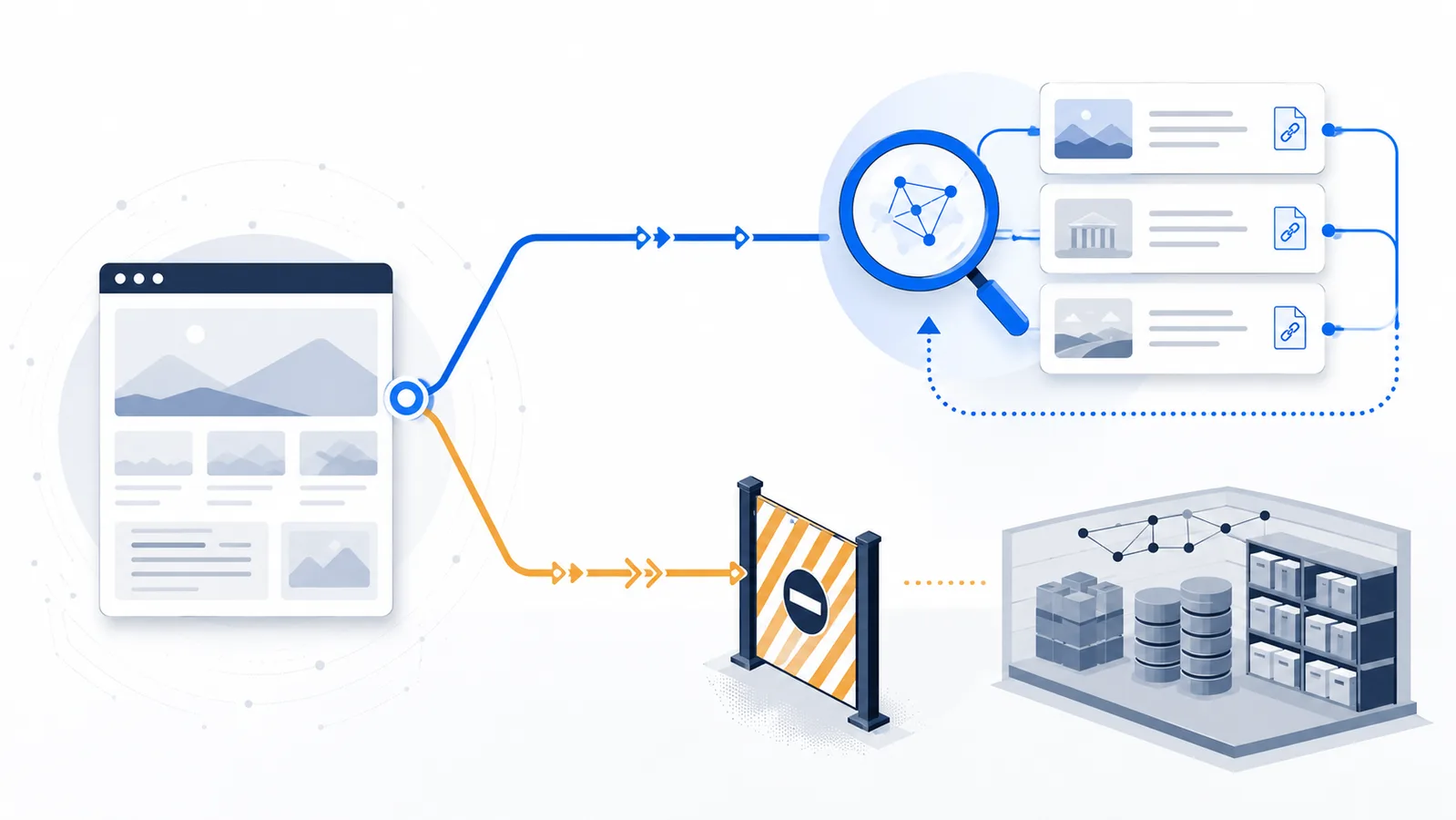
Copy-paste robots.txt example
# Restrict selected model-training and product-use controls
User-agent: GPTBot
Disallow: /

User-agent: ClaudeBot
Disallow: /

User-agent: Google-Extended
Disallow: /

User-agent: Applebot-Extended
Disallow: /

# Preserve the Sitemap declaration from your existing file
Sitemap: https://example.com/sitemap.xml
Start with the access you want to preserve
“Allow AI search but block AI training” is not one universal switch. Each provider publishes its own crawler names and may separate model training, search discovery, user-requested retrieval, ordinary web search, and product-specific content-use controls. The safe approach is to identify the exact purpose you want to restrict and leave unrelated access unchanged.
For a public content site, the usual goal is:
- keep ordinary search engines able to crawl public pages;
- keep selected AI search services able to discover and cite public pages;
- restrict documented model-training or product-use controls that you do not want to allow;
- preserve existing restrictions for accounts, private areas, staging paths, internal search results, and other non-public sections.
Do not start by blocking a company name or every crawler that contains the word “AI.” Start with the outcome, confirm the provider's current crawler documentation, and change only the groups that affect that outcome.
Match each provider to the correct control
| Provider | Keep available for search or discovery | Restrict training or product use | Decide separately |
|---|---|---|---|
| OpenAI | OAI-SearchBot | GPTBot | ChatGPT-User is used for user-initiated actions and is not the search crawler. |
| Anthropic | Claude-SearchBot | ClaudeBot | Claude-User supports retrieval requested by a Claude user. |
| Perplexity | PerplexityBot | No separate foundation-model training crawler is identified in Perplexity's current crawler documentation. | Perplexity-User is user requested and generally ignores robots.txt. |
Googlebot controls crawling for Google Search, including Google's AI features in Search. | Google-Extended controls the Gemini training and grounding uses described by Google. | Google-Extended is a product token, not a separate HTTP crawler. | |
| Apple | Applebot supports discovery in products such as Spotlight, Siri, and Safari. | Applebot-Extended controls use for training Apple's general-purpose foundation models. | Applebot-Extended does not crawl pages itself. |
Use the provider links below before publishing an important policy:
- OpenAI crawler documentation
- Anthropic crawler documentation
- Perplexity crawler documentation
- Google crawler documentation
- Applebot documentation
Use the smallest policy that achieves the goal
If the existing robots.txt already allows normal public crawling and does not contain a broad block, the safest selective policy often needs only the groups you want to restrict. Search crawlers remain allowed because no matching rule blocks them.
# Restrict selected model-training and product-use controls
User-agent: GPTBot
Disallow: /

User-agent: ClaudeBot
Disallow: /

User-agent: Google-Extended
Disallow: /

User-agent: Applebot-Extended
Disallow: /
This asks the documented training or product-use controls to stay out while leaving OAI-SearchBot, Claude-SearchBot, PerplexityBot, Googlebot, and Applebot unchanged. It also avoids creating unnecessary exact groups that could bypass restrictions already defined for User-agent: *.
Add CCBot or another dataset crawler only when that is part of your policy. Do not expand the block list merely because a crawler appears in a third-party article. Every extra token changes access for a real service and should have a clear reason.
Do not add explicit Allow groups only for reassurance
A crawler is allowed when no matching Disallow rule blocks the requested path. You therefore do not normally need this:
User-agent: OAI-SearchBot
Allow: /

User-agent: Claude-SearchBot
Allow: /
Those groups may look harmless, but a crawler-specific group is selected instead of the wildcard group. If the existing file contains:
User-agent: *
Disallow: /account/
Disallow: /members/
Disallow: /internal-search/
then adding an exact OAI-SearchBot group with only Allow: / can make those wildcard restrictions stop applying to that crawler. The final file may expose paths you intended every crawler to avoid.
When an explicit search group is genuinely required, repeat every restriction that must still apply:
User-agent: OAI-SearchBot
Allow: /
Disallow: /account/
Disallow: /members/
Disallow: /internal-search/
Test the exact crawler against both a public URL and every protected or low-value path. Do not assume that the wildcard rules are inherited.
OpenAI: keep ChatGPT search, restrict GPTBot
OpenAI documents OAI-SearchBot and GPTBot as independent settings. OAI-SearchBot is used to surface sites in ChatGPT search, while GPTBot crawls content that may be used to train OpenAI's generative AI foundation models. OpenAI explicitly describes the policy of allowing OAI-SearchBot while disallowing GPTBot.
If no broader rule blocks OAI-SearchBot, this is enough:
User-agent: GPTBot
Disallow: /
OpenAI notes that robots.txt changes can take about 24 hours to affect its search systems. Allowing OAI-SearchBot makes discovery possible; it does not guarantee inclusion, citation, ranking, or traffic for a specific query.
ChatGPT-User is a separate user-requested agent. OpenAI says it is not used for automatic crawling or for determining Search inclusion, and robots.txt may not apply to user-initiated actions in the same way. Do not treat it as a substitute for OAI-SearchBot.
Anthropic: keep Claude search, restrict ClaudeBot
Anthropic separates ClaudeBot, Claude-SearchBot, and Claude-User. ClaudeBot may collect public web content that contributes to model training. Claude-SearchBot indexes and analyzes content to improve search-result relevance and accuracy. Claude-User supports retrieval requested by a Claude user.
A selective whole-site training opt-out can therefore be expressed with:
User-agent: ClaudeBot
Disallow: /
Do not block Claude-SearchBot if your goal is to remain discoverable in Claude search. Decide separately whether Claude-User should retrieve public pages after an explicit user request.
Perplexity: do not block the search crawler as a training opt-out
Perplexity states that PerplexityBot is designed to surface and link websites in search results and is not used to crawl content for AI foundation models. Blocking it would reduce Perplexity search discovery rather than express a model-training opt-out.
Perplexity-User supports user-requested page access and is also described as not being used for foundation-model training. Perplexity says this fetcher generally ignores robots.txt because the request was initiated by a user. Do not invent a Perplexity training token or assume that blocking PerplexityBot solves a different policy problem.
Google: keep Search open and use Google-Extended for separate Gemini uses
Google's AI features in Search use the normal Google Search crawling and indexing infrastructure, so Googlebot remains the relevant crawler control for Search. Blocking Googlebot can affect conventional results as well as AI features that rely on the Search index.
Google-Extended is a separate robots.txt product token. Google documents it as a control for whether eligible content may be used for training future Gemini models and for grounding in the specified Gemini and Vertex AI products. Google also states that Google-Extended does not affect inclusion or ranking in Google Search.
User-agent: Google-Extended
Disallow: /
This is the selective control when the goal is to keep Google Search available while opting out of the uses covered by Google-Extended. Do not replace it with a Googlebot block.
Apple: keep Apple discovery and restrict foundation-model training
Applebot crawls for search and discovery in Apple products, including Spotlight, Siri, and Safari. Applebot-Extended is a secondary control for whether Applebot-crawled content may be used to train Apple's general-purpose foundation models.
User-agent: Applebot-Extended
Disallow: /
Apple states that Applebot-Extended does not crawl pages itself and that disallowing it does not prevent pages from remaining discoverable through Apple search experiences. Keep Applebot available when that discovery is valuable to you.
Merge the policy with the live file instead of replacing it
- Open the current public file at the root of the exact host, such as
https://example.com/robots.txt. - Save the existing text before editing.
- Identify rules generated by the CMS, ecommerce platform, hosting layer, application, plugin, or CDN.
- Add only the new crawler groups required by the policy.
- Preserve existing path restrictions, search-engine rules, comments, and Sitemap declarations.
- Remove duplicate groups only after confirming that their rules can be merged safely.
Robots.txt is scoped to a particular scheme, host, and port. A rule at https://example.com/robots.txt does not automatically control http://example.com, www.example.com, or docs.example.com.
Verify the result by crawler and path
After publishing, use the live robots.txt checker instead of reviewing the text only by eye. Test at least:
- the homepage as each training crawler that should be blocked;
- the homepage as each search crawler that should remain available;
- account, member, internal-search, staging, and other restricted paths;
- Googlebot, Bingbot, and Applebot when ordinary search visibility matters;
- the exact HTTPS or HTTP host that visitors and crawlers actually use.
Inspect the matched group and winning rule, not only the final Allowed or Blocked label. Allow time for providers to refresh cached rules, then review server logs when you need evidence of real requests.
Understand what the policy cannot guarantee
Allowing an AI search crawler does not guarantee that a page will be indexed, cited, ranked, or visited. Blocking a training crawler does not delete previously collected material, revoke licensed datasets, or control data obtained from another source.
Robots.txt is also not access control. RFC 9309 states that its rules are not authorization. Protect private, paid, confidential, or personal information with authentication, application permissions, server rules, rate limits, or other enforceable controls.
Final checklist
- The desired search and training outcomes are written down separately.
- Every crawler name was confirmed in current provider documentation.
- Only training or product-use controls required by the policy were blocked.
- AI search and ordinary search crawlers were not blocked unintentionally.
- Any exact search group repeats the wildcard path restrictions it still needs.
- The existing live file was merged rather than replaced blindly.
- The result was tested on public and restricted URL paths.
- Private content is protected independently of robots.txt.
Use the Allow Search, Block AI Training template for a clean starting point, or build a tailored draft with the generator. Review the generated rules against your existing file before publishing.
FAQ
Can I appear in ChatGPT search while blocking GPTBot?
Yes. OpenAI documents OAI-SearchBot and GPTBot as independent controls. Disallow GPTBot and leave OAI-SearchBot accessible to express that policy.
Do I need an explicit Allow group for OAI-SearchBot or Claude-SearchBot?
Usually not. A crawler is allowed when no matching rule blocks the path. Add an exact Allow group only when needed, and repeat any wildcard path restrictions that must still apply.
Can I keep Claude search available while blocking ClaudeBot?
Yes. Anthropic separates Claude-SearchBot from ClaudeBot. Blocking ClaudeBot does not require blocking Claude-SearchBot or Claude-User.
What if User-agent: * already blocks private paths?
Search crawlers follow the wildcard group when no more specific group matches. If you add an exact search-crawler group, repeat the private-path restrictions inside it because wildcard rules are not automatically inherited.
Does blocking Google-Extended affect Google Search or AI Overviews?
Google states that Google-Extended does not affect inclusion or ranking in Google Search. Googlebot remains the crawler control for Search and its AI features.
Should I block PerplexityBot to opt out of model training?
No. Perplexity states that PerplexityBot is for search discovery and is not used to crawl content for AI foundation models. Blocking it reduces Perplexity search access rather than expressing a training opt-out.
Can I allow Apple search while opting out of Apple model training?
Yes. Keep Applebot available for Apple search and discovery, and disallow Applebot-Extended to opt out of the foundation-model training use described by Apple.
Will allowing AI search guarantee citations or traffic?
No. It only permits the provider to access or discover eligible pages. Selection, citation, ranking, and traffic remain dependent on relevance, quality, technical access, and the provider's systems.
Does blocking training crawlers delete content already collected?
No. Robots.txt guides future compliant crawling. It does not erase previous copies, revoke licenses, or protect private content from clients that ignore the file.
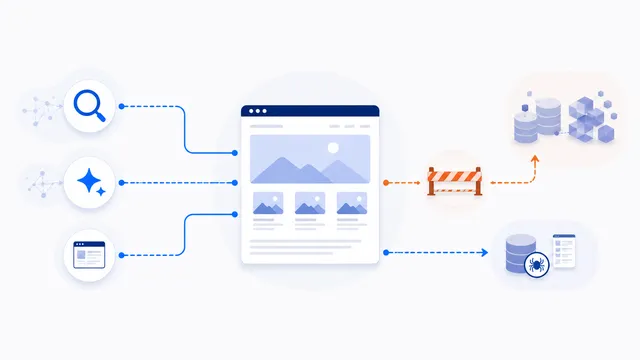 Allow Search, Block AI Training robots.txt Template
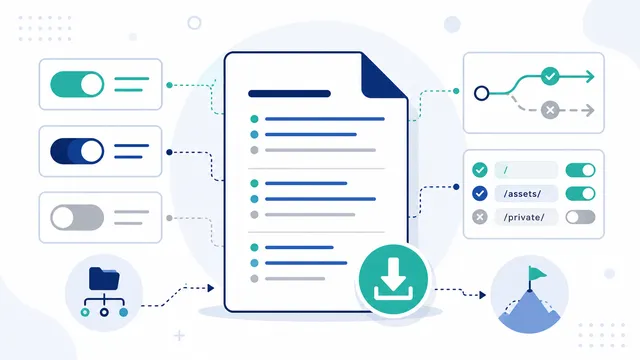 AI robots.txt Generator
 robots.txt Checker
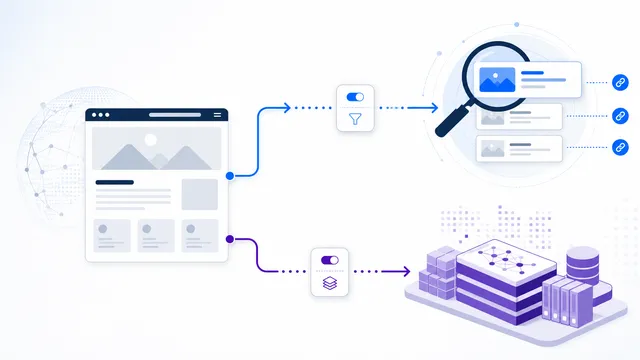 GPTBot vs OAI-SearchBot: Training vs Search
 ClaudeBot vs Claude-SearchBot vs Claude-User
 Google-Extended vs Googlebot: Search and Gemini Control