
Strictly necessary
Supports security, server sessions, form protection, administrator sign-in, and remembering your privacy choice.
Start with a copy-ready robots.txt example that matches the result you need, then merge it with the live file instead of replacing existing rules blindly. Use the specialized templates for AI crawlers, WordPress, Shopify, and business sites, and test the published result before relying on it.
If you need a robots.txt template quickly, start with the smallest policy that matches the result you actually want. These examples are intentionally short so you can see what each line changes before you merge it into the file your site already serves.
This is a simple public-site starting point when you do not need crawler-specific restrictions:
User-agent: *
Allow: /

Sitemap: https://example.com/sitemap.xml
Replace example.com with the canonical host. If the live file already contains platform rules, path restrictions, or additional sitemap declarations, preserve the rules you still need instead of replacing the whole file.
This example keeps the wildcard group open while adding separate full-site blocks for three documented crawler names commonly associated with model training or dataset collection:
User-agent: GPTBot
Disallow: /

User-agent: ClaudeBot
Disallow: /

User-agent: CCBot
Disallow: /

User-agent: *
Allow: /

Sitemap: https://example.com/sitemap.xml
This does not mean that every AI-related product is blocked. Search crawlers, user-requested fetchers, provider-specific product controls, renamed agents, and clients that ignore robots.txt require separate decisions. Review the current provider documentation and use the narrower templates below when your policy needs more precision.
A robots.txt template is useful when your goal is already clear: keep ordinary search available, restrict a documented training crawler, block a provider's dedicated agents, or adapt a platform-managed file. Start with the narrowest template that produces the result you actually want. A longer crawler list is not automatically safer.
| Your goal | Best starting template | Review before publishing |
|---|---|---|
| Keep ordinary and AI-search discovery available while restricting selected training or dataset crawlers | Allow Search, Block AI Training | Confirm each crawler's current purpose and preserve any path restrictions already present in the live file. |
| Block OpenAI's training-oriented crawler without blocking ChatGPT search | Block GPTBot | Do not add OAI-SearchBot unless you also intend to reduce ChatGPT search discovery. |
| Publish a broader block for OpenAI's documented crawler names | Block OpenAI Crawlers | The broader policy can affect training, search visibility, and user-requested retrieval differently. |
| Control Anthropic's documented crawler names | Block Claude Crawlers | Decide separately for ClaudeBot, Claude-SearchBot, and Claude-User instead of treating them as one purpose. |
| Opt out of Perplexity's automatic search crawling | Block Perplexity Crawlers | Blocking PerplexityBot can reduce discovery in Perplexity search, and user-triggered access may require enforceable server controls. |
| Restrict the uses controlled by Google-Extended while keeping Google Search available | Block Google-Extended | Keep Googlebot separate. Google-Extended is not a replacement for a Googlebot rule. |
| Use a broad starter list for dedicated AI-related agents | Block All AI Crawlers | No fixed list covers every current or future client. Review the visibility consequences of every included token. |
| Edit a WordPress-managed robots.txt policy | WordPress robots.txt Template | Identify whether WordPress, an SEO plugin, a physical file, or another layer generates the public response. |
| Edit Shopify's generated robots.txt output | Shopify robots.txt Template | Extend the platform output through the supported theme mechanism instead of replacing Shopify's defaults with a generic static file. |
| Start with a balanced policy for a public business website | Small Business robots.txt Template | Replace the example sitemap URL and remove every crawler group that does not match your actual policy. |
Choose a template when one existing policy closely matches your goal and you are comfortable merging it into the file your site already serves. Use the robots.txt Generator when you need to combine several crawler decisions, add host-specific sitemap information, define blocked paths, or review a policy assembled from multiple choices.
A template and the Generator both produce a starting policy. Neither publishes to your hosting account or replaces the need to inspect the complete live file.
Build a custom robots.txt policy Check a live robots.txt file
Visit the exact host's public robots.txt URL first, such as https://example.com/robots.txt. Save the current text and determine what generates it. A CMS, ecommerce platform, SEO plugin, application route, CDN, or hosting layer may already control the response.
Do not replace the existing file blindly. It may contain platform rules, path restrictions, comments, crawler-specific groups, and one or more Sitemap: declarations that the chosen template does not include. The safest change is usually to merge only the groups required by the new policy.
robots.txt.liquid mechanism when customization is genuinely needed.One provider can publish different names for model-development crawling, search discovery, user-requested retrieval, or product-specific content-use controls. A provider name alone is therefore not a precise policy.
Before choosing a template, write down the outcome for each relevant category:
Use separate User-agent groups when the answers differ. Do not convert a narrow policy into User-agent: * unless blocking all compliant crawlers is intentional.
A crawler-specific group does not automatically inherit restrictions from User-agent: *. Adding an exact group that contains only Allow: / can therefore open paths that were blocked only in the wildcard group.
User-agent: *
Disallow: /account/
Disallow: /internal-search/

User-agent: ExampleSearchBot
Allow: /
In this example, the specific group may be selected for ExampleSearchBot, while the wildcard restrictions are not merged into it. If that crawler must still avoid the two paths, repeat the applicable restrictions in its specific group and test the complete result.
This is why the narrowest useful template is usually safer than a file filled with explicit allow-all groups.
/robots.txt for the exact scheme, host, and port it is intended to govern.A homepage test cannot prove that the rest of the policy is correct. After publishing, test at least:
Inspect the selected group and winning rule, not only the final Allowed or Blocked label. Then review server logs separately when you need evidence of actual crawler requests.
A template communicates crawling instructions to clients that choose to follow the protocol. It cannot authenticate a crawler, stop a spoofed user-agent, secure private content, delete material already collected elsewhere, or guarantee inclusion in search or AI answers.
Robots.txt also manages crawling rather than guaranteed removal from an index. Protect private, paid, personal, or administrative resources with authentication, authorization, application permissions, and server-side controls. Use indexing controls when the goal is to keep a page out of search results.
No template can remain complete forever. Provider names, product roles, platform behavior, and your own publishing goals can change. Review the live policy after major platform updates, domain migrations, new subdomains, crawler documentation changes, and unexpected traffic.
Use the Generator to build crawler-specific groups and path rules, merge the result with the existing file, and then verify the published robots.txt policy. The service workflow is designed for cases where a copied example is not specific enough for the site you actually operate.
For the protocol's group and path-matching rules, review RFC 9309. For Google-specific crawling and indexing limitations, review Google Search Central's robots.txt introduction.
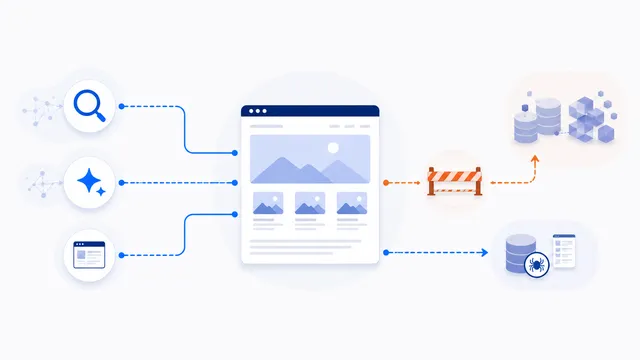
Use separate user-agent groups: block documented training or dataset agents such as GPTBot and ClaudeBot, while allowing ordinary search and dedicated AI-search crawlers.
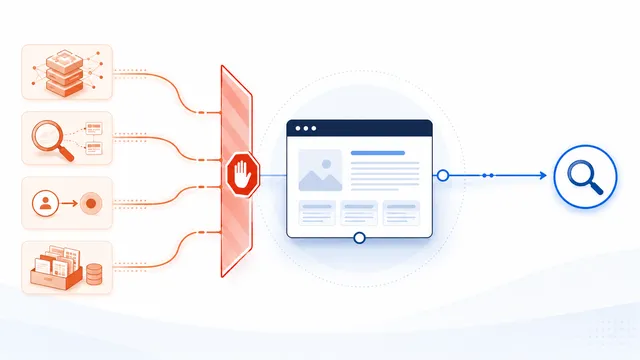
Use explicit groups for known AI-related tokens rather than User-agent: *. This broad template blocks documented training, AI-search, dataset, and user-request agents while leaving ordinary search open.

To block Anthropic’s documented Claude agents, publish separate Disallow groups for ClaudeBot, Claude-SearchBot, and Claude-User. Blocking all three also removes training, Claude search discovery, and user-directed retrieval, so use only the groups that match your policy.

Add a Google-Extended Disallow group to restrict eligible content from Gemini model training and grounding uses. Google-Extended is a control token rather than a separate HTTP crawler, and Google states that blocking it does not affect inclusion or ranking in Google Search.

Use this template when your specific goal is to disallow GPTBot sitewide. It targets OpenAI’s training crawler only; it does not automatically block OAI-SearchBot, which controls ChatGPT Search crawling.
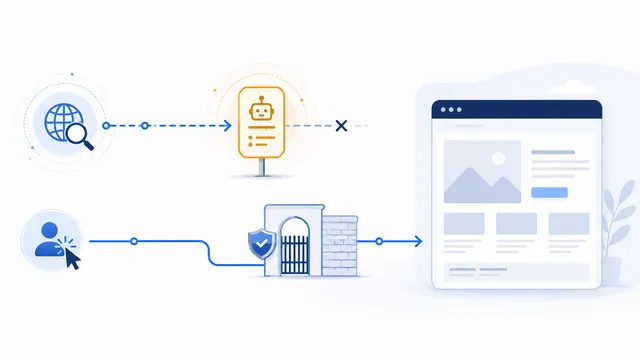
Use a Disallow group for PerplexityBot to opt out of Perplexity’s automated search indexing. You may also publish a Perplexity-User rule, but Perplexity states that this user-triggered fetcher generally ignores robots.txt, so enforce a real block at the server or application layer.
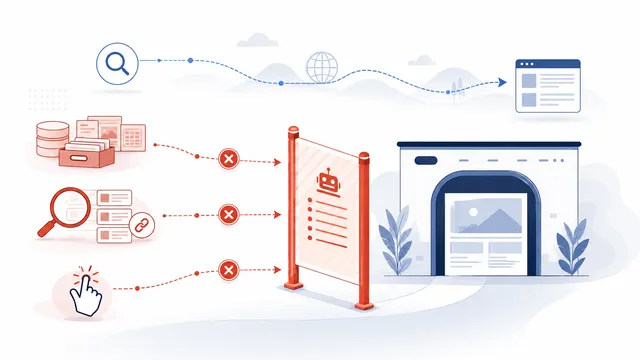
OpenAI exposes separate robots.txt controls for GPTBot and OAI-SearchBot. Use them independently: GPTBot controls training-related crawling, while OAI-SearchBot controls automatic crawling for ChatGPT Search visibility.
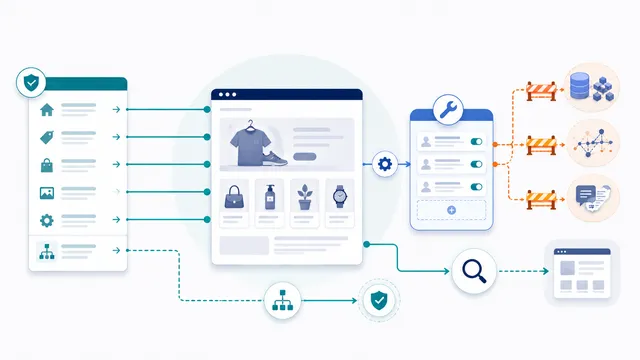
Shopify recommends preserving its default robots behavior and customizing through robots.txt.liquid. Add AI crawler rules to the generated file instead of replacing the entire Shopify robots.txt with a generic plain-text template.
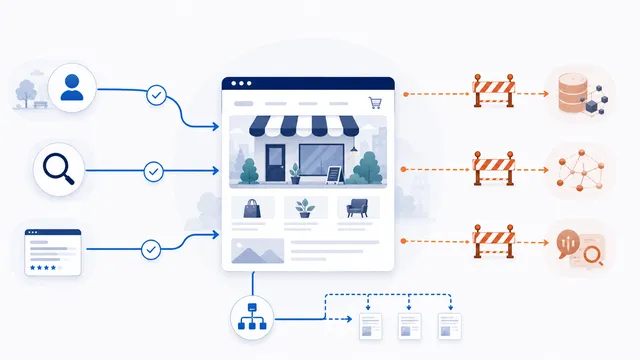
For most small business sites, the safest starting point is to keep public service pages crawlable, publish the sitemap, and make narrow crawler-specific choices instead of blocking broad groups of search and AI agents.
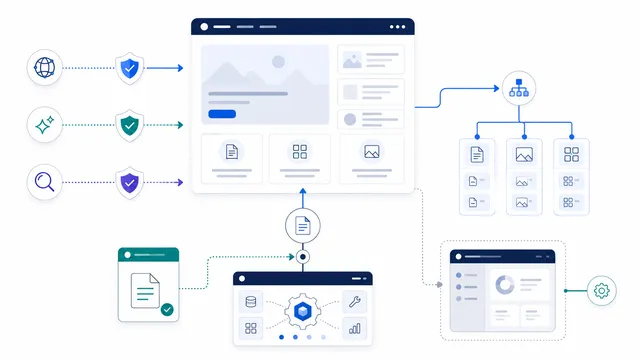
WordPress can generate robots.txt dynamically, and plugins or server files can also control the response. Add AI crawler groups to the active robots.txt output rather than blindly replacing the whole file.
Use a template as a starting point, not as a blind replacement. Change the example sitemap host, preserve existing platform and path rules that still matter, and test the live file after publishing.
Choose the narrowest template that matches the outcome you can state clearly. For example, use the GPTBot template when only OpenAI training crawling is the concern, and use the allow-search/block-training template when search discovery should remain available while selected training controls are restricted.
No. Existing platform rules, crawler goals, public and private paths, subdomains, sitemaps, and search-visibility requirements differ. Treat each template as a reviewed starting point rather than a universal replacement file.
Usually not. Save the current live file and merge only the required groups while preserving platform rules, path restrictions, comments, and sitemap declarations that still serve a purpose.
No fixed list can cover every current, future, renamed, spoofed, or non-compliant client. A broad template can address documented tokens, but enforceable access restrictions require server-side controls.
Often yes, when providers publish separate controls for those purposes. Use crawler-specific groups, keep ordinary search crawlers unblocked, and test exact groups carefully because they do not automatically inherit wildcard path restrictions.
Not necessarily. WordPress can generate a virtual response and plugins or the server may alter it. Shopify generates its own output and supports customization through robots.txt.liquid. Always inspect the public response and use the platform's active mechanism.
Open the live root-level robots.txt URL, confirm the response and text, then test the exact crawler against public and restricted paths in the Checker. Inspect the matched group and winning rule rather than relying on one homepage result.
No. Robots.txt is public and voluntary. Protect private, paid, personal, account, and administration content with authentication, authorization, application permissions, and server-side access controls.