
Block Perplexity Crawlers with robots.txt
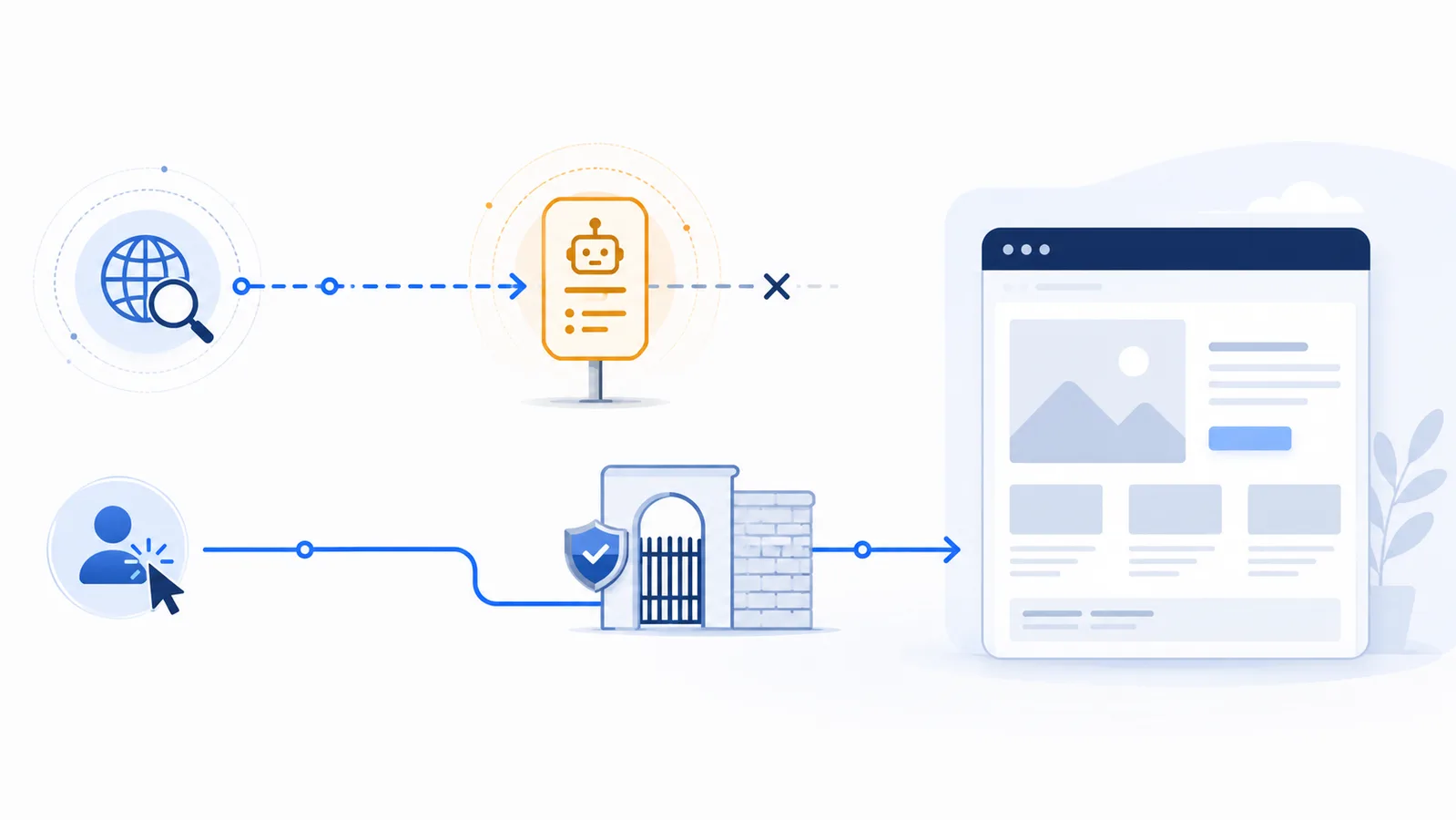
Use a Disallow group for PerplexityBot to opt out of Perplexity’s automated search indexing. You may also publish a Perplexity-User rule, but Perplexity states that this user-triggered fetcher generally ignores robots.txt, so enforce a real block at the server or application layer.
Copy-paste robots.txt example
User-agent: PerplexityBot
Disallow: /

User-agent: Perplexity-User
Disallow: /
Use the two Perplexity tokens for different requests
Perplexity documents two agents with different behavior. PerplexityBot automatically discovers and indexes public pages so they can be surfaced and linked in Perplexity search results. Perplexity-User fetches a page after a person asks Perplexity a question. The two settings are independent.
This template expresses a block for both tokens:
User-agent: PerplexityBot
Disallow: /

User-agent: Perplexity-User
Disallow: /
The first group is the reliable robots.txt control for Perplexity’s automated crawler. The second records your preference for user-triggered retrieval, but Perplexity’s current documentation says that Perplexity-User generally ignores robots.txt because the fetch was requested by a user.
Understand what each block changes
- Blocking PerplexityBot: prevents the compliant automated crawler from indexing the site for Perplexity search. This may reduce discovery, citations, and links to your pages in Perplexity results.
- Blocking Perplexity-User: is not a dependable enforcement method by itself. If the request must be denied, the website must reject it using a server-side control.
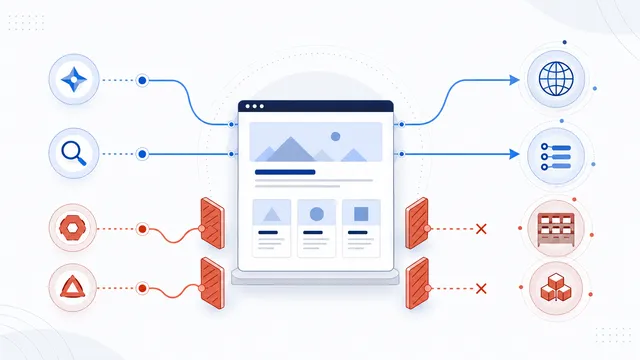
Neither group blocks Googlebot, Bingbot, or another crawler unless your file also contains broader rules that apply to them.
Use real access controls for user-triggered fetches
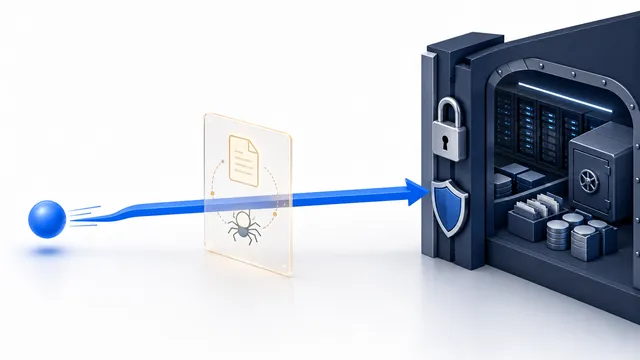
When you need to prevent Perplexity-User from reaching a resource, evaluate the request at the network or application layer. Perplexity publishes separate IP information for its agents, which can support verification, but do not trust the User-Agent header alone because headers can be spoofed. Suitable controls may include authentication, authorization, rate limits, a web application firewall, or a carefully maintained allow/deny policy.
Do not use robots.txt to protect private data, paid content, checkout pages, or administration areas. The file is public and compliance is voluntary.
Publish and test the template
- Merge the rules with the site’s existing robots.txt instead of replacing unrelated search or platform directives.
- Serve the file at
https://your-domain.com/robots.txtas plain text. - Test
PerplexityBotandPerplexity-Userseparately with the robots.txt checker. - Review server logs and any firewall decisions to confirm which layer allowed or denied the request.
If you want Perplexity search visibility but not unrestricted user-triggered access, allow PerplexityBot and apply enforceable controls only to the resources that should not be retrieved on demand.
FAQ
Does PerplexityBot obey robots.txt?
Perplexity documents PerplexityBot as the automated crawler used to surface and link websites in search results, and provides robots.txt controls for it.
Does Perplexity-User obey the same rule?
Not reliably. Perplexity states that Perplexity-User generally ignores robots.txt because the page fetch is initiated by a user request.
Will blocking PerplexityBot remove my site from Google?
No. A PerplexityBot-specific group does not apply to Googlebot. It can, however, reduce how your site is discovered and cited within Perplexity.
How can I actually block Perplexity-User?
Use server-side controls such as authentication, authorization, verified network rules, rate limits, or a web application firewall. Do not rely on the User-Agent string alone.
Can I block only part of the site?
Yes. Replace the site-wide slash with specific path rules, then test both the blocked and allowed URLs before publishing the final file.
 PerplexityBot robots.txt Rules for Search Visibility
 Perplexity-User robots.txt Limits and Access Control
 PerplexityBot vs Perplexity-User: robots.txt Controls
 robots.txt Checker
 How to Block AI Crawlers with robots.txt