
Strictly necessary
Supports security, server sessions, form protection, administrator sign-in, and remembering your privacy choice.
Use these guides to move from a policy question to a verified live robots.txt file. They cover crawler roles, training versus search access, syntax, deployment, testing, status codes, wildcards, and the limits of robots.txt.
This guide library is organized around practical website-owner questions rather than a single universal bot list. Begin with the outcome: block model-training collection, remain visible in AI search, compare two agents from the same provider, troubleshoot a live file, or understand a robots.txt directive.
Robots.txt is public, host-specific, and voluntary. The guides therefore distinguish policy signaling from authentication, indexing controls, and network enforcement. Use the glossary for concise definitions and the template library when you are ready to copy a starting rule.
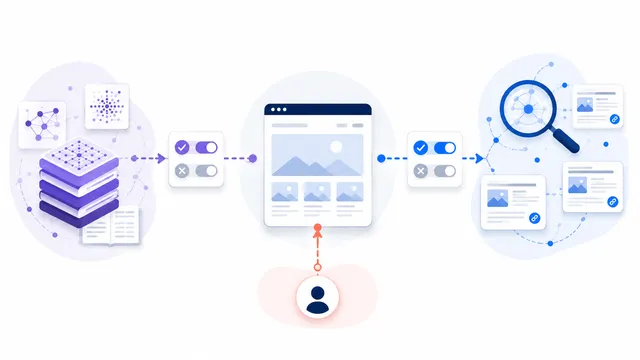
Anthropic uses three distinct agents: ClaudeBot for model-development crawling, Claude-SearchBot for search quality and indexing, and Claude-User for user-directed retrieval. Treat them as separate policy decisions.
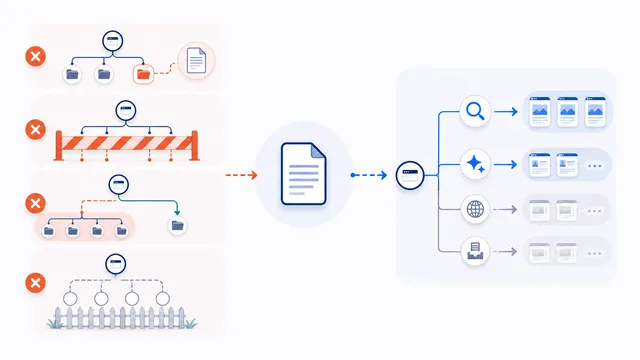
The most damaging robots.txt mistakes are publishing the file on the wrong host, blocking every crawler with a wildcard, confusing crawl control with deindexing or security, using incorrect path rules, and failing to test the complete file. Validate exact URLs and crawler groups before deployment.
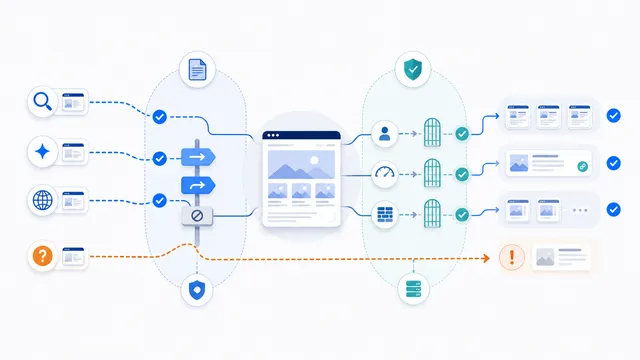
Robots.txt can stop compliant AI crawlers from requesting selected URLs, but it cannot enforce access against unidentified scrapers, spoofed user agents, browsers, or tools that ignore the protocol. Use precise crawler rules for policy, then add authentication, authorization, rate limits, or firewall controls where access must actually be prevented.
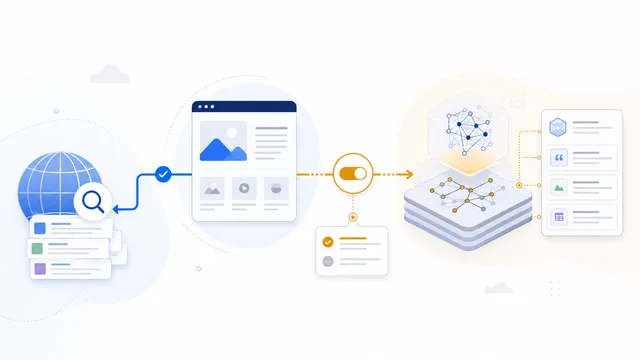
Googlebot is the crawler used for Google Search and related search features. Google-Extended is a standalone robots.txt control token, not a separate HTTP crawler identity; it governs whether Google-crawled content may be used for Gemini model training and grounding. You can allow Googlebot while disallowing Google-Extended without opting out of Google Search.
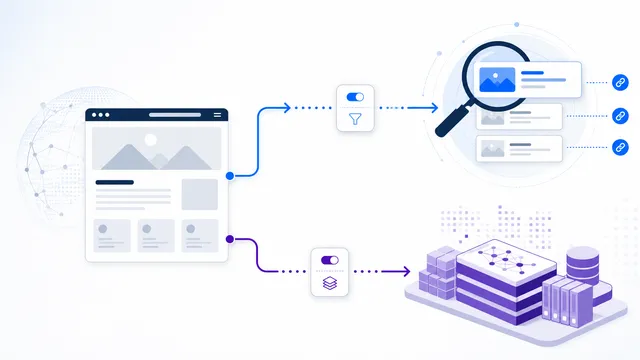
GPTBot and OAI-SearchBot are separate OpenAI crawler controls. GPTBot crawls content that may be used to improve and train OpenAI’s generative AI foundation models; OAI-SearchBot discovers pages for ChatGPT search results. You can block one and allow the other.
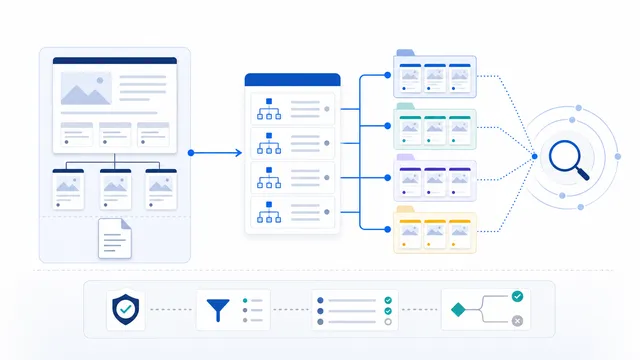
Add an absolute Sitemap URL to robots.txt, then verify that both the robots.txt file and the sitemap resolve on the intended production hostname. The directive helps crawlers discover the sitemap; it does not guarantee crawling or indexing.
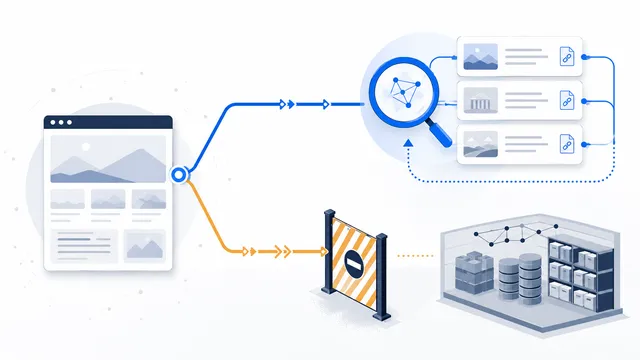
Block only the documented training or product-use controls, such as GPTBot, ClaudeBot, Google-Extended, and Applebot-Extended. Leave AI search crawlers unblocked unless an existing rule blocks them; add explicit search groups only when necessary, and repeat any private-path restrictions inside those groups. Then test the live file by crawler and path.
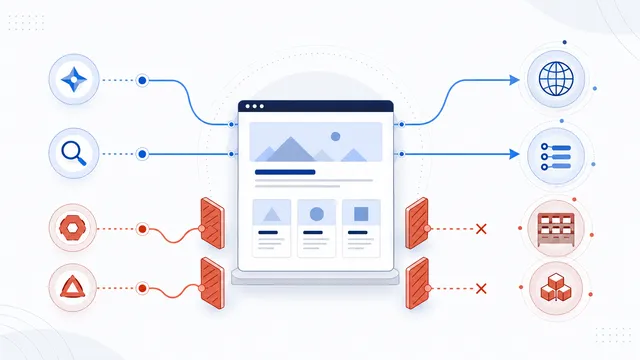
Block only the exact crawler names that match your policy, keep ordinary search and user-requested access separate when you still want them, publish the merged file at the correct host root, and verify each important crawler and path on the live site.
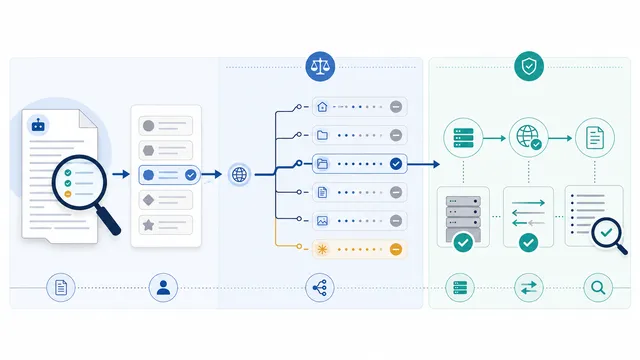
Fetch the live robots.txt file, select the crawler’s exact product token, and test the specific URL against the matching group and longest Allow or Disallow rule. Then check HTTP responses, caching, firewall rules, and logs, because a crawler may be allowed by robots.txt yet blocked by the server—or disallowed by robots.txt while an unidentified scraper still reaches the page.
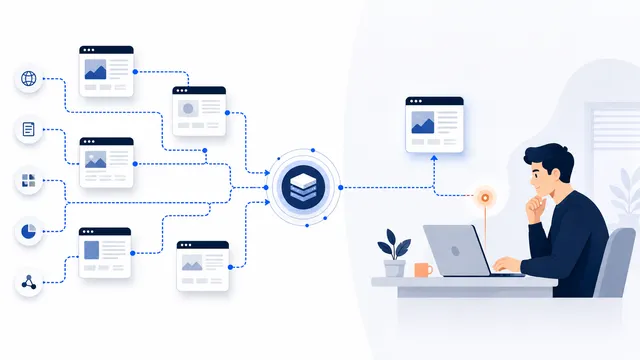
PerplexityBot is the automatic crawler used to surface and link sites in Perplexity search results. Perplexity-User supports user-requested fetches; Perplexity states that this fetcher generally ignores robots.txt because the request is user initiated.
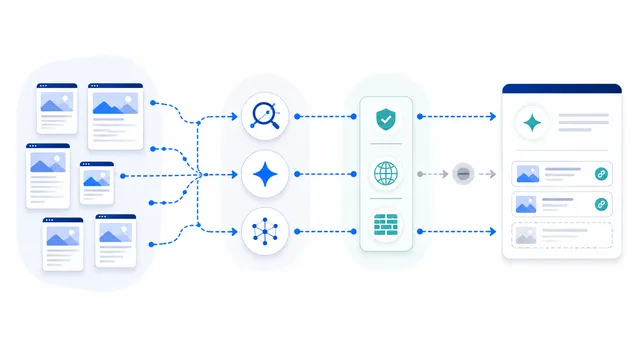
If AI-search visibility matters, identify the agents used for search/discovery separately from training crawlers. OAI-SearchBot, Claude-SearchBot, PerplexityBot and Applebot have discovery roles, while similarly named training or user-triggered agents may need different policies.
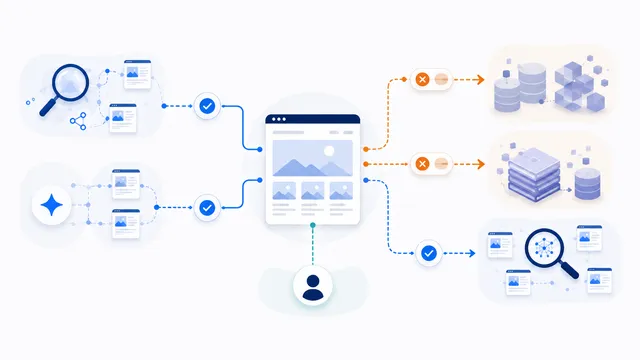
To restrict AI training access, identify each provider’s exact training or dataset token and disallow it in a dedicated robots.txt group. Keep search crawlers in separate allowed groups, treat product-control tokens such as Google-Extended according to their documentation, and use authentication or server-side controls when access must be enforced.

Publishers should use exact crawler groups instead of a blanket block: keep ordinary search crawling open, decide separately on AI training and AI-search access, and protect subscriber-only material with authentication rather than robots.txt.
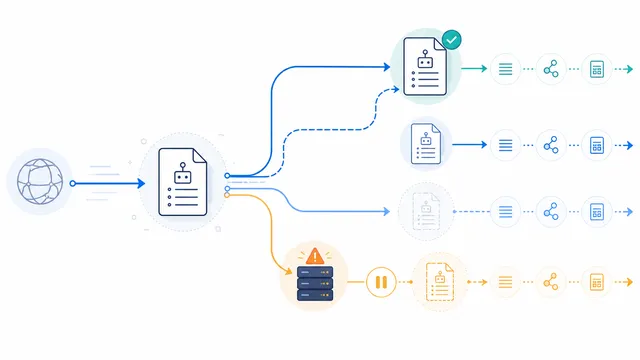
A successful 2xx response lets crawlers parse robots.txt. Redirects may be followed, ordinary 4xx responses often mean no usable robots.txt restrictions, while 5xx and network failures are treated as temporary retrieval problems. Exact behavior and cache timing vary by crawler, so return a stable 200 response for a valid file and never use 401 or 403 as a substitute for crawl rules.
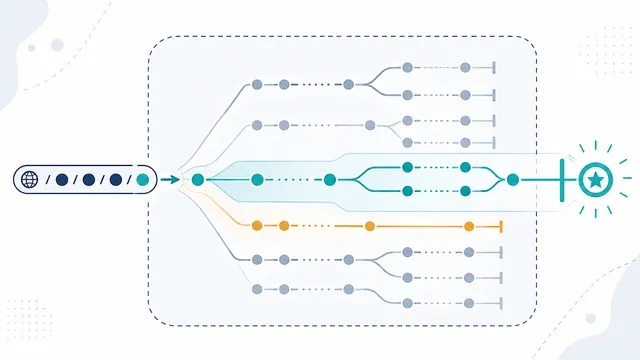
In robots.txt path rules, * matches zero or more characters and $ anchors the match to the end. The most specific applicable rule decides the result, not the last line in the file. Build the complete policy, then test exact crawler and URL combinations before publishing.
Start with the guide that matches your goal: blocking AI crawlers, allowing AI search while blocking training, or checking whether a live rule works.
No. They explain why providers publish separate tokens and how blocking one purpose can affect training, search visibility, or user-directed retrieval differently.
Not always. Many changes can be made through a CMS or platform, but verification may require checking the live response, headers, logs, or hosting configuration.
No. They explain robots.txt behavior for compliant crawlers and identify cases where server-side controls are required.
Review it after provider documentation changes, platform or plugin updates, domain migrations, major content-policy changes, and unexpected crawler traffic.