
Does robots.txt Stop AI Scraping? What It Can and Cannot Do
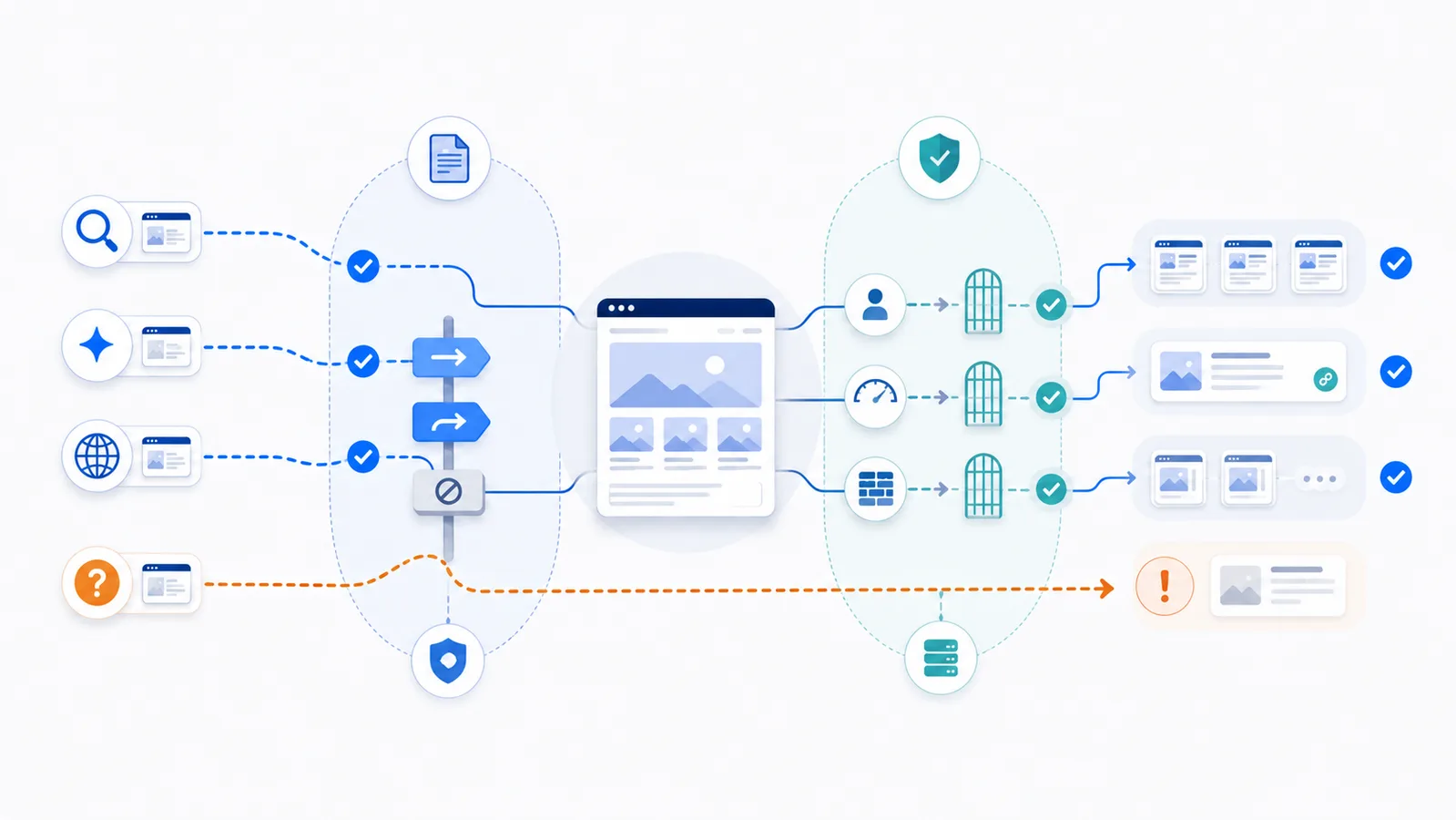
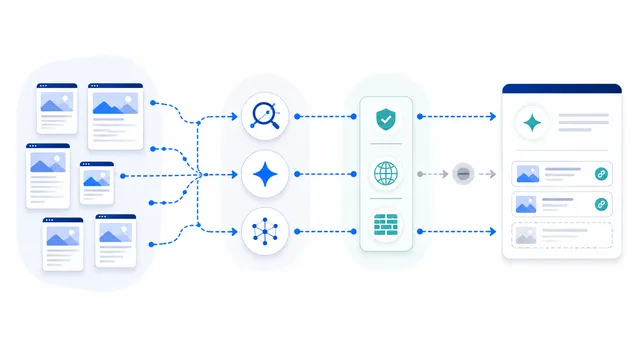
Robots.txt can stop compliant AI crawlers from requesting selected URLs, but it cannot enforce access against unidentified scrapers, spoofed user agents, browsers, or tools that ignore the protocol. Use precise crawler rules for policy, then add authentication, authorization, rate limits, or firewall controls where access must actually be prevented.
Copy-paste robots.txt example
User-agent: GPTBot
Disallow: /

User-agent: ClaudeBot
Disallow: /

User-agent: CCBot
Disallow: /

User-agent: OAI-SearchBot
Allow: /

User-agent: Claude-SearchBot
Allow: /

User-agent: Googlebot
Allow: /
Robots.txt is a request, not an enforcement wall
A robots.txt file tells compliant automated clients which URLs they should not request. Major operators publish crawler tokens and state that their automated bots respect site rules, so a precise Disallow group can meaningfully reduce legitimate AI crawling. The protocol itself, however, does not authenticate the requester, hide the listed URLs, or stop a client that chooses to ignore the instruction.
This distinction matters because “AI scraping” can describe several different activities: scheduled training-data collection, AI-search discovery, a page fetch triggered by a user, an unidentified scraper, or a browser automation tool. One robots.txt rule does not control all of them in the same way.
What robots.txt can control
When a provider documents a dedicated token, you can publish a crawler-specific group without blocking unrelated traffic. For example, a site may block training-oriented crawlers while keeping conventional search and selected AI-search crawlers open:
User-agent: GPTBot
Disallow: /

User-agent: ClaudeBot
Disallow: /

User-agent: CCBot
Disallow: /

User-agent: OAI-SearchBot
Allow: /

User-agent: Claude-SearchBot
Allow: /

User-agent: Googlebot
Allow: /
This expresses a selective publishing policy. It can reduce access by compliant named bots and avoid the SEO damage caused by a blanket User-agent: * block.
What robots.txt cannot stop
- Non-compliant scrapers: a client can ignore the file entirely.
- Spoofed identities: any requester can send a familiar User-Agent string.
- Human or browser access: a public URL remains public unless the server restricts it.
- Previously obtained copies: a new rule does not recall content already collected.
- Every user-triggered fetch: some providers distinguish automated crawlers from requests initiated by a person.
Robots.txt is also public. Listing a sensitive path there can reveal that the path exists, which is another reason not to treat the file as security.
Use enforcement controls for real restrictions
If a resource must not be fetched, place the restriction at the application or server layer. Depending on the case, that may mean login-based authentication, role-based authorization, signed URLs, a paywall, rate limiting, bot management, a web application firewall, or removing the resource from the public web. Avoid broad IP blocking unless the provider publishes verifiable ranges and you understand the risk of false positives.
For expensive public endpoints, combine a clear robots.txt policy with request limits and monitoring. For private content, do not publish it anonymously and hope crawlers comply.
Verify both policy and enforcement
- Open the live file at
https://your-domain.com/robots.txt. - Test the exact crawler token and target URL with the robots.txt checker.
- Check for a more specific
Allowrule or a crawler-specific group that changes the result. - Review server logs to distinguish a robots policy decision from a firewall or application denial.
- Use the AI crawler blocking guide when you need a selective configuration.
The practical rule is simple: use robots.txt to communicate crawler policy; use server-side controls to enforce access.
FAQ
Can robots.txt completely prevent AI companies from using my content?
No. It can restrict compliant crawlers that honor the published token, but it cannot enforce access against unidentified clients, copied data, browser automation, or scrapers that ignore the protocol.
Is blocking User-agent: * the safest option?
Usually not. A wildcard block can also stop Googlebot, Bingbot, AI-search crawlers, monitoring tools, and other legitimate clients. Target the exact crawler tokens that match your policy.
Can a scraper pretend to be Googlebot or an AI crawler?
Yes. User-Agent headers are self-declared and can be spoofed. For network enforcement, use provider verification methods where available and do not trust the header alone.
What should protect private or paid content?
Use authentication, authorization, signed access, paywall logic, server rules, or another enforceable control. Robots.txt should never be the only protection for sensitive resources.
Will a new Disallow rule remove content already collected?
No. It affects future requests by compliant crawlers after they refresh the file. It does not delete earlier copies or guarantee removal from a provider’s existing systems.
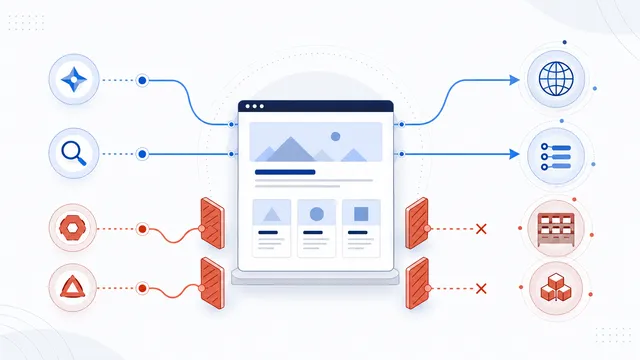 How to Block AI Crawlers with robots.txt
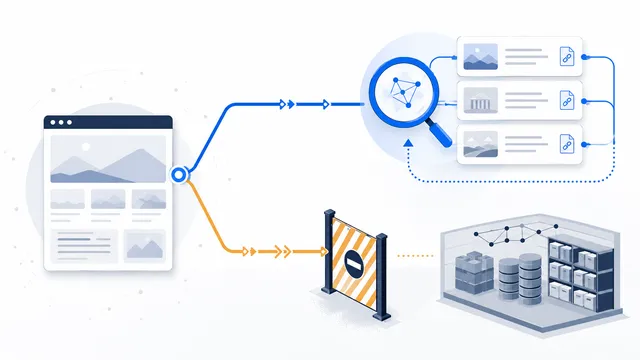 How to Allow AI Search but Block AI Training
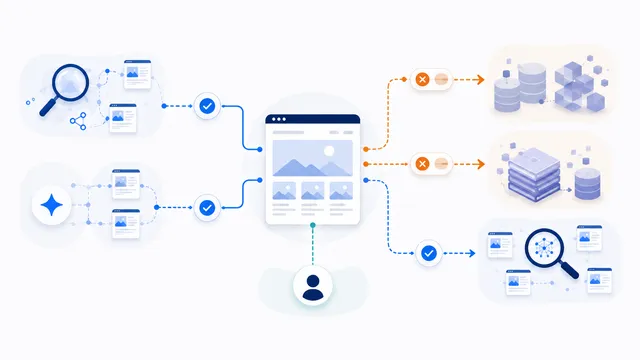 robots.txt for AI Training: Build a Selective Opt-Out
 robots.txt for AI Search: Discovery Crawler Guide
 robots.txt Checker