
How to Block AI Crawlers with robots.txt
Block only the exact crawler names that match your policy, keep ordinary search and user-requested access separate when you still want them, publish the merged file at the correct host root, and verify each important crawler and path on the live site.
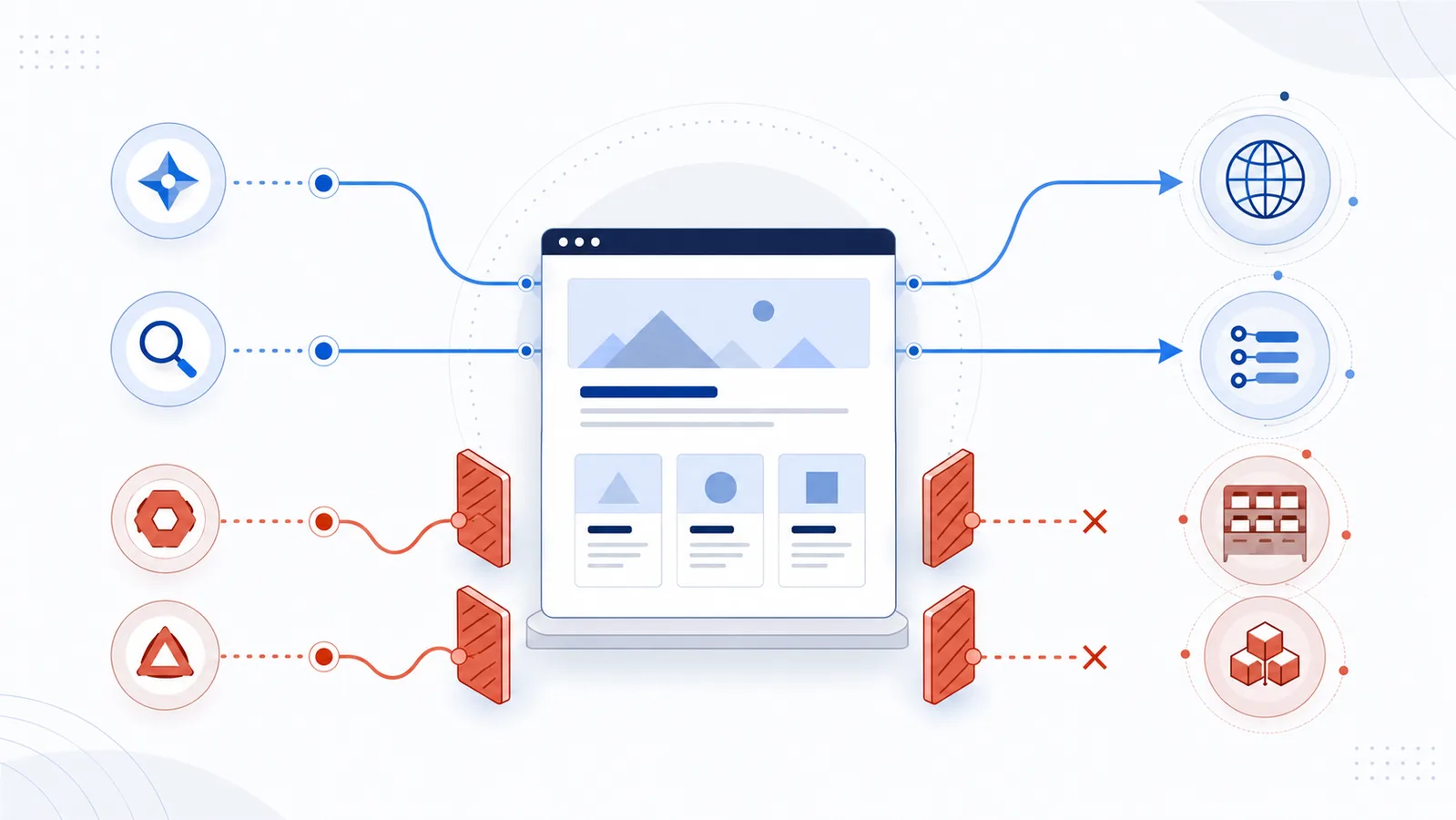
Copy-paste robots.txt example
# Restrict selected model-training and dataset crawlers
User-agent: GPTBot
Disallow: /

User-agent: ClaudeBot
Disallow: /

User-agent: Google-Extended
Disallow: /

User-agent: Applebot-Extended
Disallow: /

User-agent: CCBot
Disallow: /
Decide what you actually want to block
There is no single technical category called “all AI crawlers.” Providers use different crawler names for model training, AI search, user-requested page retrieval, ordinary search, and product-specific content controls. A rule that is appropriate for one purpose can remove useful access when applied to another.
| Your goal | Examples to review | What blocking may change |
|---|---|---|
| Restrict model-training or dataset collection | GPTBot, ClaudeBot, CCBot | Future crawling for the provider's stated training or dataset purpose. |
| Restrict a product-use control | Google-Extended, Applebot-Extended | How eligible content may be used by the products described in the provider's documentation. These tokens are not ordinary standalone crawler identities. |
| Remain available to AI search | OAI-SearchBot, Claude-SearchBot, PerplexityBot | Discovery or retrieval for the provider's AI search experience. |
| Allow page retrieval after a user request | ChatGPT-User, Claude-User, Perplexity-User | Whether an assistant can retrieve a page when a person explicitly asks for it. Provider behavior is not identical, so check each source. |
| Preserve ordinary search discovery | Googlebot, Bingbot, Applebot | Search crawling and visibility in the corresponding search products. |
Write down the intended outcome before editing the file. “Block training but keep search available” is a useful policy. “Block every bot with AI in its description” is too vague to implement safely.
Open the crawler-specific reference before you copy a rule
Use the crawler directory when a provider exposes more than one robots.txt control. These pages keep training, search discovery, user-triggered retrieval, and product-use tokens separate so a narrow policy does not accidentally become a broader block.
| Control | Purpose to verify | Reference |
|---|---|---|
GPTBot | OpenAI model-training crawler | GPTBot robots.txt guide |
OAI-SearchBot | OpenAI search discovery | OAI-SearchBot guide |
ChatGPT-User | User-requested retrieval | ChatGPT-User guide |
ClaudeBot | Anthropic automated crawling | ClaudeBot guide |
Claude-SearchBot | Claude search discovery | Claude-SearchBot guide |
Claude-User | User-requested retrieval | Claude-User guide |
PerplexityBot | Perplexity automated search crawling | PerplexityBot guide |
Perplexity-User | User-requested retrieval | Perplexity-User guide |
Google-Extended | Google product-use control, not a standalone HTTP crawler | Google-Extended guide |
Applebot-Extended | Apple content-use control | Applebot-Extended guide |
Confirm the exact crawler name in official documentation
Do not copy a crawler name from an old article, a server log, or a generic block list without checking the provider's current documentation. One company may publish several independent controls, and two similarly named tokens may have very different effects.
- OpenAI crawler documentation separates
GPTBot,OAI-SearchBot, andChatGPT-User. - Anthropic's crawler documentation describes
ClaudeBot,Claude-SearchBot, andClaude-User. - Google's crawler list explains that
Google-Extendedis a robots.txt product token rather than a separate HTTP User-Agent. - Perplexity's crawler documentation lists its automated and user-requested agents separately.
- Apple's Applebot documentation distinguishes normal Applebot discovery from the
Applebot-Extendedcontent-use control. - Common Crawl's CCBot documentation explains how to opt a host out of its public web crawl.
A user-agent string in a log is not proof of identity because clients can spoof it. When actual traffic matters, use the provider's published IP or DNS verification method where one is available.
Find the robots.txt response that really controls the site
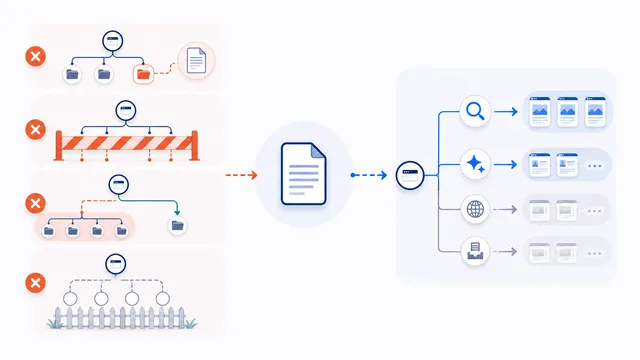
Before changing anything, open the live file at the root of the exact origin, such as https://example.com/robots.txt. The file applies only to that protocol, host, and port. A policy on example.com does not automatically control www.example.com, shop.example.com, or the HTTP version of the site.
Identify where the response comes from. It may be a physical file, a CMS or SEO plugin, an application route, a hosting-panel setting, or a CDN feature. Editing a local file does nothing when another layer generates the public response. Save a copy of the current live text before making changes so existing search, sitemap, platform, and path rules are not lost.
Block the smallest set of crawler names that meets the policy
To restrict one compliant crawler across the whole host, use its exact robots.txt token with a root Disallow rule:
User-agent: GPTBot
Disallow: /
Add a separate group for each additional token you intend to block. The copy-paste example on this page restricts selected training, product-control, and dataset tokens while leaving other crawlers unchanged. It is a starting point, not a complete replacement for an existing file.
You normally do not need to add explicit Allow: / groups for every crawler you want to keep. In the absence of a matching block, crawling is allowed by default. Unnecessary allow groups can make the final policy harder to understand and can interact unexpectedly with wildcard path restrictions.
Do not let an exact group bypass wildcard restrictions
A crawler-specific group is used instead of User-agent: * when it matches that crawler. The rules from the wildcard group are not automatically inherited. Consider this file:
User-agent: OAI-SearchBot
Allow: /

User-agent: *
Disallow: /members/
The exact OAI-SearchBot group can allow /members/ because the wildcard restriction is in a different group. If the members path must remain blocked for OAI-SearchBot too, repeat the restriction in its exact group:
User-agent: OAI-SearchBot
Allow: /
Disallow: /members/
Review the complete file, not only the new snippet. This is especially important when a CMS already writes wildcard rules for administration, search, account, or checkout paths.
Use path-specific rules when a full-site block is unnecessary
You can restrict stable public sections without blocking the entire host:
User-agent: GPTBot
Disallow: /licensed-archive/
Disallow: /drafts/
Allow: /licensed-archive/public-summary/
Path matching is based on the URL path, and the most specific matching rule normally wins. Test the actual URLs you care about, including case, wildcards, end anchors, and query strings where relevant. Do not list secret locations as a substitute for security: robots.txt is public and can reveal the path names it contains.
Avoid the blanket wildcard block unless that is the real goal
User-agent: *
Disallow: /
This rule asks every compliant crawler to avoid the entire host. It can affect Googlebot, Bingbot, AI search crawlers, monitoring tools, accessibility services, archives, and other automated clients. Use it only for a staging host or another situation where broad crawl exclusion is genuinely intended.
If your goal is to keep ordinary search available while restricting selected training or dataset uses, use named groups instead. The selective AI policy guide explains that narrower decision in detail.
Publish the file at the exact origin
- Merge the new groups into the current live file instead of replacing unrelated rules.
- Serve the result at
/robots.txton every host that needs the policy. - Return a stable successful response containing UTF-8 plain text rather than an HTML error page.
- Keep the file reasonably small and remove duplicate or obsolete groups.
- Open the public URL after deployment and confirm that the response matches the text you intended to publish.
The Google robots.txt specification guide gives practical details about origin scope, redirects, HTTP errors, caching, encoding, and file-size handling. The standard protocol is defined in RFC 9309.
Verify both blocked and preserved access
- Use the live robots.txt checker with each crawler name you changed.
- Test
/and representative deeper paths rather than assuming one result covers the whole site. - Check ordinary search crawlers that must remain available.
- Review the matched group and winning rule, not only the final Allowed or Blocked label.
- Allow time for providers to refresh cached robots.txt rules.
- Review server logs when you need evidence of real requests and responses.
For a more detailed verification process, use How to Check Whether AI Crawlers Are Blocked. When the final file is difficult to reason about, rebuild a draft with the generator and merge it carefully with the existing policy.
Use real access controls for private or licensed content
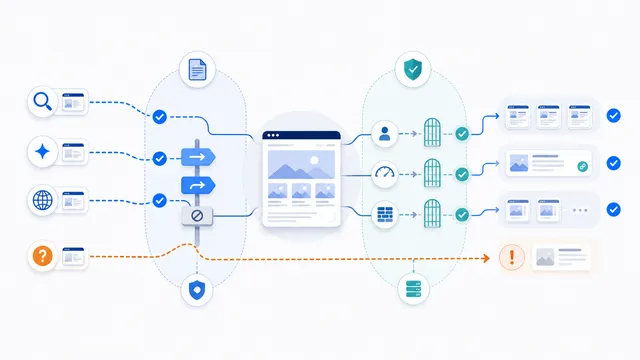
Robots.txt is a voluntary crawling instruction, not authentication, authorization, copyright enforcement, or a paywall. A client that ignores the protocol can still request a public URL. Protect private files, customer data, paid content, administration areas, and confidential APIs with server-side access controls, application permissions, rate limits, or bot-management rules.
Crawl blocking is also different from search deindexing. A blocked URL can still be discovered from links, and a crawler may be unable to see a page-level noindex directive when the page itself is disallowed. Choose indexing controls and security controls according to the actual outcome you need.
Final checklist before publishing
- The exact crawler name and purpose were confirmed in current provider documentation.
- The rule changes only the access you intend to change.
- Existing search, sitemap, platform, and path rules were preserved.
- Exact crawler groups do not accidentally bypass wildcard restrictions.
- The file is served from the correct protocol, host, port, and root path.
- The live response and representative URLs were tested after deployment.
- Private material is protected independently of robots.txt.
FAQ
Can one robots.txt rule block every AI crawler?
A User-agent: * block asks every compliant crawler to stay out, including ordinary search engines and other automated services. It still cannot stop clients that ignore robots.txt. Use exact crawler groups when your goal is selective control.
Does blocking GPTBot also block OAI-SearchBot or ChatGPT-User?
No. OpenAI publishes them as independent controls for different purposes. Set and test each token separately according to the access you want to preserve.
Should I block Google-Extended or Googlebot?
They are different controls. Google-Extended manages eligible content use for the Google products described in its documentation, while Googlebot is used for Google Search crawling. Blocking Googlebot can affect search visibility.
Do I need to add Allow groups for crawlers I want to keep?
Usually not. Crawling is allowed when no matching Disallow rule blocks the path. Add an explicit Allow group only when it is needed to override or clarify an existing policy, then test how it interacts with wildcard rules.
Why can an exact crawler group ignore User-agent: * restrictions?
A matching crawler-specific group is selected instead of the wildcard group, and wildcard rules are not automatically inherited. Repeat any required path restrictions inside the exact group.
Can I block an AI crawler from only part of the site?
Yes. Add path-specific Disallow rules under the exact crawler group and test representative URLs. Do not rely on a public robots.txt path list to protect sensitive content.
Where must robots.txt be published?
Serve it as /robots.txt at the root of the exact protocol, host, and port it controls. Subdomains and different protocols can require separate files.
How quickly will a crawler follow a new rule?
Not always immediately. Providers can cache robots.txt and refresh it on different schedules. Confirm the live response, allow time for refresh, and use logs when actual behavior matters.
Will robots.txt stop an AI scraper that ignores the file?
No. Robots.txt is voluntary. Use authentication, authorization, server rules, rate limiting, WAF, or bot-management controls when access must be enforced.
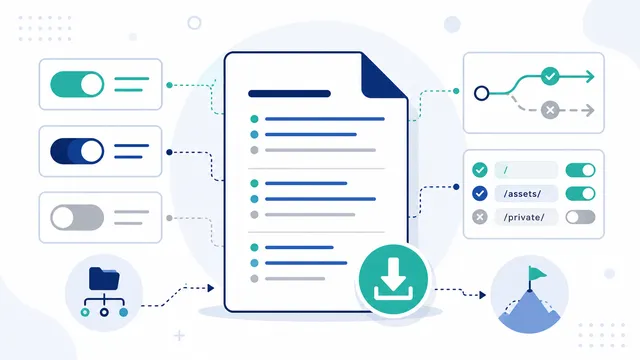 AI robots.txt Generator
 robots.txt Checker
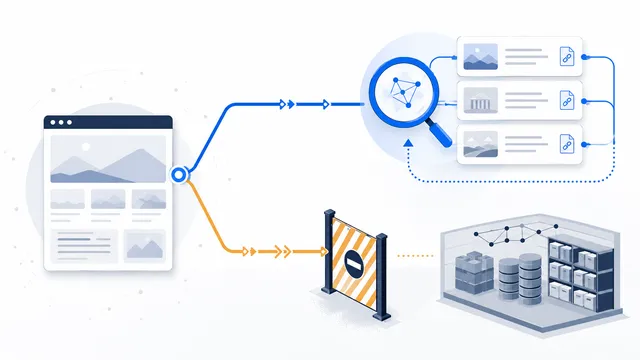 How to Allow AI Search but Block AI Training
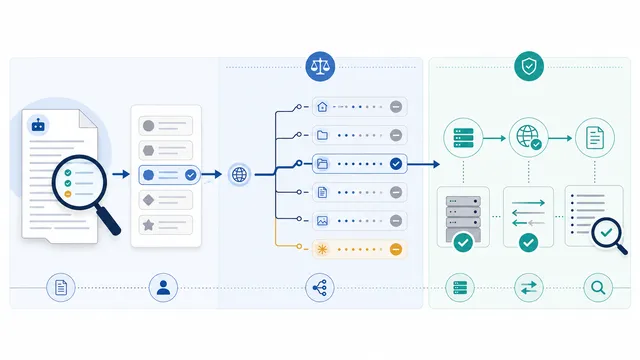 How to Check Whether AI Crawlers Are Blocked
 Common robots.txt Mistakes and How to Fix Them
 Does robots.txt Stop AI Scraping? Limits and Better Controls