
Small Business robots.txt: Balanced Search and AI Controls
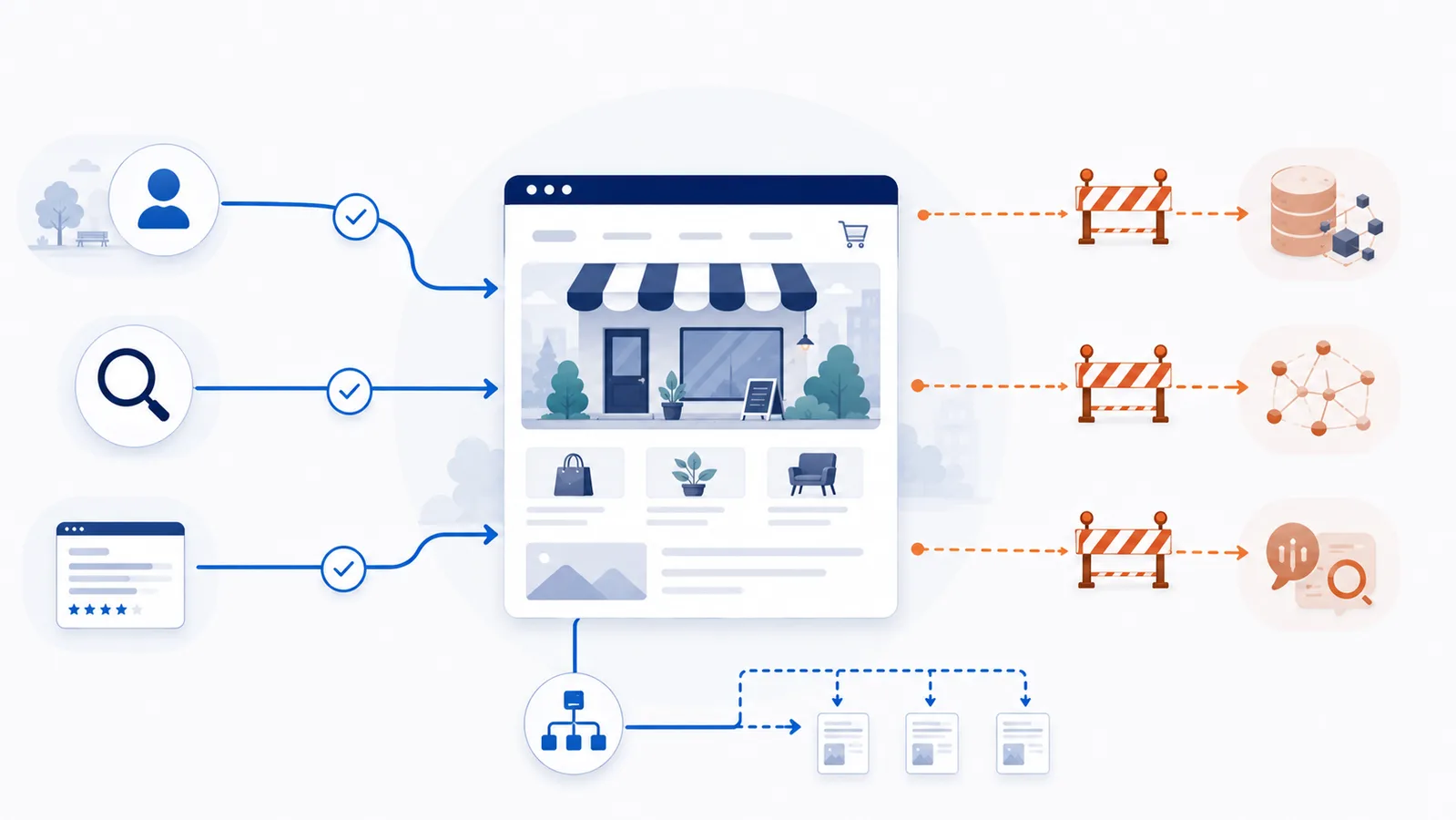
For most small business sites, the safest starting point is to keep public service pages crawlable, publish the sitemap, and make narrow crawler-specific choices instead of blocking broad groups of search and AI agents.
Copy-paste robots.txt example
User-agent: *
Allow: /

User-agent: GPTBot
Disallow: /

User-agent: OAI-SearchBot
Allow: /

Sitemap: https://www.example.com/sitemap.xml
A local or service business usually wants one thing above all: customers must still be able to find the public site. That means a robots.txt policy should be conservative and easy to audit.
Small-business deployment test: protect checkout without hiding services
Before you publish the balanced policy above, make a short list of URLs that generate business value and URLs that should not be crawled. For example, a service company may need /services/roof-repair and /locations/austin available to Googlebot while wanting to limit a non-public account area. Test these separately; do not use a blanket Disallow: / in the wildcard group.
| Sample URL | Intended treatment |
|---|---|
/services/roof-repair | Keep crawlable for search |
/locations/austin | Keep crawlable for local discovery |
/account/orders | Protect by authentication, not only robots.txt |
/cart | Follow platform defaults rather than replacing them blindly |
If the website runs on a managed CMS, check the actual generated robots.txt before adding rules. A WordPress virtual robots.txt response and a Shopify robots.txt.liquid template have different customization paths. Use the WordPress or Shopify instructions rather than pasting a generic file over platform restrictions. Verify search visibility in webmaster tools separately from crawler permission.
Balanced starter policy
User-agent: *
Allow: /

User-agent: GPTBot
Disallow: /

User-agent: OAI-SearchBot
Allow: /

Sitemap: https://www.example.com/sitemap.xml
This example keeps public crawling open by default, blocks GPTBot for the training-related purpose documented by OpenAI, keeps OAI-SearchBot open for ChatGPT Search, and points compliant crawlers to the sitemap.
What a small business should avoid blocking
Do not add broad rules such as User-agent: * + Disallow: / unless the entire site truly should not be crawled. That can conflict directly with the reason the business has a public website.
Also avoid copying long “block every AI bot” lists without understanding the agents. Search/discovery crawlers and training crawlers can have different business value.
Protect private areas outside robots.txt
Admin panels, customer records, invoices, staging tools, and other sensitive resources should be protected by authentication or server rules. Listing a path in robots.txt can reveal that the path exists and does not prevent a non-compliant client from requesting it.
Three checks before publishing
- Confirm your homepage, service pages, location pages and contact page remain crawlable.
- Confirm the
Sitemap:URL returns the real sitemap for the production hostname. - Test the important paths with the robots.txt Checker.
If you need more granular choices, build the file with the robots.txt Generator. For OpenAI-specific controls, see the OpenAI template.
Keep the policy maintainable
For a small site, a short rule set is usually easier to verify than a long copied bot list. Record why each crawler-specific group exists. When a provider changes an agent or introduces a new one, you can then review one business decision instead of reverse-engineering an old blocklist.
FAQ
Will this template keep my business visible in Google and Bing?
The template does not block Googlebot or Bingbot. However, merge it carefully with your existing file because a separate wildcard or crawler-specific rule can still affect search crawling.
Should every small business block all AI training crawlers?
No. This is a policy choice. Consider discovery goals, content value, licensing concerns, server load, and whether you want your public pages available for particular AI uses.
Can I block only one crawler from the example?
Yes. Each specific user-agent group is independent. Keep only the groups that match your policy and remove rules you do not intend to publish.
Does Allow: / override every other rule?
No. Crawler-specific groups normally take precedence for their matching user agent, and path matching rules still matter. Test the complete live file rather than reading one line in isolation.
Can robots.txt protect customer portals or private documents?
No. Robots.txt is public and voluntary. Use authentication, authorization, and server-side access controls for confidential or restricted resources.
 AI robots.txt Generator
 robots.txt Checker
 Allow Search, Block AI Training robots.txt Template
 How to Block AI Crawlers with robots.txt
 How to Check Whether AI Crawlers Are Blocked