
Allow Search, Block AI Training robots.txt Template
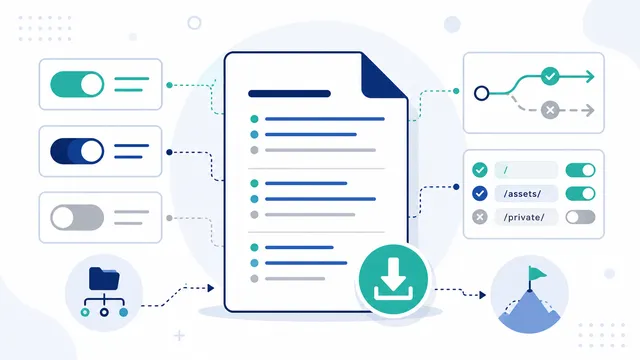
Use separate user-agent groups: block documented training or dataset agents such as GPTBot and ClaudeBot, while allowing ordinary search and dedicated AI-search crawlers.
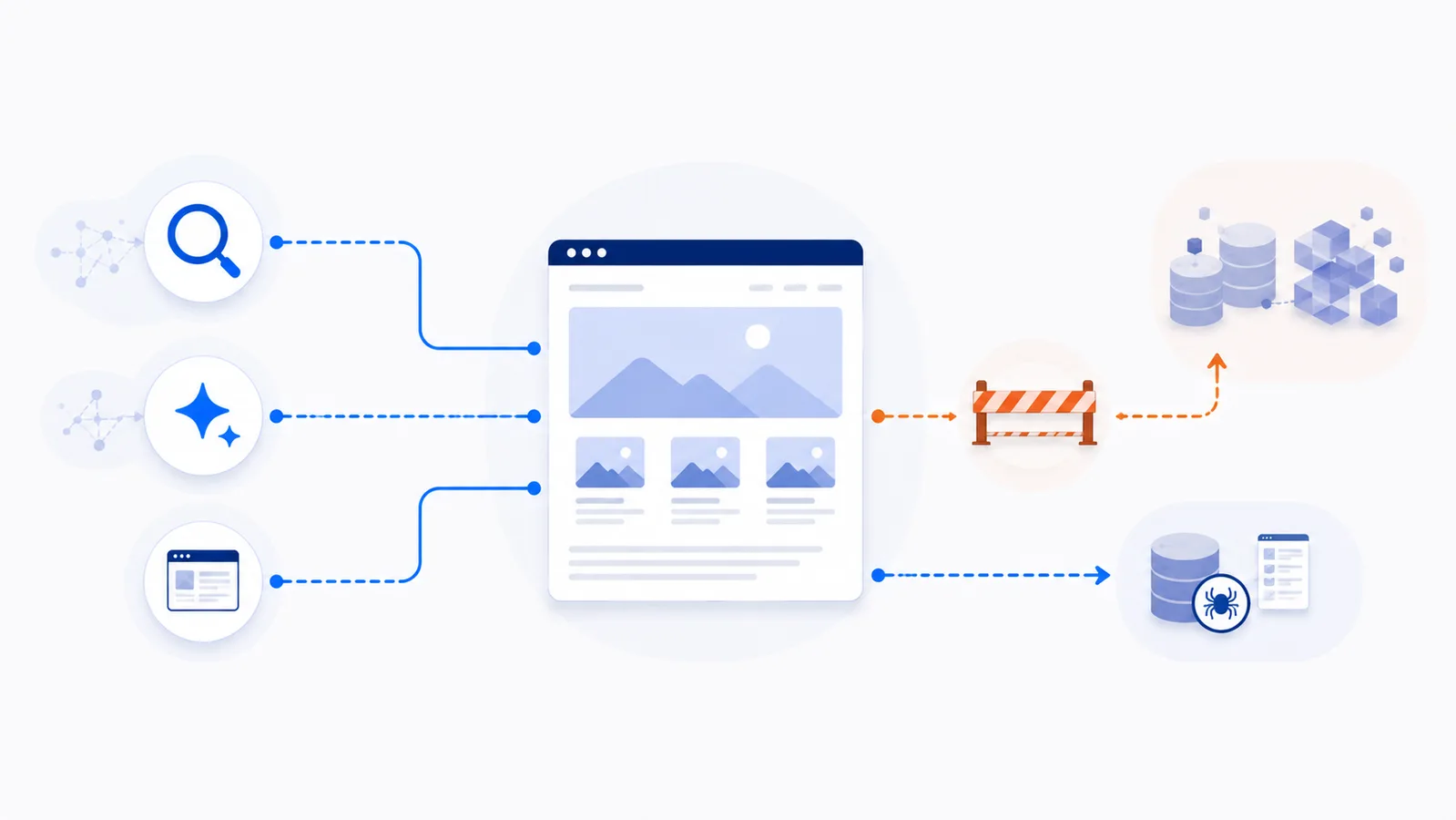
Copy-paste robots.txt example
User-agent: GPTBot
Disallow: /

User-agent: ClaudeBot
Disallow: /

User-agent: Google-Extended
Disallow: /

User-agent: Applebot-Extended
Disallow: /

User-agent: CCBot
Disallow: /

User-agent: OAI-SearchBot
Allow: /

User-agent: Claude-SearchBot
Allow: /

User-agent: PerplexityBot
Allow: /

User-agent: Googlebot
Allow: /

User-agent: Bingbot
Allow: /

User-agent: Applebot
Allow: /

User-agent: *
Allow: /
Copy-paste template
This template keeps ordinary search engines and several documented AI-search crawlers open while asking named training or data-collection agents not to crawl the site. Copy it to the root-level /robots.txt file, then adjust the list to match your own policy.
User-agent: GPTBot
Disallow: /

User-agent: ClaudeBot
Disallow: /

User-agent: Google-Extended
Disallow: /

User-agent: Applebot-Extended
Disallow: /

User-agent: CCBot
Disallow: /

User-agent: OAI-SearchBot
Allow: /

User-agent: Claude-SearchBot
Allow: /

User-agent: PerplexityBot
Allow: /

User-agent: Googlebot
Allow: /

User-agent: Bingbot
Allow: /

User-agent: Applebot
Allow: /

User-agent: *
Allow: /
What the blocked groups control
GPTBot is OpenAI's training-oriented crawler, while ClaudeBot is Anthropic's model-development crawler. Google-Extended and Applebot-Extended are product-control tokens that let publishers restrict specified model-training or generative-AI uses without blocking ordinary Googlebot or Applebot search crawling.
CCBot collects content for the open Common Crawl repository. That dataset can support many downstream uses, including research, search, and model development, so blocking it is a broader decision than blocking a provider-specific training agent.
What remains open
The example explicitly allows Googlebot, Bingbot, and Applebot for conventional discovery. It also allows OAI-SearchBot, Claude-SearchBot, and PerplexityBot, which their operators document for search discovery or answer visibility rather than foundation-model training.
Allowing a search crawler does not guarantee ranking, citation, referral traffic, or inclusion in an AI answer. It only permits the compliant crawler to request allowed URLs.
User-requested fetchers need separate consideration
Some providers use agents that fetch a page because a person asked an assistant to visit it. Examples include ChatGPT-User, Claude-User, and Perplexity-User. Their operators describe different robots.txt behavior, and some user-initiated fetches may not follow the same rules as automatic crawling. Do not treat robots.txt as enforceable access control for private or licensed material.
Install the template safely
- Place the file at
https://example.com/robots.txt, not inside a subfolder. - Keep one separate group for each documented token.
- Replace the sample domain only when adding a
Sitemap:line; user-agent rules themselves do not contain a domain. - Test representative public and restricted URLs with the robots.txt checker.
- Repeat the policy on every subdomain or host that serves content.
Review the list instead of treating it as permanent
Crawler names and product purposes change. Recheck official provider documentation periodically and update the file when you add a new content host or change your search and training policy. The selective AI access guide explains the decision in more depth, while the generator can create a configuration tailored to your choices.
FAQ
Can I allow ChatGPT search while blocking OpenAI training?
Yes. OpenAI documents independent controls: allow OAI-SearchBot for ChatGPT search visibility and disallow GPTBot to express a training opt-out.
Will Google Search remain open if I block Google-Extended?
Yes. Google states that Google-Extended is a separate control token and does not affect inclusion or ranking in Google Search when Googlebot remains allowed.
Why is CCBot included in the blocked section?
CCBot contributes to the open Common Crawl repository, which can be reused for several downstream purposes. Blocking it is broader than a provider-specific training opt-out and may reduce some downstream discovery.
Does this template protect paid or private content?
No. Robots.txt is a public instruction for compliant crawlers. Use authentication, authorization, paywall logic, and server-side controls for content that must not be retrieved.
Do I need the final User-agent: * group?
It is not required when the default policy is open, but it makes the intended fallback clear. Review any existing wildcard restrictions before replacing your current file.
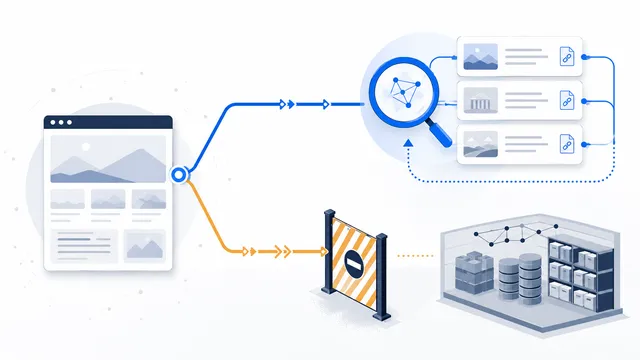 How to Allow AI Search but Block AI Training
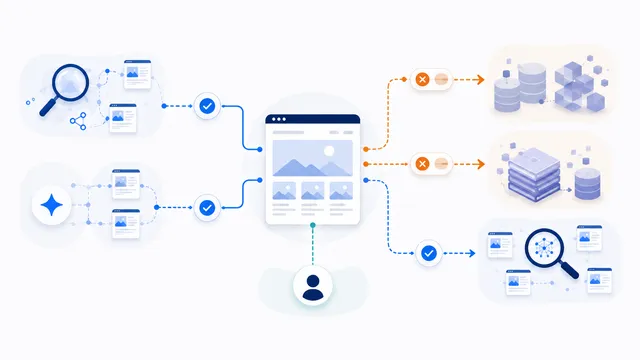 robots.txt for AI Training: Build a Selective Opt-Out
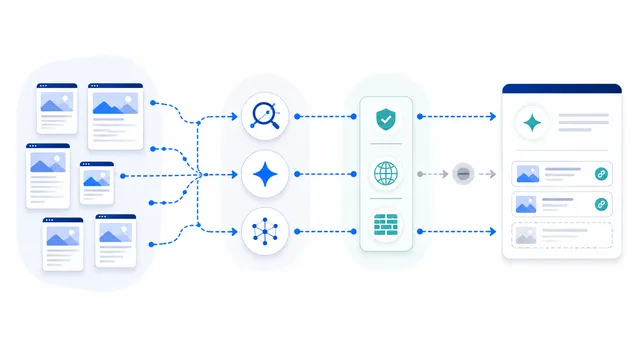 robots.txt for AI Search: Discovery Crawler Guide
 robots.txt Checker
 AI robots.txt Generator