
Block All AI Crawlers robots.txt Template
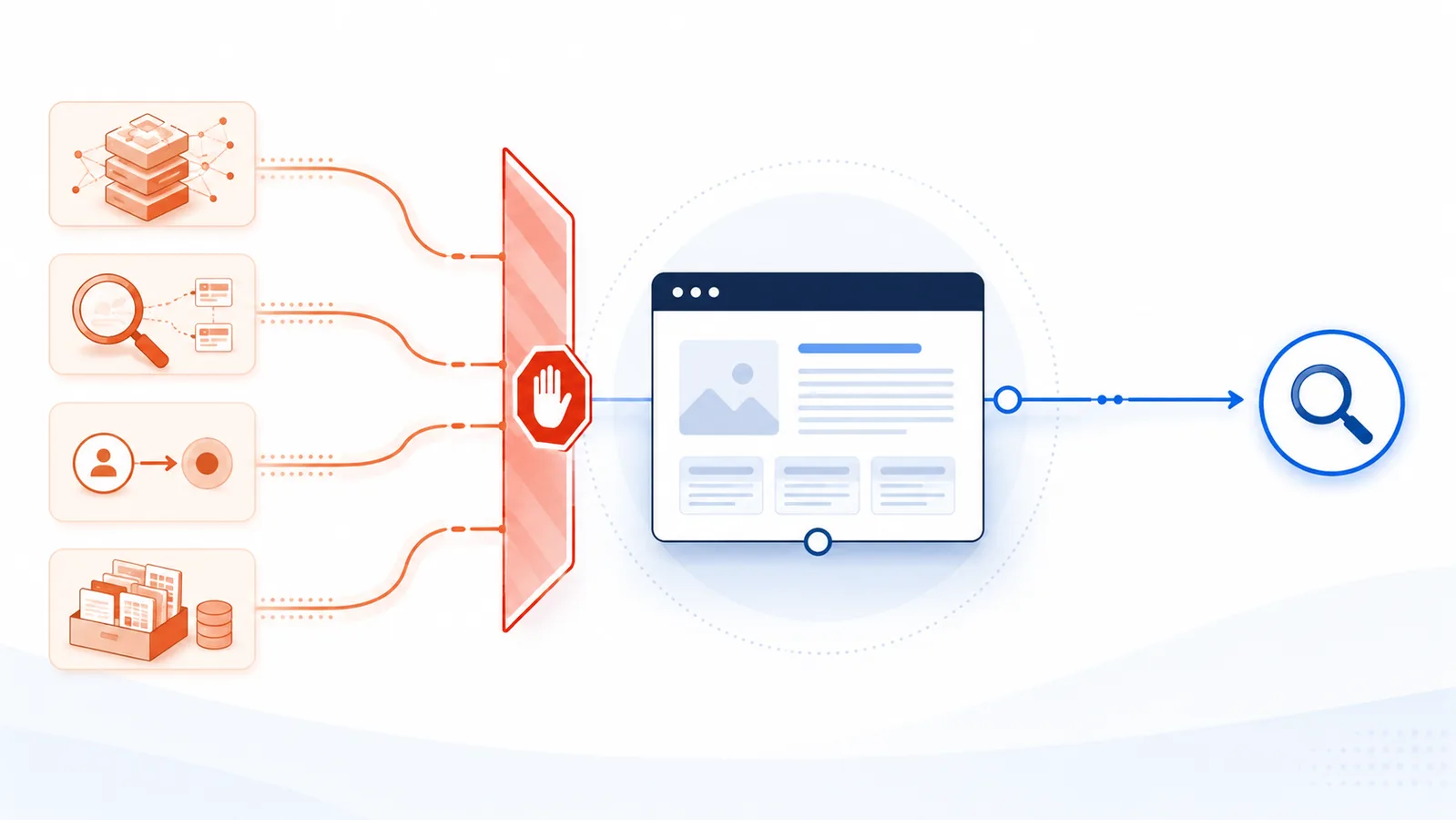
Use explicit groups for known AI-related tokens rather than User-agent: *. This broad template blocks documented training, AI-search, dataset, and user-request agents while leaving ordinary search open.
Copy-paste robots.txt example
User-agent: GPTBot
Disallow: /

User-agent: OAI-SearchBot
Disallow: /

User-agent: ChatGPT-User
Disallow: /

User-agent: ClaudeBot
Disallow: /

User-agent: Claude-SearchBot
Disallow: /

User-agent: Claude-User
Disallow: /

User-agent: PerplexityBot
Disallow: /

User-agent: Perplexity-User
Disallow: /

User-agent: Google-Extended
Disallow: /

User-agent: Applebot-Extended
Disallow: /

User-agent: CCBot
Disallow: /

User-agent: *
Allow: /
Broad dedicated-AI crawler block list
No permanent robots.txt file can literally block every present and future AI-related request. The practical approach is to maintain an explicit list of documented AI, AI-search, training, dataset, and user-request tokens while leaving ordinary search engines open. The following is a broad starter template:
User-agent: GPTBot
Disallow: /

User-agent: OAI-SearchBot
Disallow: /

User-agent: ChatGPT-User
Disallow: /

User-agent: ClaudeBot
Disallow: /

User-agent: Claude-SearchBot
Disallow: /

User-agent: Claude-User
Disallow: /

User-agent: PerplexityBot
Disallow: /

User-agent: Perplexity-User
Disallow: /

User-agent: Google-Extended
Disallow: /

User-agent: Applebot-Extended
Disallow: /

User-agent: CCBot
Disallow: /

User-agent: *
Allow: /
What this template blocks
The file addresses OpenAI's GPTBot, OAI-SearchBot, and ChatGPT-User; Anthropic's ClaudeBot, Claude-SearchBot, and Claude-User; Perplexity's automatic and user-request agents; Google's Google-Extended control token; Apple's Applebot-Extended; and Common Crawl's CCBot.
The final wildcard group keeps other compliant crawlers open. That means Googlebot, Bingbot, and Applebot are not blocked by this example unless they match another group in your existing file.
Why “all AI” is not a precise technical category
Some agents crawl automatically for model development. Others build a search index, fetch a page for a user, or control how content already collected by a general crawler may be used. Some AI features also rely on ordinary search indexes. For example, blocking Google-Extended does not block Google Search, while limiting AI features inside Search may require controls that affect Googlebot or page snippets.
Because the purposes differ, this page uses “all AI crawlers” as shorthand for a broad list of dedicated, publicly documented AI-related tokens—not a promise that every AI system or undeclared scraper will stop.
User-request agents may need server-side enforcement
OpenAI states that robots.txt rules may not apply to some ChatGPT-User requests because they are initiated by a person. Perplexity similarly says Perplexity-User generally ignores robots.txt. A rule can still record your preference, but private pages, paid content, and sensitive files require authentication, authorization, rate controls, or a web application firewall.
Search visibility consequences
Blocking OAI-SearchBot, Claude-SearchBot, or PerplexityBot can reduce the chance that your pages appear or are cited in those providers' search experiences. Blocking CCBot also prevents inclusion in future Common Crawl collections, which may affect unknown downstream uses. Decide whether that trade-off matches your goal before publishing the full list.
How to deploy and maintain it
- Merge these groups with your existing root-level robots.txt file.
- Do not replace important path rules, sitemap declarations, or search-engine groups blindly.
- Test every named token and a normal search crawler with the checker.
- Apply the policy separately to each subdomain and content host.
- Review the list regularly because providers can introduce new tokens.
For a less restrictive alternative, use the allow-search, block-training template. The blocking guide explains when robots.txt is sufficient and when server-side controls are required.
FAQ
Does this template block every AI system?
No. It covers a broad set of publicly documented tokens, but new agents, undeclared scrapers, user-initiated fetches, and AI features built on ordinary search indexes may require different controls.
Will this block Google Search and Bing Search?
Not by itself. The wildcard fallback remains open, and the template does not disallow Googlebot or Bingbot. Existing rules in your file can still change that result.
Why include user-request agents if they may ignore robots.txt?
The groups record an explicit preference and may be honored by some providers, but they are not a substitute for authentication, authorization, rate limits, or WAF rules.
What visibility can I lose by using the full block list?
Your pages may be less likely to appear or be cited in ChatGPT search, Claude search, Perplexity, or downstream systems that use Common Crawl data.
Should I use User-agent: * Disallow: / instead?
Only if you intend to block nearly every compliant crawler, including ordinary search engines. It is usually too broad for a public site that still wants search visibility.
 Allow Search, Block AI Training robots.txt Template
 How to Block AI Crawlers with robots.txt
 How to Allow AI Search but Block AI Training
 robots.txt Checker
 AI Crawler List