
SemrushBot robots.txt Rules, Blocking, and Crawl Limits
SemrushBot is Semrush’s crawler for backlink and webgraph data. You can block it with a SemrushBot group or use Crawl-delay up to Semrush’s documented 10-second limit, but other Semrush tools use separate crawler tokens.
Primary reference
Official crawler documentation
Use the provider's current documentation to confirm the crawler token and purpose before changing a production robots.txt file.
Copy-paste robots.txt example
User-agent: SemrushBot
Disallow: /
What SemrushBot does
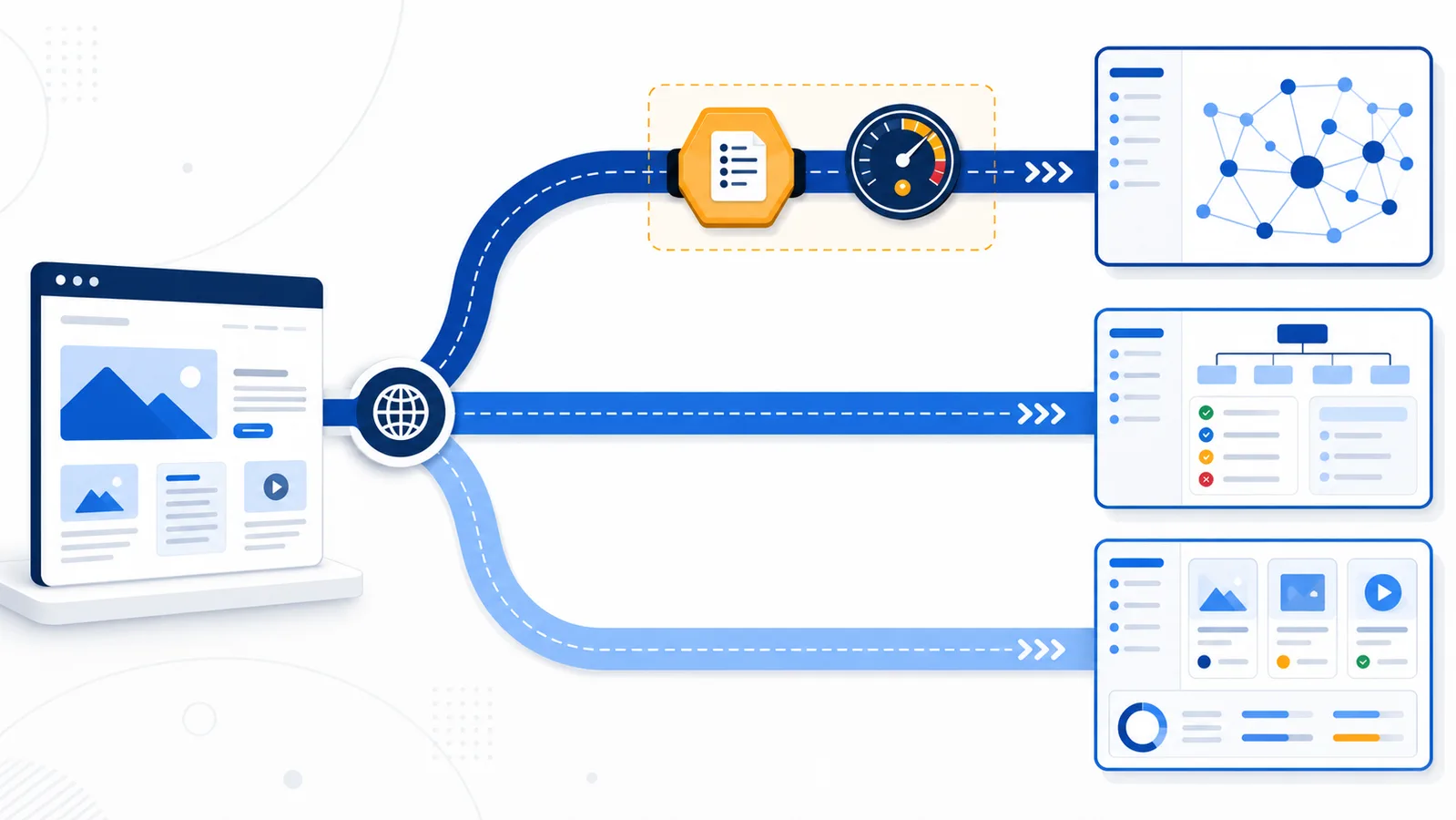
SemrushBot is the main Semrush crawler used for backlink analytics and webgraph data. It is one member of a larger crawler family. Semrush documents separate tokens for products such as Site Audit, Backlink Audit, On Page SEO Checker, Content Toolkit, and other services. Blocking only SemrushBot therefore does not automatically block every Semrush request.
SemrushBot is not the entire Semrush crawler family
If you only want to limit the backlink-data crawler, the specific product token matters. Semrush documents a separate collection of bots for different services. A rule for SemrushBot therefore should not be presented as a universal ban on every Semrush product:
User-agent: SemrushBot
Disallow: /
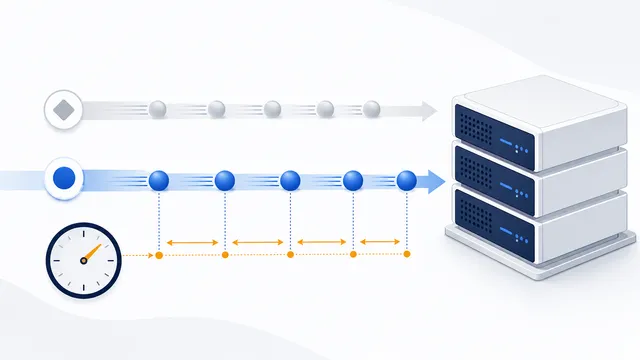
For rate reduction rather than a block, SemrushBot supports a non-standard Crawl-delay and states that values above 10 seconds are capped at 10 for this bot. Test one policy at a time; the delay is not a portable rule for all search engines. If requests continue, inspect the exact product token in the User-Agent, then consult Semrush's bot list before adding any additional groups.
To assess whether controls worked, compare log lines by product token, source address, URL and HTTP status. Watch for caching and delayed re-fetching of robots.txt. Do not assume that the mere presence of a User-Agent string proves the request came from Semrush infrastructure, and never treat robots.txt as a firewall for confidential content.
Block the main crawler
To stop the primary SemrushBot from crawling the whole host, use the dedicated group below. This rule controls SemrushBot, not Googlebot or Bingbot, so it does not directly remove pages from ordinary search engines. Use path-specific directives when only selected sections should be excluded.
Control crawl rate
SemrushBot supports the non-standard Crawl-delay directive. Semrush says the crawler accepts intervals up to 10 seconds and reduces larger values to that limit. When no Crawl-delay is present, it adjusts request frequency according to current server load.
Do not use Crawl-delay as a substitute for diagnosing slow pages or server errors. Measure actual request volume first, then choose a reasonable setting if SemrushBot is contributing meaningful load.
Separate Semrush crawler tokens
Semrush publishes individual user-agent tokens including SiteAuditBot, SemrushBot-BA, SemrushBot-SI, SemrushBot-SWA, and others. Decide which product traffic you want to control and add each relevant token explicitly. A single main-bot rule cannot express a complete organization-wide block.
Status codes and host scope
The robots.txt response itself matters. Semrush says a 4xx response is treated as if no robots.txt file exists, while a 5xx response prevents SemrushBot from crawling the site. It can follow a 3xx response, but the safest operational setup is a valid file returning HTTP 200 from the correct host root.
Each subdomain needs its own robots.txt file. A rule on example.com does not control shop.example.com. Semrush also notes that it may take up to one hour or 100 requests to discover a changed file.
Verification checklist
When reviewing logs, capture the full user-agent value and requested host. Similar names can belong to different Semrush products, and a rule published on the wrong protocol or subdomain will not apply. Confirm the live robots.txt response before changing firewall or CDN rules.
- Identify which Semrush crawler token appears in logs.
- Publish the matching group at the correct host root.
- Return a valid HTTP 200 response.
- Add separate rules for relevant subdomains and tools.
- Allow time for the crawler to detect changes.
- Validate the final file with the checker.
Use the generator for a broader multi-crawler policy, and review robots.txt HTTP status codes before changing server behavior.
FAQ
What is SemrushBot used for?
Semrush documents the main SemrushBot as a crawler for backlink analytics and webgraph data.
Does blocking SemrushBot block every Semrush crawler?
No. Semrush uses separate tokens such as SiteAuditBot, SemrushBot-BA, and SemrushBot-SI for different products.
What Crawl-delay value does SemrushBot support?
Semrush says SemrushBot accepts intervals up to 10 seconds; larger values are reduced to that limit.
What happens if robots.txt returns 404?
Semrush says a 4xx response is treated as though no robots.txt file exists, so the crawler assumes there are no restrictions.
How quickly does SemrushBot detect a changed robots.txt file?
Semrush says discovery can take up to one hour or 100 requests after the file changes.
 robots.txt Checker
 Common robots.txt Mistakes and How to Fix Them
 How to Check Whether AI Crawlers Are Blocked
 robots.txt HTTP Status Codes: 200, 3xx, 4xx, and 5xx
 Crawl-delay in robots.txt: Meaning and Crawler Support