
Google-Extended robots.txt: Control Gemini Use Without Blocking Search
Google-Extended is a standalone robots.txt control token for Gemini model training and grounding. Blocking it does not block Googlebot, remove pages from Google Search, or act as a Google Search ranking signal.

Primary reference
Official crawler documentation
Use the provider's current documentation to confirm the crawler token and purpose before changing a production robots.txt file.
Copy-paste robots.txt example
User-agent: Googlebot
Allow: /

User-agent: Google-Extended
Disallow: /
What Google-Extended controls
Google-Extended is a standalone robots.txt product token. Publishers can use it to manage whether content Google crawls may be used for training future Gemini models and for grounding Gemini experiences with content from the Google Search index.
It is not a separate crawler with its own HTTP user-agent string. Google explains that crawling is performed with existing Google user agents, while Google-Extended acts as the control token inside robots.txt. That is why you should not expect to find a distinct Google-Extended bot string in server logs.
Block Gemini use without blocking Google Search
The example below keeps Googlebot allowed while disallowing Google-Extended. Google states that a Google-Extended preference does not affect inclusion in Google Search and is not used as a Google Search ranking signal.
This makes Google-Extended useful when your policy is: keep normal search visibility, but opt out of the specified Gemini training and grounding uses. For a broader multi-agent configuration, see the allow search, block AI training template.
Do not block the wrong token
User-agent: Googlebot controls Google Search crawling. User-agent: Google-Extended controls the separate Gemini-related uses described by Google. Replacing Google-Extended with Googlebot would be a materially different decision and could prevent Google from crawling affected pages for Search.
A broad User-agent: * rule can also override your intended selective policy. Run the final file through the checker and inspect the live response at /robots.txt.
Whole-site and path-level rules
Use Disallow: / to apply the preference to the whole host, or specify selected directories when only part of the site should be excluded. Remember that robots.txt is scoped per host, protocol, and port, so subdomains require their own files.
Operational notes
- Do not search your access logs for a separate Google-Extended crawler string.
- Keep Googlebot rules explicit when search visibility matters.
- Use the Google-Extended template for a simple opt-out.
- Read Google-Extended vs Googlebot before changing an existing Google group.
FAQ
Does blocking Google-Extended block Google Search?
No. Google states that Google-Extended does not affect a site’s inclusion in Google Search and is not used as a Search ranking signal.
Is Google-Extended a separate crawler in server logs?
No. Google says it has no separate HTTP user-agent string; existing Google user agents perform the crawling and Google-Extended acts as a robots.txt control token.
What products are affected by Google-Extended?
Google documents it as a control for content use in training future Gemini models and for grounding in Gemini Apps and the Vertex AI API for Gemini.
Can I block only part of my site from Google-Extended?
Yes. Use path-specific Disallow directives under the Google-Extended group instead of blocking the entire host.
Do subdomains need separate Google-Extended rules?
Yes. Robots.txt applies to a specific host, protocol, and port, so each relevant subdomain needs its own robots.txt file.
 Block Google-Extended robots.txt Template
 Google-Extended vs Googlebot: Search and Gemini Control
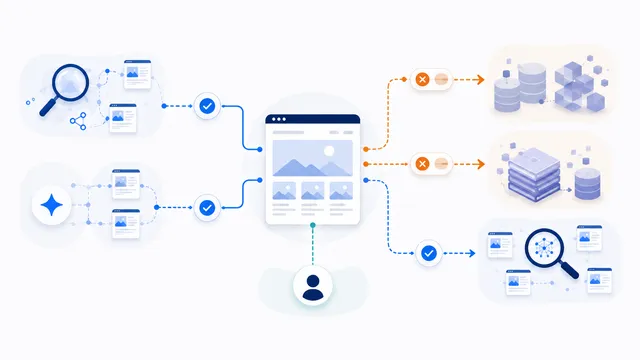 robots.txt for AI Training: Build a Selective Opt-Out
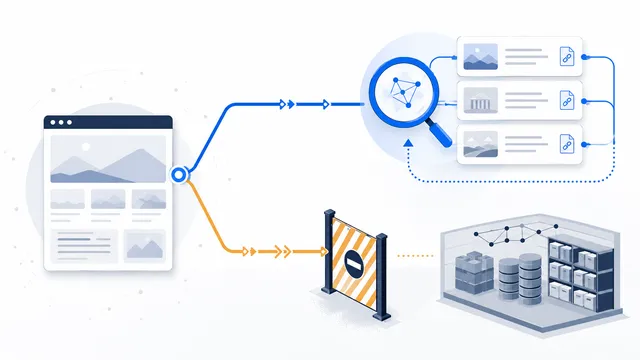 How to Allow AI Search but Block AI Training
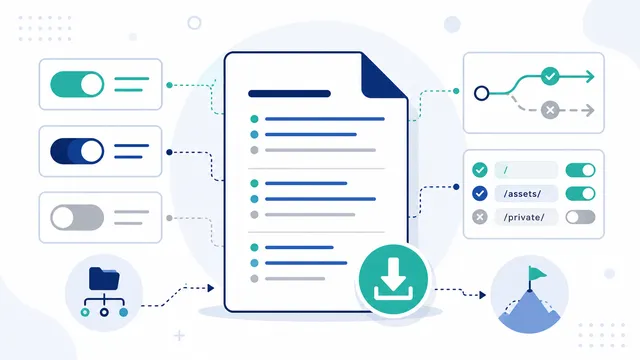 AI robots.txt Generator