
OAI-SearchBot robots.txt Rules for ChatGPT Search
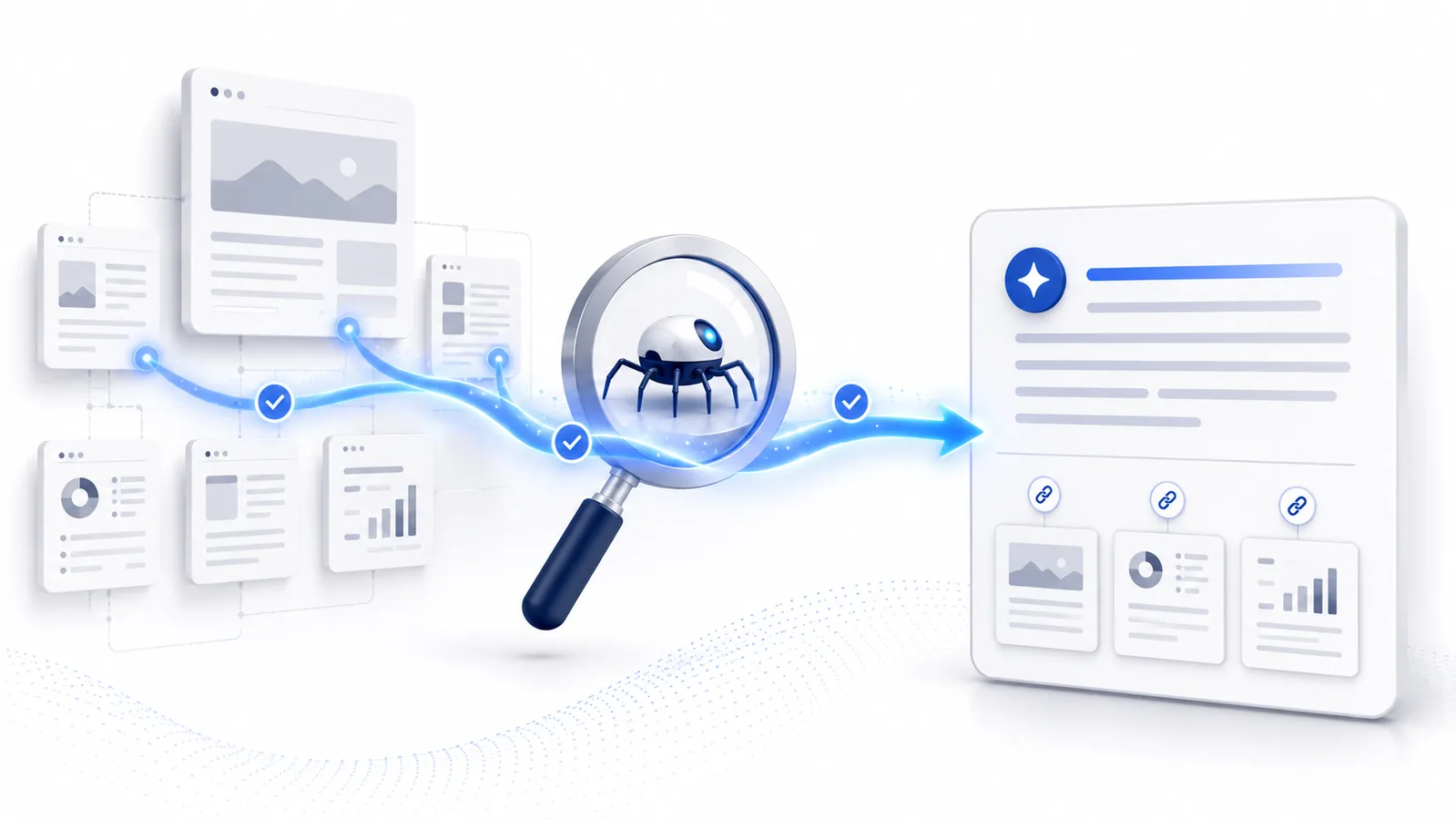
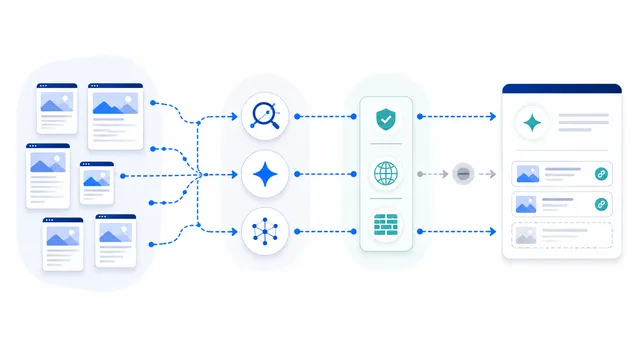
OAI-SearchBot is OpenAI’s crawler for surfacing websites in ChatGPT search features. Allowing it helps OpenAI discover and cite your public pages. Its robots.txt setting is independent from GPTBot, so a site can allow search crawling while opting out of training crawling.
Primary reference
Official crawler documentation
Use the provider's current documentation to confirm the crawler token and purpose before changing a production robots.txt file.
First-party crawler telemetry
Observed on Robots.txt Lab
Aggregate requests that claimed this crawler identity while visiting this site during the last 90 days.
/robots.txt523/ai-crawlers/oai-searchbot120/ai-crawlers/perplexitybot81/checker67
Verification note: User-Agent strings can be spoofed. These are aggregate requests that claimed the crawler name, not proof that every request came from the provider's verified infrastructure.
Copy-paste robots.txt example
User-agent: OAI-SearchBot
Allow: /
Why OAI-SearchBot matters
OAI-SearchBot is OpenAI’s search-focused crawler. Its purpose is to discover public pages that may be surfaced, summarized, cited, and linked in ChatGPT search experiences. For publishers that want qualified referral traffic from ChatGPT, this is the OpenAI user-agent that should remain crawlable.
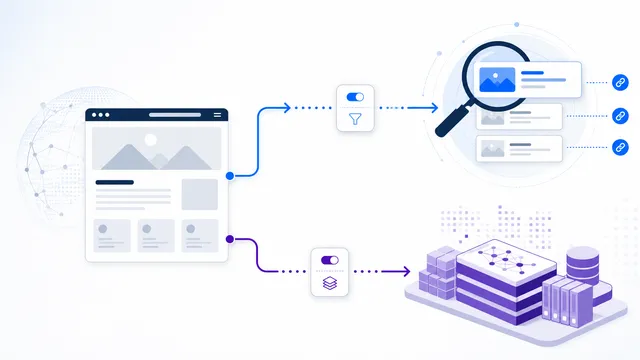
OpenAI treats OAI-SearchBot as a separate control from GPTBot. Allowing OAI-SearchBot does not by itself grant GPTBot permission to crawl the same content for foundation-model training. This separation makes it possible to support search discovery while maintaining a different training policy.
Allowing OAI-SearchBot
The example on this page explicitly allows OAI-SearchBot. An explicit group is useful when the rest of the file contains broad restrictions or when you want the policy to be easy to audit. After publishing, verify the live result rather than assuming the intended group wins against every other rule in a complex robots.txt file.
OpenAI also publishes IP ranges for OAI-SearchBot. When logs or firewall rules matter, validate both the user-agent and the current published network ranges instead of trusting the user-agent string alone.
What happens when search crawling is blocked
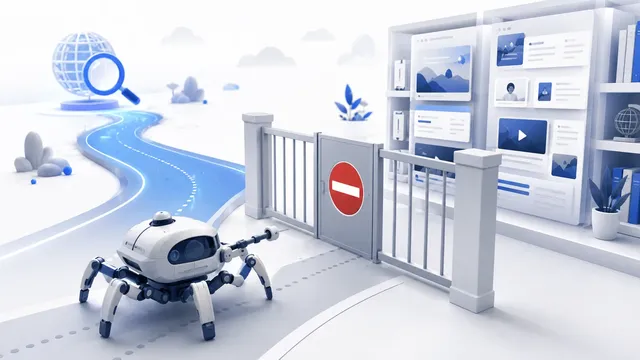
OpenAI’s crawler documentation says sites opted out of OAI-SearchBot will not be shown in ChatGPT search answers, although a page can still appear as a navigational link when OpenAI learns its URL from another source. Blocking the crawler therefore affects discovery and answer inclusion, but it is not identical to a universal removal from every possible link surface.
If you do not want a page indexed or surfaced, use the appropriate noindex directive as well. The crawler must be allowed to fetch a page before it can read a page-level robots meta tag, so blocking the URL in robots.txt and expecting the bot to discover noindex can be contradictory.
Keep search and training choices separate
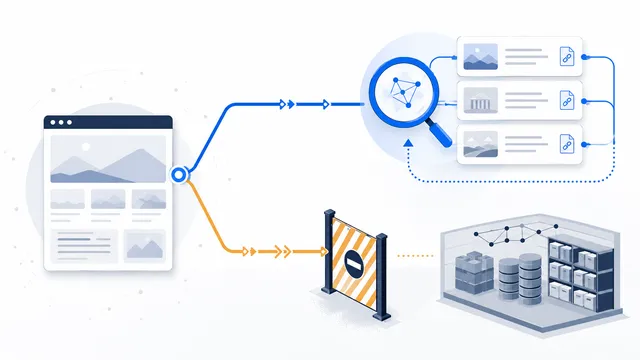
A typical policy for a publisher that wants ChatGPT referrals but not training use is:
- allow OAI-SearchBot;
- disallow GPTBot;
- review ChatGPT-User separately because it represents user-triggered access rather than automatic search crawling.
The GPTBot vs OAI-SearchBot guide explains the difference in more detail, and the allow search, block training template provides a starting policy.
Publish, test, and measure
- Place the final robots.txt file at the root of the correct host.
- Confirm that OAI-SearchBot is not caught by an unintended wildcard block.
- Run the live URL through the checker.
- Allow time for OpenAI’s systems to process the change; OpenAI notes that search adjustments can take about 24 hours after a robots.txt update.
- Track ChatGPT referrals in analytics. OpenAI currently adds
utm_source=chatgpt.comto referral URLs from ChatGPT search results.
See the official OpenAI crawler documentation for current user-agent strings and verification ranges.
FAQ
Does allowing OAI-SearchBot allow OpenAI to train on my site?
Not by itself. OAI-SearchBot and GPTBot are independent robots.txt controls. Manage training crawling with the GPTBot group.
Will blocking OAI-SearchBot remove every link to my site from ChatGPT?
Not necessarily. OpenAI says a blocked page may still appear as a navigational link when its URL is learned from another source, but it will not be included normally in ChatGPT search answers.
Should I use noindex as well as robots.txt?
Use noindex when you do not want a page indexed or surfaced. Remember that the crawler must be allowed to fetch the page before it can read a page-level noindex directive.
How quickly does an OAI-SearchBot robots.txt change take effect?
OpenAI says search systems may take about 24 hours to adjust after a robots.txt update. Server and cache behavior can also affect when the live file becomes visible.
How can I measure traffic from ChatGPT search?
OpenAI currently adds utm_source=chatgpt.com to referral URLs. Use that parameter in your analytics reports to identify visits from ChatGPT search results.
 GPTBot: robots.txt Rules for OpenAI Training Crawling
 How to Allow AI Search but Block AI Training
 GPTBot vs OAI-SearchBot: Training vs Search
 robots.txt for AI Search: Discovery Crawler Guide
 robots.txt Checker