
AhrefsBot robots.txt Rules, Blocking, and Crawl-Delay
AhrefsBot follows links to build Ahrefs’ web and backlink index. Ahrefs says it strictly respects Allow, Disallow, and Crawl-delay rules, so you can block the crawler or reduce its request frequency without blocking search engines.
Primary reference
Official crawler documentation
Use the provider's current documentation to confirm the crawler token and purpose before changing a production robots.txt file.
Copy-paste robots.txt example
User-agent: AhrefsBot
Disallow: /
What AhrefsBot does
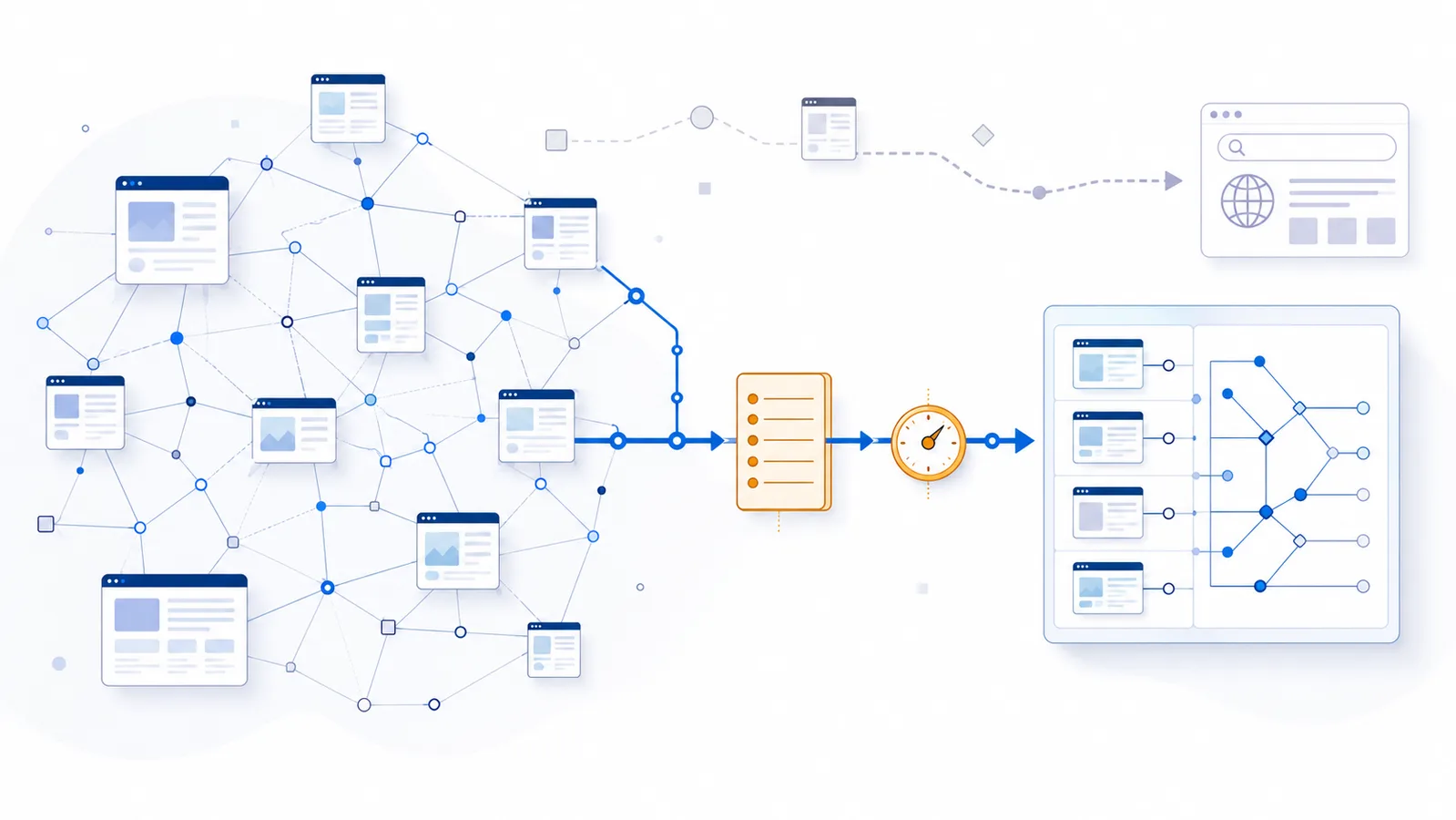
AhrefsBot is the web crawler Ahrefs uses to discover pages and links for its web index and backlink-analysis products. It follows links found on the internet, requests pages with HTTP GET, and periodically revisits known URLs to check their current status. The crawler does not represent Google Search and has no direct control over Google or Bing rankings.
Decide whether to block or slow AhrefsBot
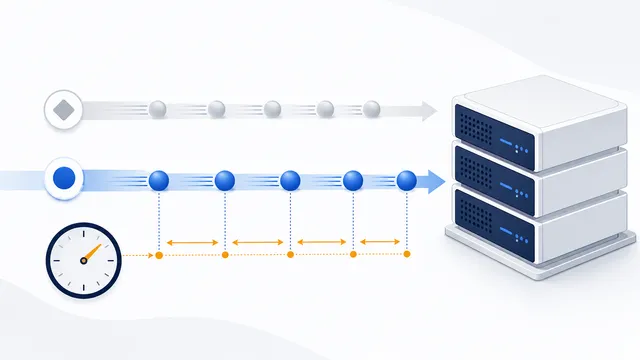
There are two different operational problems: a site owner may want to opt out of Ahrefs backlink collection, or may only want to reduce crawler load. Ahrefs documents both blocking and a Crawl-delay extension for AhrefsBot. The instructions are not interchangeable:
User-agent: AhrefsBot
Crawl-delay: 5
This requests a minimum delay rather than a ban. For a complete opt-out, use a separate policy with Disallow: /. Do not mix the two alternatives into one confusing example. Googlebot does not honor this non-standard delay extension, so it cannot be used as a generic performance-control setting across all crawlers.
To diagnose a sudden increase in crawl traffic, record server timestamps, requested URLs, status codes and the source IP for a small sample. A claimed AhrefsBot User-Agent alone is not authentication. Compare the observed rate before and after a policy change instead of concluding that every traffic spike is caused by Ahrefs. See Ahrefs' published crawler controls and keep an unchanged copy of the prior robots.txt for rollback.
Block AhrefsBot with a dedicated group
Ahrefs says AhrefsBot strictly respects both Allow and Disallow directives. To stop it from crawling the entire host, publish the two-line group shown below. To exclude only expensive or low-value sections, replace / with specific directory paths.
Changes may not take effect immediately. AhrefsBot reads updated robots.txt instructions before a later scheduled crawl, so requests can continue for a period after you publish a new rule. Check the timestamp of the live file before treating continued requests as noncompliance.
Reduce crawl frequency with Crawl-delay
If bandwidth or server load is the concern, you can use the non-standard Crawl-delay directive instead of a full block. Ahrefs documents the value as the minimum delay, in seconds, between consecutive requests from AhrefsBot. Start conservatively and monitor real server metrics rather than adding a very large delay without evidence.
AhrefsBot versus AhrefsSiteAudit
Ahrefs operates more than one crawler. AhrefsBot builds the broader Ahrefs web index, while AhrefsSiteAudit crawls sites for the Site Audit product. A rule for AhrefsBot does not automatically control AhrefsSiteAudit. Verified site owners can also configure AhrefsSiteAudit to ignore robots.txt for their own project, which is a product setting and not normal public crawling behavior.
SEO and data consequences
Blocking AhrefsBot can reduce or eventually remove your site’s presence in Ahrefs’ link index and reports. It does not directly prevent Googlebot from crawling the site. Keep search-engine rules in separate groups, and avoid a broad User-agent: * block unless you intend to restrict all compliant crawlers.
Verification and troubleshooting
Ahrefs publishes crawler user agents and IP information for verification. If traffic continues, first confirm that robots.txt returns successfully from the correct host, contains valid syntax, and targets the exact crawler token. Then check the file with the checker. For general syntax risks, review common robots.txt mistakes and the Crawl-delay glossary.
- Publish robots.txt at the host root.
- Use a separate AhrefsBot group.
- Choose Disallow or Crawl-delay according to the real goal.
- Do not assume the same rule covers AhrefsSiteAudit.
- Allow time for the next scheduled crawl to pick up changes.
FAQ
What does AhrefsBot collect?
AhrefsBot follows web links and revisits pages to build and maintain the Ahrefs web and backlink index.
Does AhrefsBot obey robots.txt?
Ahrefs says AhrefsBot strictly respects Allow, Disallow, and Crawl-delay directives.
Can I slow AhrefsBot without blocking it?
Yes. Add Crawl-delay under the AhrefsBot group and specify the minimum interval in seconds between requests.
Is AhrefsBot the same as AhrefsSiteAudit?
No. AhrefsBot builds the broader Ahrefs index, while AhrefsSiteAudit is a separate crawler used for site-audit projects.
Will blocking AhrefsBot hurt Google Search rankings?
Not directly. Googlebot is a separate crawler. Blocking AhrefsBot mainly affects Ahrefs data and reports unless broader robots.txt rules also restrict search engines.
 robots.txt Checker
 Common robots.txt Mistakes and How to Fix Them
 How to Check Whether AI Crawlers Are Blocked
 robots.txt HTTP Status Codes: 200, 3xx, 4xx, and 5xx
 Crawl-delay in robots.txt: Meaning and Crawler Support