
Applebot-Extended: Control Apple AI Training Use
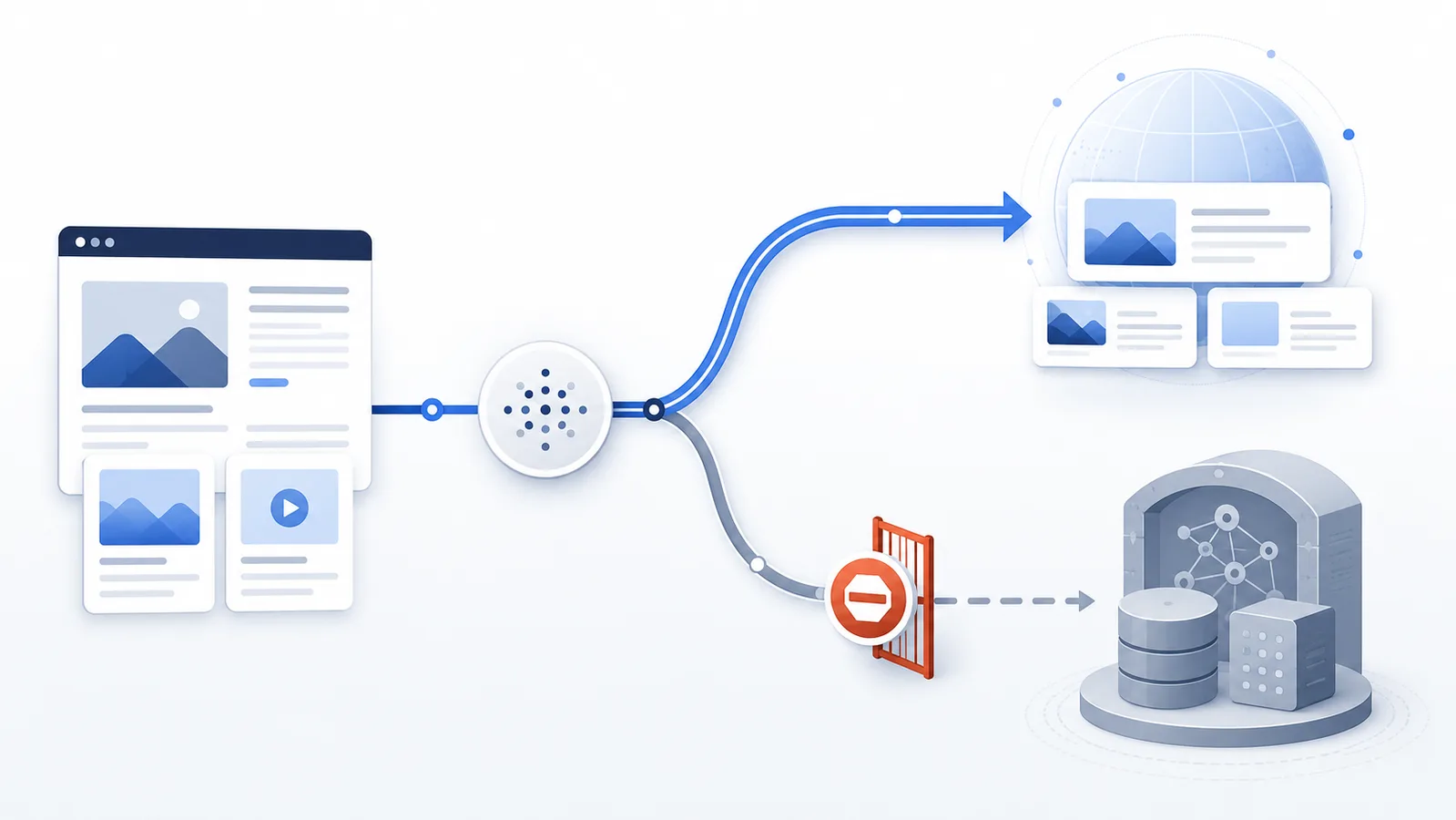
Applebot-Extended is not a crawler that fetches pages. Apple uses this robots.txt user-agent as a data-use signal for content collected by Applebot, allowing publishers to restrict use of that content for training Apple’s generative foundation models while keeping Applebot search crawling available.
Primary reference
Official crawler documentation
Use the provider's current documentation to confirm the crawler token and purpose before changing a production robots.txt file.
Copy-paste robots.txt example
User-agent: Applebot
Allow: /

User-agent: Applebot-Extended
Disallow: /
Applebot-Extended is a data-use control, not a second Apple crawler. Apple explicitly states that Applebot-Extended does not crawl web pages. Its purpose is to determine how content collected by the Applebot crawler may be used.
How to verify an Applebot-Extended opt-out without looking for visits
Do not look for Applebot-Extended requests in your server log as evidence of compliance: Apple says this token does not crawl pages. Instead, verify the policy in the public robots.txt response:
Review the complete Applebot-Extended example in the next section, then check the published robots.txt against it.
- Fetch
https://your-domain.example/robots.txton the exact public hostname. - Check that the Applebot-Extended group is present and that its
Disallowline covers the intended paths. - Check
Applebotseparately if normal Apple discovery should remain possible. - Make sure the CMS or CDN has not substituted an older robots.txt file.
The opt-out is a downstream-use instruction for material collected by Applebot, not an encryption method, a way to delete prior training data, or a promise that a page will vanish from Apple search. If content must not be read by unauthorized parties, require authentication. Apple's official explanation explicitly distinguishes the crawler from the training-use control.
What blocking Applebot-Extended changes
Disallowing Applebot-Extended tells Apple not to use the affected site content to train the general-purpose generative foundation models described in Apple’s documentation.
User-agent: Applebot-Extended
Disallow: /
This rule does not, by itself, stop Applebot from crawling the site and does not remove pages from Apple search and discovery experiences. That separation is the main reason Applebot and Applebot-Extended should not be treated as duplicate agents.
Search visibility and training use are separate choices
If you want Applebot to keep discovering public pages while opting out of the training use controlled by Applebot-Extended, keep the groups separate:
User-agent: Applebot
Allow: /

User-agent: Applebot-Extended
Disallow: /
If you instead block Applebot, you are changing crawl access for Apple search/discovery itself. Choose that only when crawl removal is actually your goal.
Do not use robots.txt as privacy protection
Applebot-Extended is a publisher preference signal. It is not authentication and it does not make a URL private. Pages that should not be public need normal application or server access controls.
Use the robots.txt Checker to verify the final groups and make sure a broad User-agent: * rule is not accidentally producing a different result than the Apple-specific rules.
Applebot-Extended and other Apple page signals
Apple documents other page-level controls for how crawled content can be used in product experiences, but they answer different questions. Do not substitute a snippet or presentation directive when your actual goal is the foundation-model training choice represented by Applebot-Extended. Conversely, do not block Applebot-Extended and assume that Applebot search crawling has stopped. Check each control against the outcome you want.
FAQ
Does Applebot-Extended crawl my website?
No. Apple says Applebot-Extended does not crawl webpages; Applebot performs the crawl and the Extended token controls how that data may be used.
Will blocking Applebot-Extended remove my pages from Apple search?
No. Apple states that pages disallowing Applebot-Extended can still appear in Apple search results.
What use does Applebot-Extended control?
It controls whether Applebot-crawled website content may be used to train Apple’s general-purpose foundation models for generative AI features.
Is nosnippet the same as Applebot-Extended?
No. Applebot-Extended addresses foundation-model training, while Apple documents nosnippet as a separate control for use of page content in broad world-knowledge answers.
Can I block only one directory from Applebot-Extended?
Yes. Use path-specific Disallow directives under the Applebot-Extended group instead of Disallow: / for the whole host.
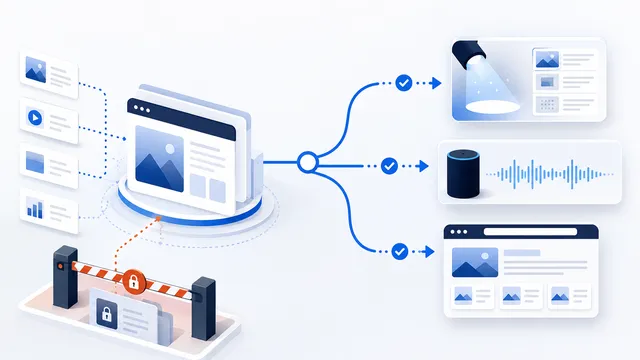 Applebot: robots.txt Rules for Apple Search and Discovery
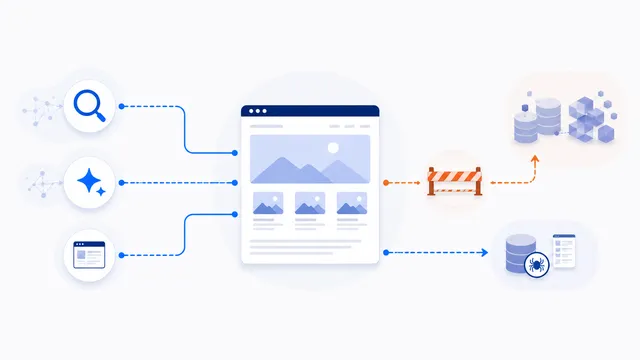 Allow Search, Block AI Training robots.txt Template
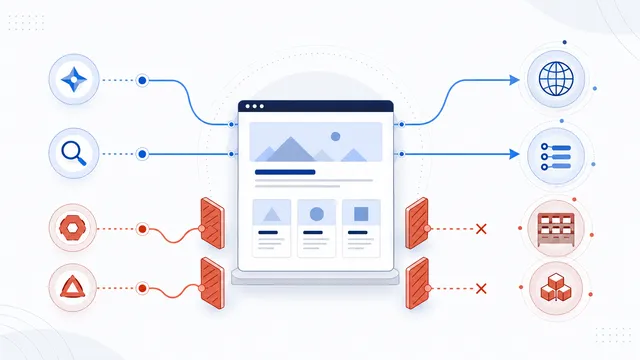 How to Block AI Crawlers with robots.txt
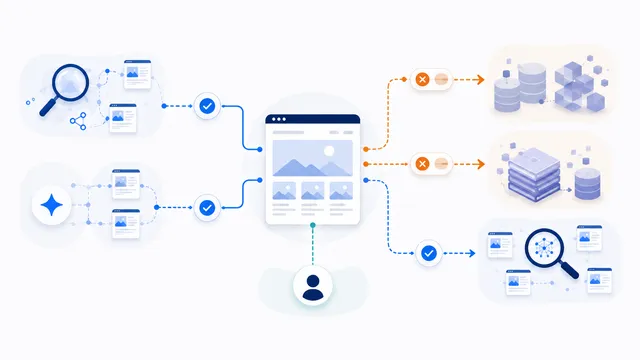 robots.txt for AI Training: Build a Selective Opt-Out
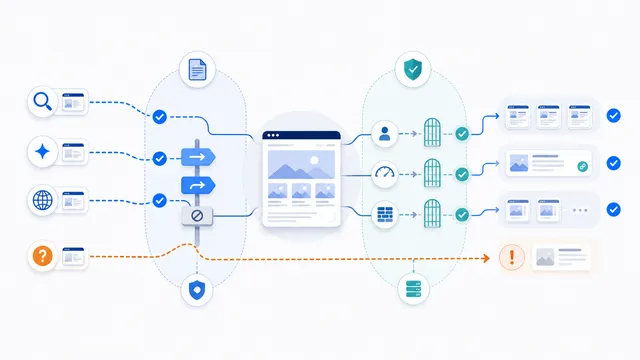 Does robots.txt Stop AI Scraping? Limits and Better Controls