
Applebot robots.txt: Control Apple Search Crawling
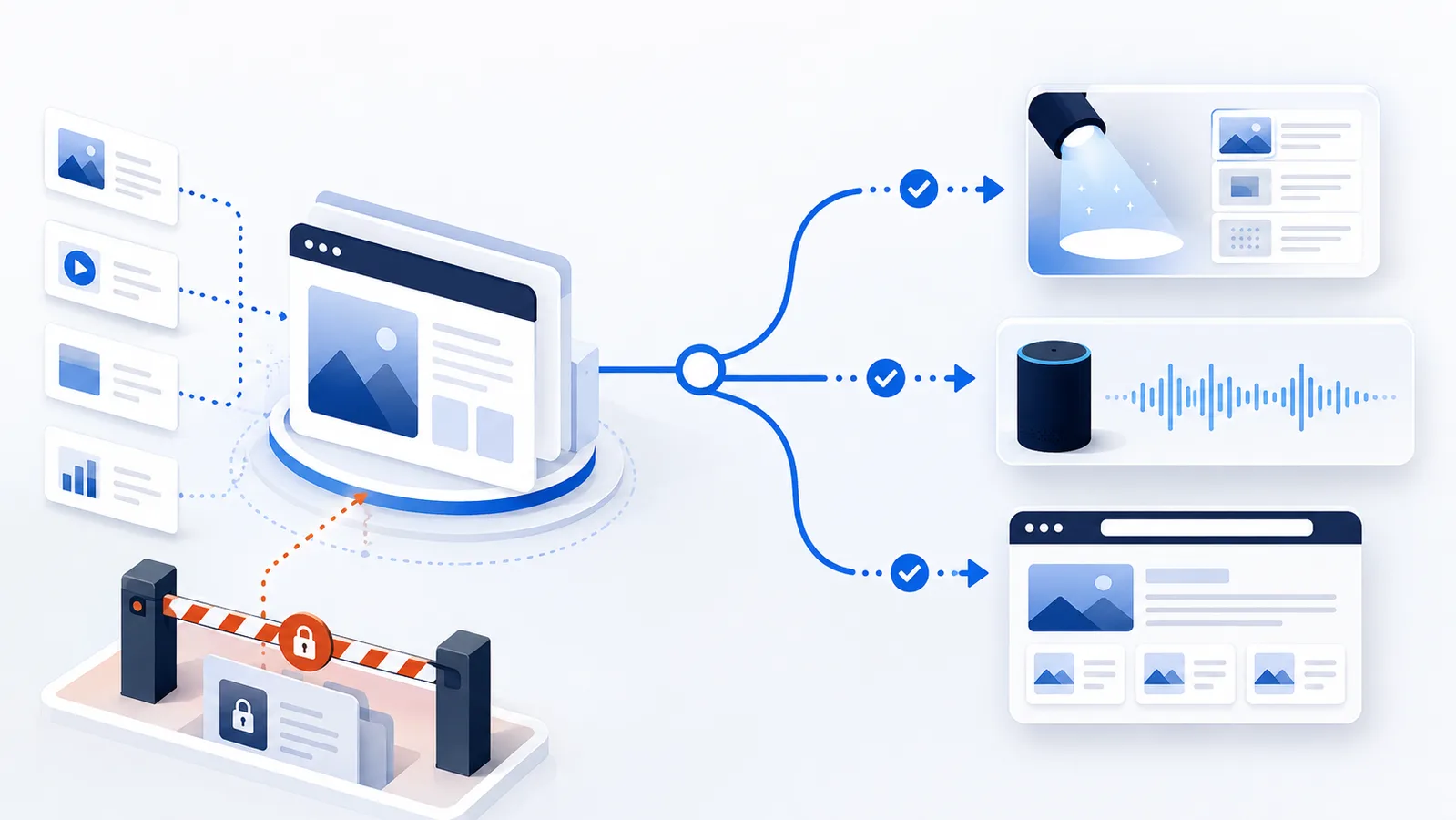
Applebot is Apple’s web crawler for search and discovery experiences such as Spotlight, Siri and Safari. Blocking Applebot affects crawling; Applebot-Extended is a separate control for whether Applebot-fetched data may be used for training Apple’s generative foundation models.
Primary reference
Official crawler documentation
Use the provider's current documentation to confirm the crawler token and purpose before changing a production robots.txt file.
First-party crawler telemetry
Observed on Robots.txt Lab
Aggregate requests that claimed this crawler identity while visiting this site during the last 90 days.
/robots.txt13/ai-crawlers/ccbot2/ai-crawlers/claudebot2/glossary/content-signal2
Verification note: User-Agent strings can be spoofed. These are aggregate requests that claimed the crawler name, not proof that every request came from the provider's verified infrastructure.
Copy-paste robots.txt example
User-agent: Applebot
Disallow: /private/
Allow: /
Applebot is Apple’s actual web crawler. Apple uses it to discover and process public web content for search and discovery features across Apple products. If you want to control whether Apple can crawl a path, the Applebot group is the relevant robots.txt control.
Search access and training preference are different Apple decisions
Use Applebot when the desired outcome is to control whether Apple crawls a URL path. Use Applebot-Extended when the decision concerns Apple’s documented training-use preference; Applebot-Extended is not a second crawler. These controls should be evaluated separately.
User-agent: Applebot
Allow: /

User-agent: Applebot-Extended
Disallow: /
This example expresses an intention to permit Apple’s crawler to fetch public pages while requesting a training-use opt-out under Applebot-Extended. It should not be described as blocking Apple search or preventing all AI processing. To validate the file, confirm the exact case-insensitive tokens in the live robots.txt and check that the group for Applebot has no unintended broad Disallow. Verify that regular search crawlers remain allowed too.
Apple also documents response-level signals such as applebot: nosnippet for some display preferences. These are not substitutes for either group. See the Applebot reference for current behavior and supported signals.
What Applebot does
Apple documents Applebot as the crawler behind web search-related experiences including Spotlight, Siri and Safari. Standard Allow and Disallow rules can be used to control paths.
User-agent: Applebot
Disallow: /private/
Allow: /
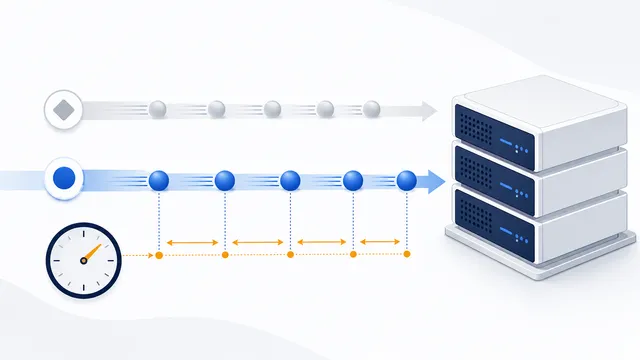
Apple also notes that if robots.txt has rules for Googlebot but no Applebot-specific group, Applebot can follow the Googlebot instructions. Applebot does not follow Crawl-delay; Apple says its crawl rate adjusts automatically.
Applebot is not Applebot-Extended
Applebot-Extended is a separate data-use control. Apple states that Applebot-Extended does not crawl pages itself. It tells Apple how data already crawled by Applebot may be used for generative foundation-model training.
That means you can keep Applebot allowed for search and discovery while disallowing Applebot-Extended for training use. Blocking Applebot-Extended alone does not remove a page from Apple search results.
When to block Applebot
Block Applebot only when you actually want to prevent Apple’s crawler from fetching specific public areas. For sensitive or private resources, use access controls rather than robots.txt. For ordinary public pages where discoverability matters, a blanket Applebot block can work against that goal.
After changing the file, validate the live rules with the robots.txt Checker. If your goal is AI data-use control rather than crawl removal, read the Applebot-Extended guide before changing Applebot itself.
FAQ
What products use Applebot data?
Apple says Applebot supports search technology across experiences including Siri, Spotlight, and Safari.
Does Applebot follow Googlebot rules?
Yes, when robots.txt does not mention Applebot but does contain Googlebot instructions, Applebot follows the Googlebot rules.
Does Applebot support Crawl-delay?
No. Apple states that Applebot does not follow Crawl-delay and instead adjusts its crawl rate automatically when a site slows down or returns errors.
Can I allow Applebot but block Apple AI training use?
Yes. Keep Applebot allowed for search and add a separate Disallow rule for Applebot-Extended.
Will robots.txt protect private content from Applebot?
It can instruct Applebot not to crawl a path, but it is not security. Private content still needs authentication and server-side authorization.
 Applebot-Extended: Apple AI Training Data-Use Control
 robots.txt Checker
 robots.txt for AI Search: Discovery Crawler Guide
 How to Check Whether AI Crawlers Are Blocked
 Crawl-delay in robots.txt: Meaning and Crawler Support