
CCBot robots.txt Rules for Common Crawl Data
CCBot is Common Crawl’s web crawler for building an open repository of web data. It checks robots.txt before fetching pages, supports Crawl-delay, and can be blocked with a dedicated CCBot group.

Primary reference
Official crawler documentation
Use the provider's current documentation to confirm the crawler token and purpose before changing a production robots.txt file.
First-party crawler telemetry
Observed on Robots.txt Lab
Aggregate requests that claimed this crawler identity while visiting this site during the last 90 days.
/ai-crawlers5/4/about2/generator2
Verification note: User-Agent strings can be spoofed. These are aggregate requests that claimed the crawler name, not proof that every request came from the provider's verified infrastructure.
Copy-paste robots.txt example
User-agent: CCBot
Disallow: /
What CCBot does
CCBot is the crawler operated by Common Crawl, a nonprofit organization that maintains an open repository of web crawl data. The resulting datasets are broadly accessible for research and analysis, which makes this policy decision different from ordinary search indexing: allowing CCBot can place public material into an open corpus used by many independent organizations and researchers.
Common Crawl identifies the current crawler with a user-agent string beginning with CCBot/2.0. It checks robots.txt before fetching a page and uses HTTP GET requests. Common Crawl also states that CCBot currently does not execute JavaScript or use cookies.
Block or slow CCBot
To stop future crawling of the whole host, use the dedicated rule shown below. Common Crawl says CCBot will periodically continue checking robots.txt so it can detect later policy changes. Blocking CCBot does not by itself block Googlebot, Bingbot, or conventional search visibility because those crawlers use different user-agent groups.
If the goal is to reduce load rather than stop collection, CCBot supports the non-standard Crawl-delay directive. Common Crawl’s example uses a value of two seconds. Its crawler also backs off when a server returns HTTP 429 or 5xx responses.
Open-data and AI implications
Common Crawl data is available for bulk access and is used across research, analytics, and machine-learning projects. A robots.txt block expresses a future crawl-access policy; it should not be confused with authentication or a guarantee about copies that may already exist elsewhere. Keep genuinely private material behind server-side access controls.
Verify that traffic is genuine
Common Crawl warns that some crawlers falsely identify themselves as CCBot. It publishes dedicated IP ranges and reverse-DNS information so site operators can verify suspicious requests. A matching user-agent string alone is not proof that the request came from Common Crawl.
Sitemaps, subdomains, and testing
CCBot supports the Sitemap Protocol and can use a Sitemap directive announced in robots.txt. Rules apply per host, so subdomains require their own files. After publishing, open the live file at /robots.txt and run it through the checker. Test the exact production hostname rather than a staging copy. For a broader opt-out policy, compare the block all AI crawlers template with a selective configuration generated by the generator.
Operational checklist
- Use the exact
CCBottoken. - Choose between complete blocking and a slower crawl rate.
- Verify suspicious traffic with published network data.
- Protect private content at the server.
- Maintain separate rules for every relevant subdomain.
FAQ
What is CCBot used for?
Common Crawl uses CCBot to collect public web pages for an open repository that supports research, analysis, and other downstream uses.
Does CCBot obey robots.txt?
Yes. Common Crawl says CCBot checks robots.txt before fetching a page and can be blocked with the CCBot user-agent token.
Can I slow CCBot instead of blocking it?
Yes. Common Crawl documents support for Crawl-delay, although it is a non-standard robots.txt directive.
Does CCBot execute JavaScript or use cookies?
Common Crawl states that CCBot currently does not execute JavaScript and does not use cookies.
How can I verify a real CCBot request?
Check the published Common Crawl IP ranges and perform forward-and-reverse DNS verification rather than trusting the user-agent string alone.
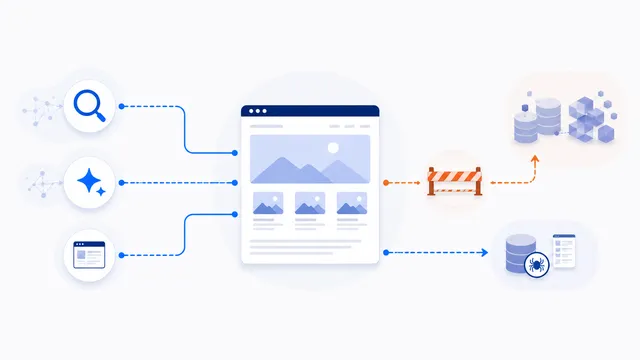 Allow Search, Block AI Training robots.txt Template
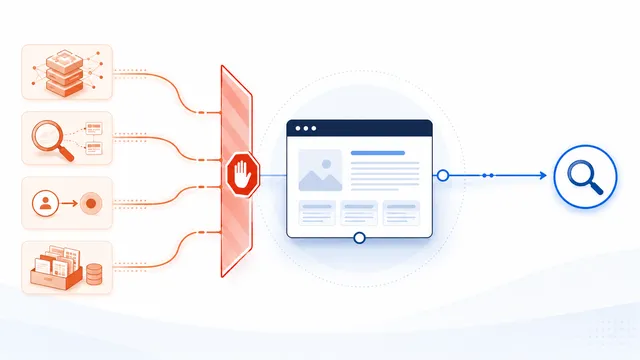 Block All AI Crawlers robots.txt Template
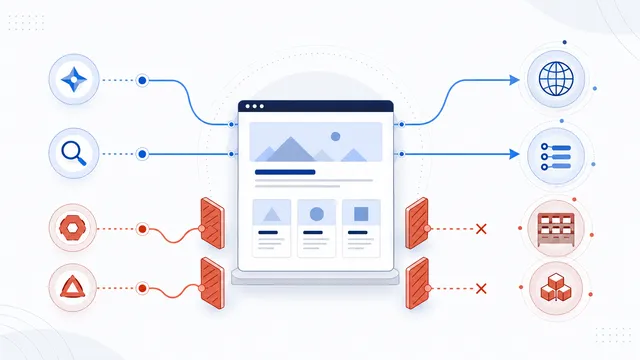 How to Block AI Crawlers with robots.txt
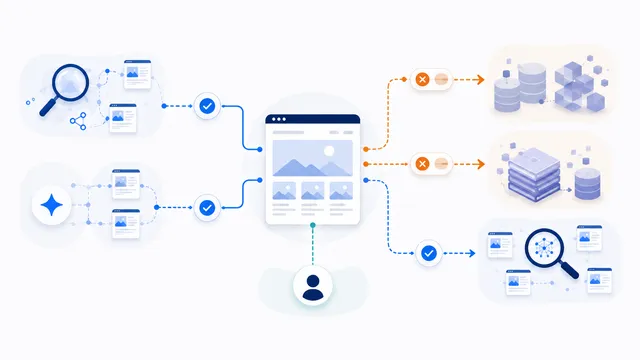 robots.txt for AI Training: Build a Selective Opt-Out
 Does robots.txt Stop AI Scraping? Limits and Better Controls