
AI Crawler: Definition, Types, and robots.txt Control
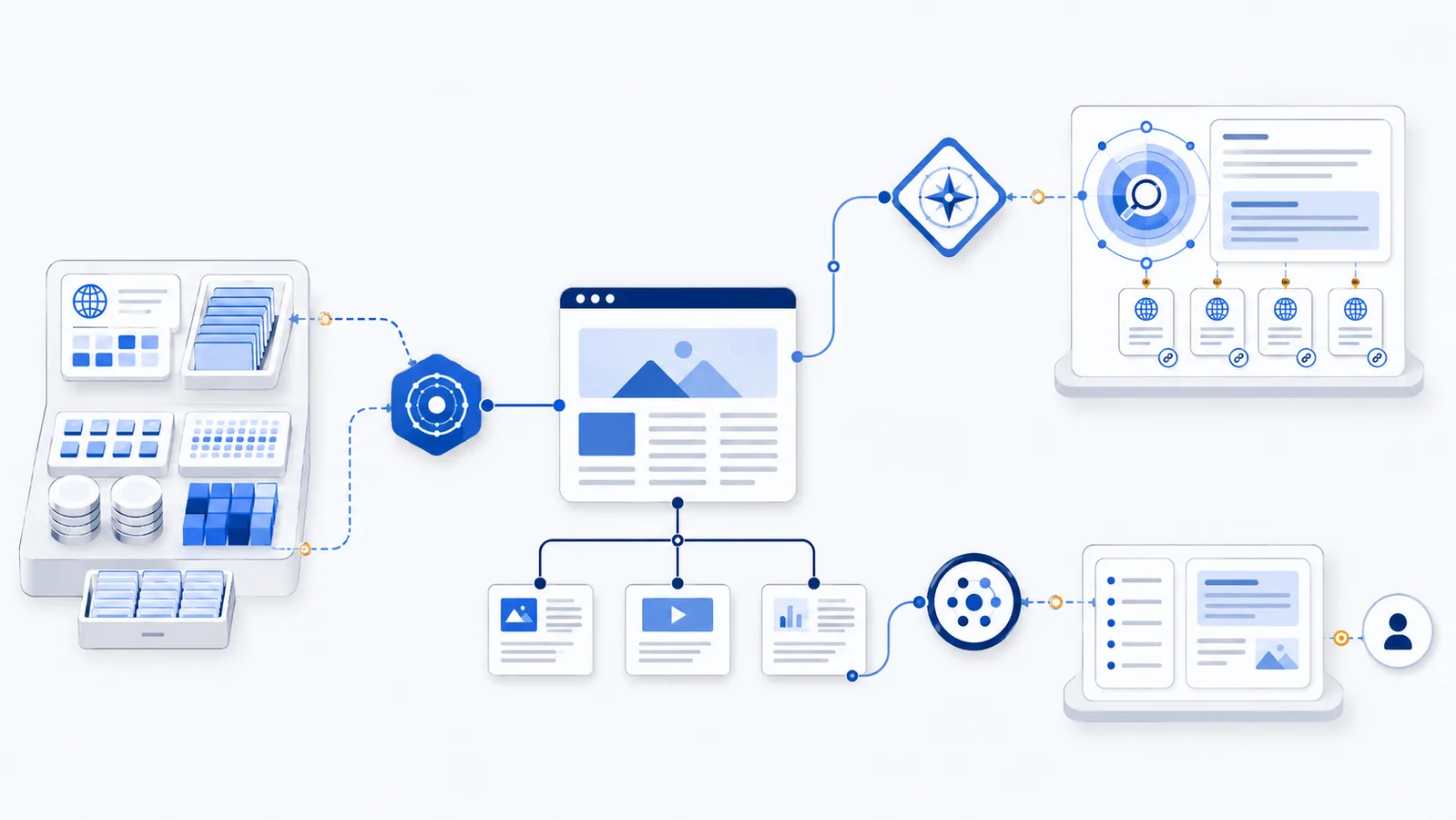
An AI crawler is a web agent used by an AI provider to collect, discover, index, or retrieve online content. The label is broad: training crawlers, AI search crawlers, and user-requested fetchers can have different purposes and separate robots.txt tokens.
Copy-paste robots.txt example
User-agent: GPTBot
Disallow: /

User-agent: OAI-SearchBot
Allow: /

User-agent: ChatGPT-User
Allow: /
What counts as an AI crawler
An AI crawler is an automated or semi-automated web agent operated in connection with an AI product. It may collect public content for model development, build a search index, refresh source data, or retrieve a page after a user asks an assistant to access it. There is no single industry-wide “AI crawler” user-agent.
The practical unit of control is the documented token published by the operator: examples include GPTBot, OAI-SearchBot, ClaudeBot, Claude-SearchBot, PerplexityBot, Google-Extended, Applebot-Extended, and others. These tokens are not interchangeable, and some are policy controls rather than independent HTTP crawlers.
Three common categories
AI training and model-development crawlers
These agents collect public web content that may contribute to training, improvement, evaluation, or safety work. Site owners often choose to block them while keeping ordinary search engines and AI search discovery open.
AI search crawlers
These agents discover and analyze pages for search-style results, grounded answers, citations, and source links. Blocking them may reduce visibility in the provider’s AI search experience, but allowing them does not guarantee inclusion or citation.
User-requested fetchers
These agents access a page because a person asked an assistant or tool to retrieve it. Their behavior and robots.txt support can differ from automated crawlers. Private content still requires real authentication and authorization.
Why purpose matters
A broad rule such as User-agent: * Disallow: / can block ordinary search crawling along with AI agents. A more precise policy identifies the specific purpose you want to restrict. For example, you can disallow a training crawler and allow the provider’s separate search crawler.
Operator documentation can change, so review the current crawler list before publishing a policy. The AI crawler directory organizes documented agents by provider and purpose.
How robots.txt control works
Compliant crawlers fetch the robots.txt file for the exact scheme, host, and port they are visiting. They select the most specific matching user-agent group and apply the relevant Allow and Disallow rules. Each subdomain needs its own file.
Robots.txt is not an access-control system. It cannot protect customer records, paid content, unpublished documents, or internal APIs from a crawler that ignores the protocol. Use login controls, authorization, signed URLs, network rules, and rate limiting where access must be enforced.
How to choose a policy
- List the AI agents visible in server logs and verify their published identities.
- Separate training, search, and user-requested access.
- Decide which public paths each purpose should reach.
- Generate a narrow policy with the AI robots.txt generator.
- Validate the result with the checker and monitor logs after deployment.
Common mistakes
- Treating every AI-related token as the same crawler.
- Blocking Googlebot or Bingbot while trying to block model training.
- Assuming robots.txt removes content already collected.
- Trusting a spoofed User-Agent without network verification.
- Using robots.txt to protect confidential information.
FAQ
Is there one universal AI crawler user-agent?
No. AI providers publish separate tokens for different products and purposes, and those tokens must be controlled individually.
Are AI crawlers always used for model training?
No. Some agents support model development, others power AI search discovery, and others retrieve a page after a user request.
Can I block training while allowing AI search?
Often yes, when the provider publishes separate user-agent tokens. Configure specific groups rather than using a broad wildcard block.
Does robots.txt protect private content from AI crawlers?
No. It is a voluntary crawl policy. Private content requires authentication, authorization, network controls, or other server-side enforcement.
How do I know whether an AI crawler is genuine?
Compare the full User-Agent and network source with the operator’s current documentation or published IP verification method. User-Agent text alone can be spoofed.
 AI Crawler List
 How to Block AI Crawlers with robots.txt
 How to Allow AI Search but Block AI Training
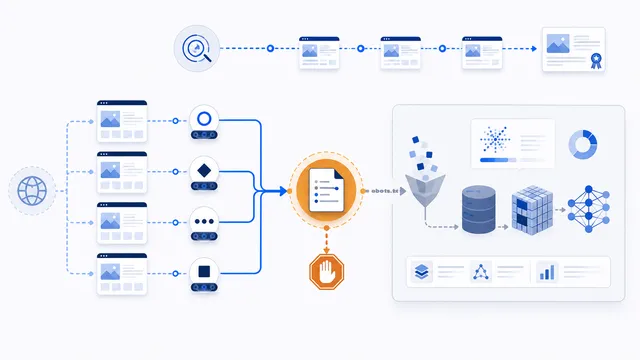 AI Training Crawler: Definition and robots.txt Control
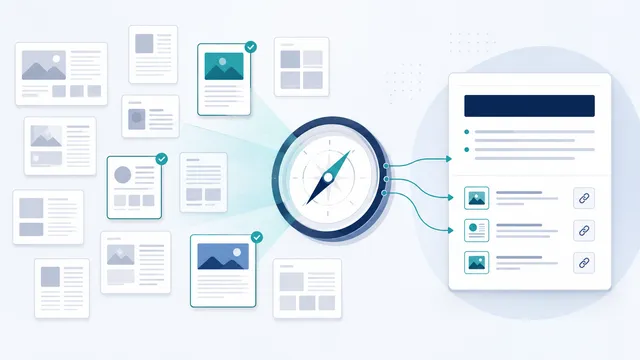 AI Search Crawler: Definition, Visibility, and Control