
What Is a User-Agent in robots.txt?
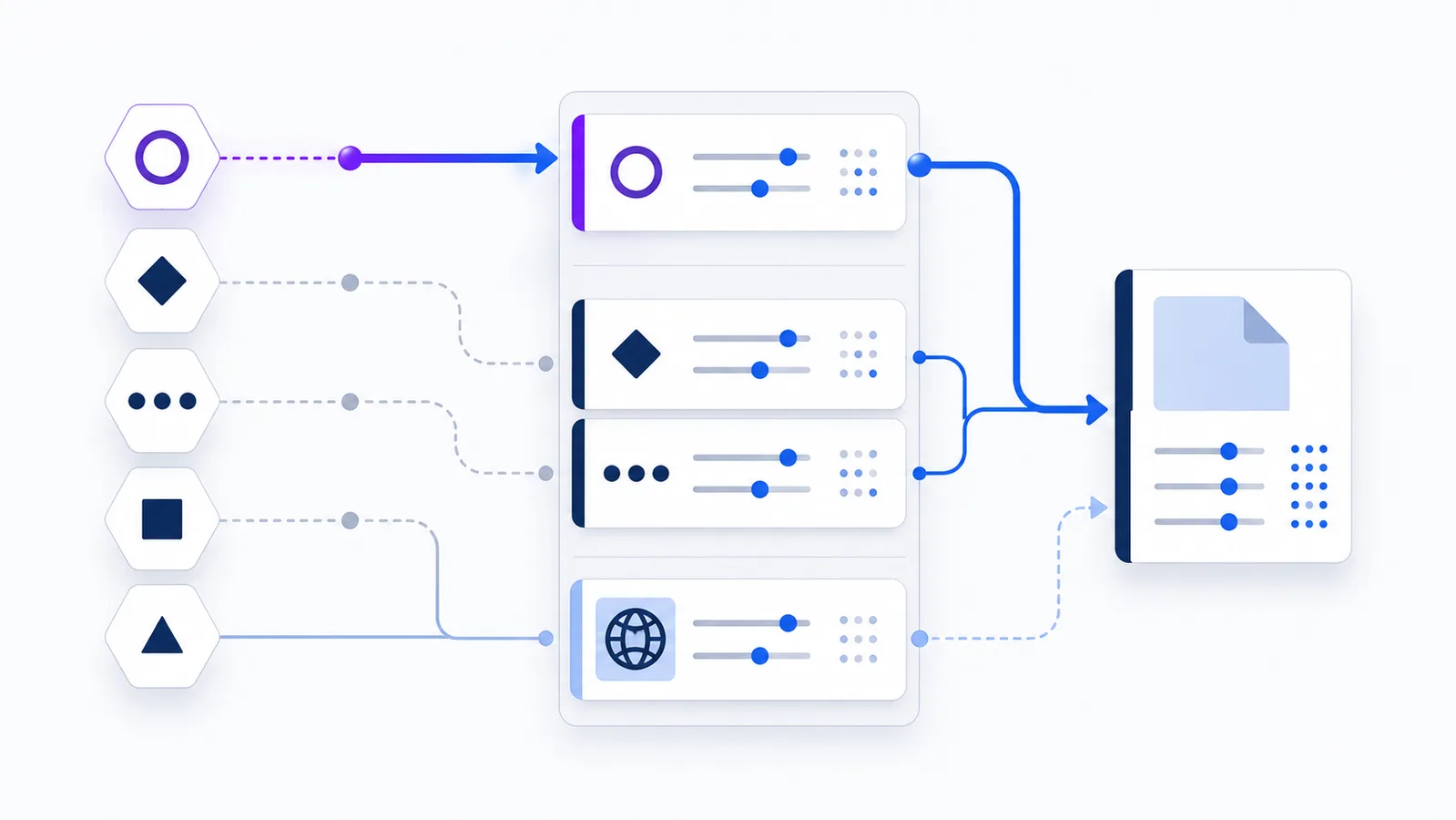
In robots.txt, User-agent identifies the crawler product token whose rules follow. Matching is case-insensitive. A crawler uses its specifically matching group when available, otherwise it falls back to User-agent: *; repeated groups for the same token are combined.
Copy-paste robots.txt example
User-agent: Bingbot
Disallow: /internal-search/

User-agent: *
Allow: /
User-Agent definition
The User-agent field starts a robots.txt rule group and identifies which crawler should follow that group. The value is usually a short product token such as Bingbot, GPTBot, or Googlebot. It is not necessarily the crawler’s complete HTTP User-Agent header. The product token should appear within the longer identification string sent with the request.
Field names and product-token matching are case-insensitive. Path values in the Allow and Disallow rules beneath the group remain case-sensitive.
How a crawler chooses a group
A crawler first looks for a group matching its own product token. If a specific match exists, that group supplies the applicable rules. If no specific group matches, the crawler uses User-agent: * when that fallback group is present. When neither a specific group nor a wildcard group exists, no robots.txt restrictions apply to that crawler.
Do not assume that rules from a specific crawler group are automatically added to the wildcard group. If you create a dedicated Bingbot or GPTBot section, include all rules that agent should follow. This prevents an important global restriction from disappearing when the more specific group is selected.
Multiple user agents and repeated groups
One group can apply to several crawlers by placing multiple consecutive User-agent lines before the rules. This is useful when different agents should follow exactly the same policy. Use one line per product token rather than inventing a comma-separated list unless you have verified that every target crawler supports that extension.
If the same product token appears in more than one group, the Robots Exclusion Protocol requires matching groups to be combined. Keeping one clear group per token is still easier to review and less likely to create accidental conflicts.
The wildcard product token
User-agent: * means all crawlers that do not have a more specific matching group. It is useful for a site-wide default policy. It does not mean “merge these rules into every named group.” A common pattern is a permissive wildcard group for ordinary crawling plus separate groups for agents that need different access.
User-Agent headers can be spoofed
Robots.txt matching relies on the declared product token, but a malicious client can copy a well-known HTTP User-Agent string. Do not treat the name alone as proof that traffic comes from Microsoft, Google, or another operator. When identity matters, use the verification method published by that crawler operator, such as reverse-and-forward DNS or an official IP-range list.
Example and checklist
The example gives Bingbot a specific restriction while allowing unmatched crawlers. Before publishing, verify the exact token in the crawler operator’s documentation and test representative URLs with the checker.
- Use the documented product token, not an invented nickname.
- Keep each group’s intended rules complete.
- Use
*only as a fallback policy. - Do not rely on the header alone for security decisions.
- Keep group structure readable so repeated tokens are easy to spot.
FAQ
Is User-agent matching case-sensitive?
No. Robots.txt field names and crawler product-token matching are case-insensitive, although Allow and Disallow path values are case-sensitive.
What does User-agent: * mean?
It is the fallback group for crawlers that do not have a more specific matching product-token group.
Are wildcard rules combined with a specific crawler group?
Do not rely on that. A specifically matching group takes precedence over the wildcard fallback, so the specific group should contain every rule that crawler needs.
Can several crawlers share one rule group?
Yes. Place multiple consecutive User-agent lines before the shared Allow and Disallow rules, using one documented product token per line.
What happens if the same User-agent appears in multiple groups?
Under the Robots Exclusion Protocol, the rules from matching groups for the same product token are combined before evaluation.
 What Is robots.txt? Scope, Rules and Limitations
 Disallow in robots.txt: Meaning and Examples
 Allow in robots.txt: Rules, Priority, and Examples
 Bingbot robots.txt Rules for Bing Search
 robots.txt Checker