
What Is robots.txt?
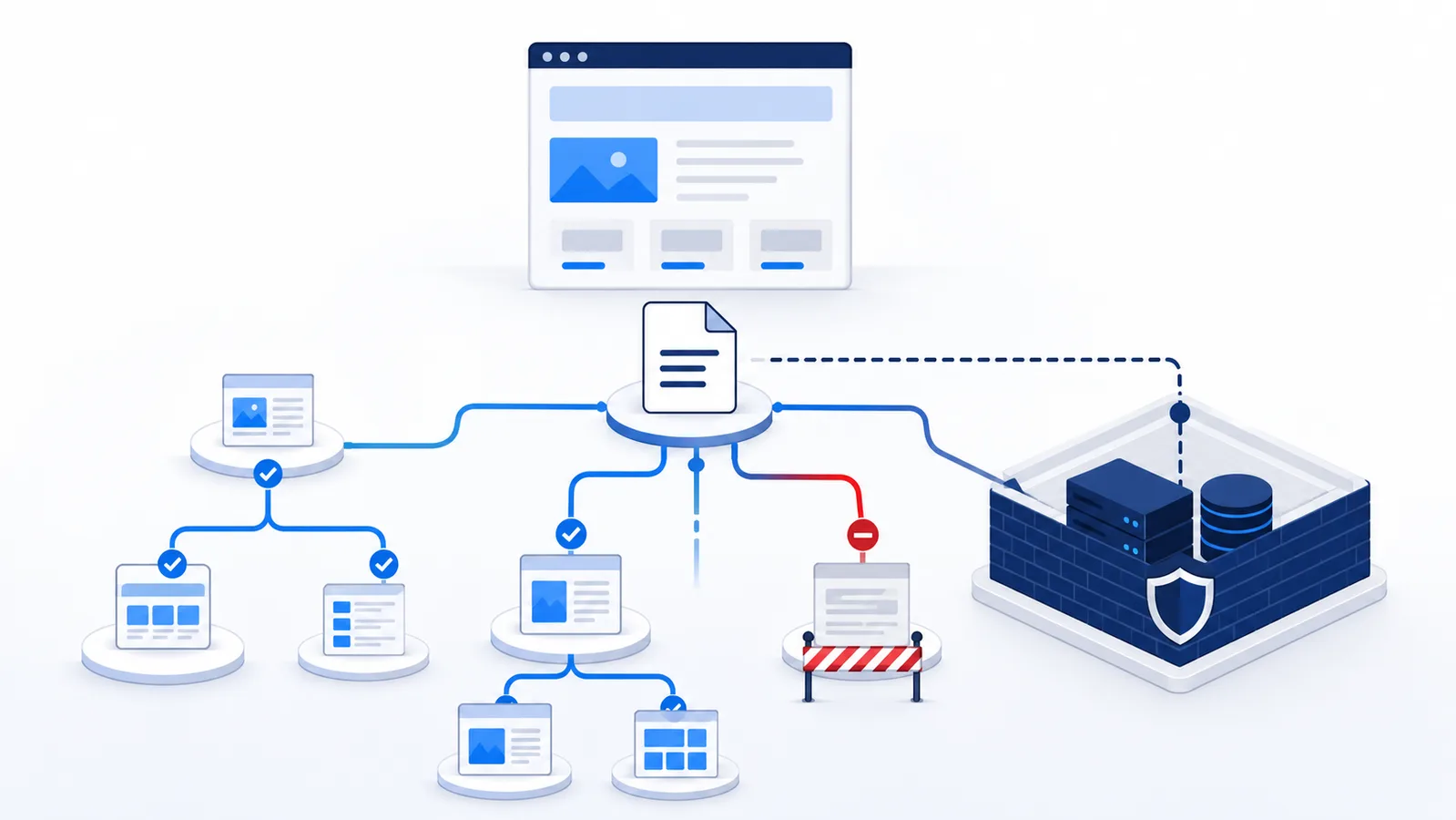
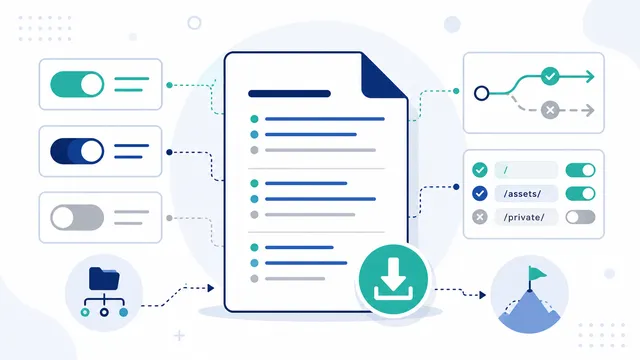
robots.txt is a plain-text crawl policy published at the root of a website origin. It tells compliant crawlers which URL paths they may or may not fetch, but it does not make content private and does not guarantee whether a URL will or will not be indexed.
Copy-paste robots.txt example
User-agent: *
Allow: /
Disallow: /private/

Sitemap: https://example.com/sitemap.xml
robots.txt is a crawl-control file. A site publishes it at the root of an origin, for example https://www.example.com/robots.txt, and compliant crawlers read it before requesting URLs.
Core directives
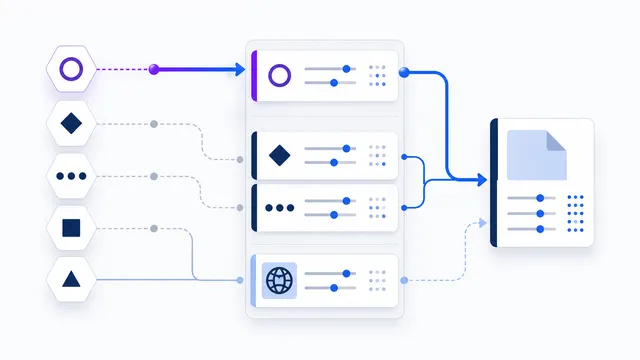
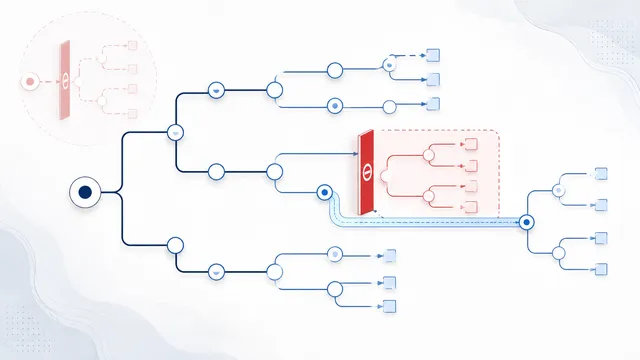
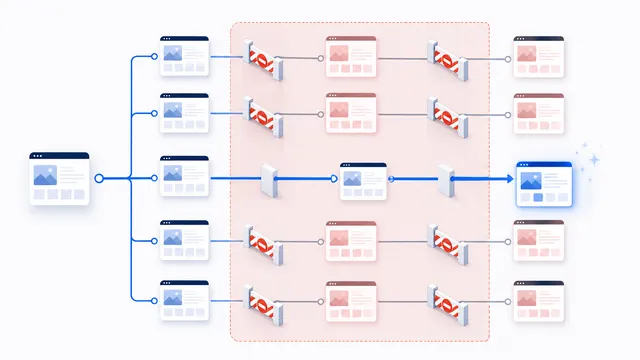
User-agentidentifies the crawler or crawler group the following rules apply to.Disallowdefines URL paths the crawler should not fetch.Allowcan create a more specific allowed path within a broader restriction for crawlers that support it.Sitemapis a widely supported extension used to advertise sitemap URLs. See Sitemap directive.
User-agent: *
Disallow: /private-area/
Allow: /private-area/public-info/

Sitemap: https://www.example.com/sitemap.xml
Five-step first-time robots.txt setup
- Open the exact origin’s
/robots.txt, including the scheme and hostname used by visitors. - Decide which crawler and path need restriction; do not block everything merely to hide administrative URLs.
- Start with a narrow
Disallow. Add anAllowexception only where a child path must remain crawlable. - Paste the proposed policy into the draft simulator and test both a blocked URL and a URL that must remain public.
- After publishing, check the live response. A successful draft result cannot verify the actual HTTP status or server override.
For example, with Disallow: /account/ and Allow: /account/help/, test /account/profile (blocked) and /account/help/guide (allowed). Neither result controls authentication or indexing. The Google robots.txt specification explains rule selection and HTTP error handling.
The file is scoped to an origin
A robots.txt file applies to the scheme, hostname and port where it is served. Rules from https://example.com/robots.txt do not automatically control a different subdomain such as https://shop.example.com/.
Crawling is not the same as indexing
Blocking a crawler from fetching a URL does not necessarily guarantee that the URL can never appear in a search index. A crawler can discover a URL from links or other sources without fetching its content. If your goal is index control, use the indexing mechanisms supported by the relevant search engine and make sure the crawler can actually access those signals when required.
robots.txt is not security
The file is public, and compliance is voluntary. Do not put secrets in robots.txt and do not use it to protect customer data, admin areas, private documents or paid content. Use authentication, authorization and server-side controls for that.
AI crawlers use the same file, but not the same purpose
Modern AI providers publish multiple user agents for training, search and user-triggered retrieval. The name matters. For example, OpenAI separates GPTBot from OAI-SearchBot. Build rules around the outcome you want rather than copying a blanket list.
Use the robots.txt Generator to build a policy and the Checker to test how a specific agent and path are interpreted.
FAQ
Where must robots.txt be placed?
It must be available at the lowercase top-level path /robots.txt for the exact host, such as https://example.com/robots.txt.
Is robots.txt a security feature?
No. It is a public instruction file for compliant crawlers. Protect private content with authentication, authorization, and server-side access checks.
Can robots.txt remove a page from search results?
Not reliably. It can stop crawling, but a search engine may still know the URL. Use noindex on an accessible page or a search-engine removal tool for index exclusion.
What happens when several rules match one URL?
The most specific matching path rule wins. If equally specific Allow and Disallow rules conflict, the Robots Exclusion Protocol prefers Allow.
Does the main domain’s robots.txt control subdomains?
No. The policy is scoped to the exact scheme, host, and port, so each subdomain needs its own robots.txt file.
 User-Agent in robots.txt: Definition and Matching
 Disallow in robots.txt: Meaning and Examples
 Allow in robots.txt: Rules, Priority, and Examples
 AI robots.txt Generator
 robots.txt Checker