
Allow in robots.txt: Rules, Priority, and Examples
To explicitly allow all compliant crawlers, use User-agent: * followed by Allow: /. That rule is usually unnecessary because crawling is allowed by default unless a matching Disallow rule blocks a path.
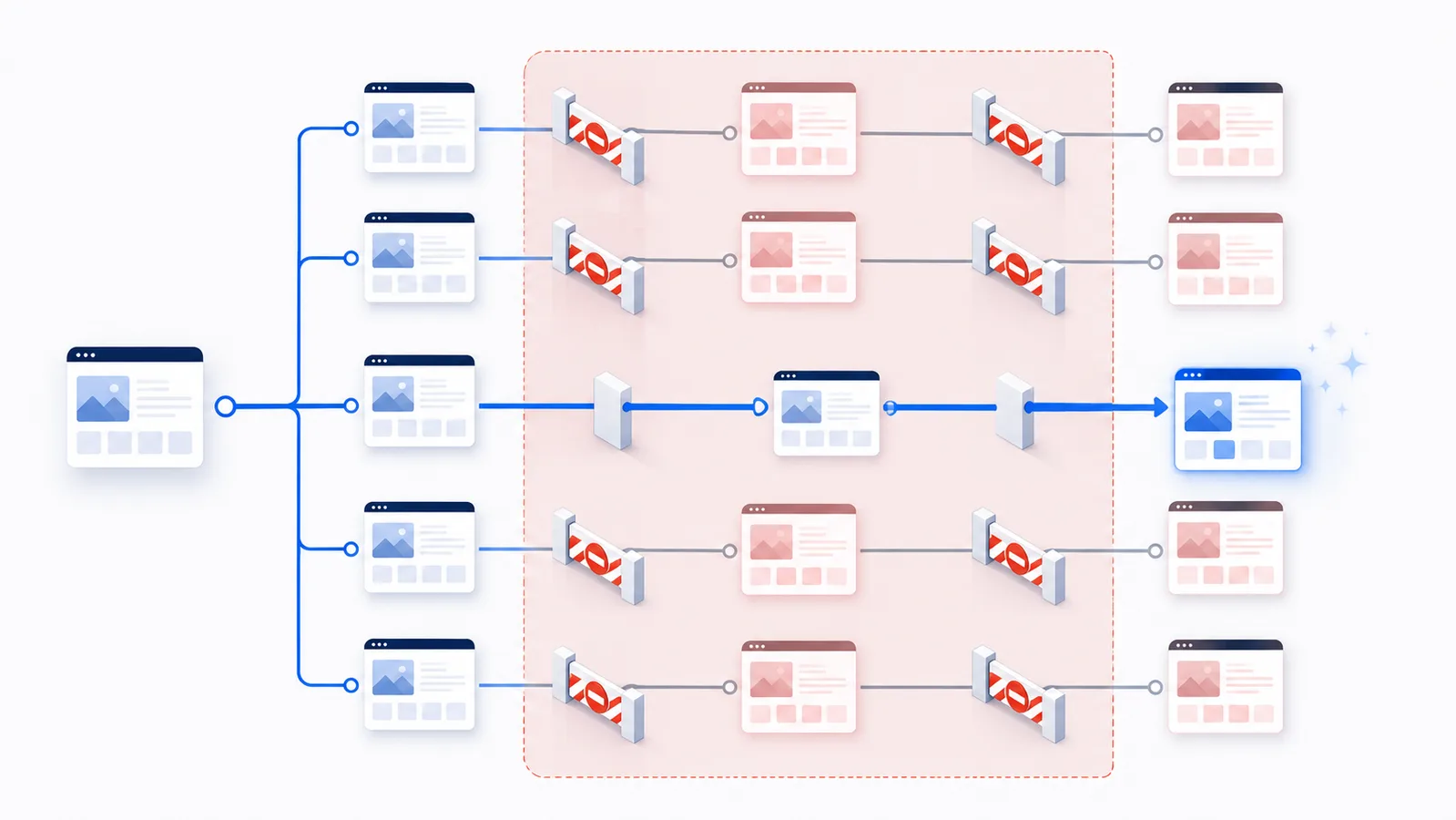
Copy-paste robots.txt example
User-agent: *
Disallow: /downloads/
Allow: /downloads/public/
What Allow means in robots.txt
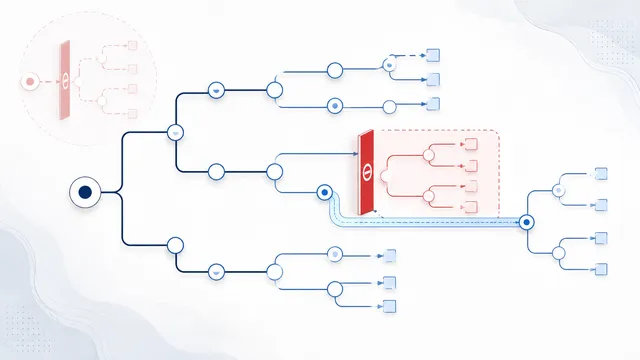
Allow tells a matching crawler that it may request a URL path under the rules of the selected User-agent group. It is mainly an exception rule: a broader Disallow blocks an area, and a more specific Allow reopens one file, directory, or pattern inside that area.
Most sites do not need Allow: /. When no applicable Disallow rule matches a URL, crawling is already allowed. Add Allow only when it expresses a real exception or makes a deliberately complex policy easier to verify.
Before publishing a rule, use the robots.txt Checker to test the exact crawler and path. A rule that looks correct in isolation can produce a different result when another path or a crawler-specific group also matches.
How Allow and Disallow are evaluated
A crawler does not simply read the file from top to bottom and stop at the last matching line. The decision is made in stages:
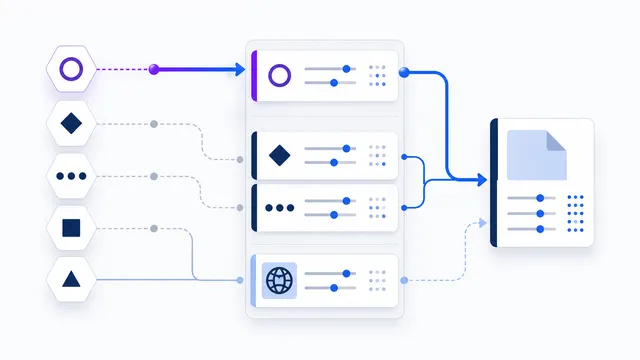
- Select the applicable User-agent group. A specifically matching group is used when one exists. The wildcard group
User-agent: *is the fallback when no specific group matches. - Compare every matching Allow and Disallow path in that group. Matching begins at the start of the URL path.
- Use the most specific match. The rule with the longest matching path wins.
- Prefer Allow when equivalent matches tie. If an Allow and Disallow rule are equally specific, the Robots Exclusion Protocol says the Allow rule should be used.
Rule order is therefore not the deciding factor. Moving a specific Allow above or below a broader Disallow does not change the result when the same paths still match.
Example: reopen a public directory inside a blocked area
User-agent: *
Disallow: /downloads/
Allow: /downloads/public/
For /downloads/private-report.pdf, only the broader Disallow: /downloads/ matches, so the path is blocked for compliant crawlers.
For /downloads/public/manual.pdf, both rules match. The Allow: /downloads/public/ path is longer and more specific, so that URL is allowed.
This pattern is useful when the blocked area is valid and stable. When a directory needs many separate exceptions, reconsider the original broad block. Several narrow Disallow rules may be easier to maintain than one large block followed by a long list of repairs.
How to allow all robots with robots.txt
For the common request “allow all robots,” the explicit robots.txt example is:
User-agent: *
Allow: /
Do you need this? Usually no. When an applicable robots.txt group has no matching Disallow rule, its paths are crawlable by default. The explicit rule is useful for documenting an intended public policy, not for forcing Google to index pages or bypassing authentication.
Does Allow: / cancel a more specific Disallow?
No. If the same group includes Disallow: /private/, that more specific path still blocks /private/report. A narrow Allow: /private/public/ can reopen only that public subdirectory. Test those three paths with the draft simulator before publishing.
Allow one crawler and block another
User-agent: GPTBot
Disallow: /

User-agent: OAI-SearchBot
Allow: /
OpenAI documents these as separate controls: GPTBot is for training-related crawling, and OAI-SearchBot is for ChatGPT search discovery. This example expresses different preferences for the two agents. It is not a complete replacement for an existing robots.txt file. In particular, a specifically matching group does not inherit User-agent: * path restrictions; merge those restrictions carefully.
Crawler-specific groups do not inherit wildcard restrictions
This is one of the most important robots.txt mistakes to avoid. When a crawler has a specifically matching group, the wildcard group is not automatically merged into it.
User-agent: *
Disallow: /account/

User-agent: ExampleBot
Allow: /
In this file, ExampleBot uses its specific group. The wildcard block for /account/ is not inherited, so ExampleBot may be allowed to request that path.
To keep the restriction, repeat it in the crawler-specific group:
User-agent: *
Disallow: /account/

User-agent: ExampleBot
Disallow: /account/
Allow: /
Before adding a specific Allow: /, inventory the important wildcard restrictions already present in the live file. The robots.txt Generator can help you assemble the full policy, but the final file must still be checked as one combined set of groups.
Practical Allow patterns
Allow one file inside a blocked directory
User-agent: *
Disallow: /reports/
Allow: /reports/public-summary.pdf
The public summary is crawlable, while other URLs beginning with /reports/ remain blocked.
Allow one subdirectory inside a blocked directory
User-agent: *
Disallow: /assets/
Allow: /assets/public/
This can reopen a public asset directory. Test the actual CSS, JavaScript, image, or document paths you need crawlers to fetch rather than assuming the directory structure is uniform.
Allow an exact file with the end marker
User-agent: *
Disallow: /exports/
Allow: /exports/catalog.xml$
The $ marker anchors the match to the end of the path pattern. It helps distinguish the exact file from longer URLs that begin with the same text. Query strings and crawler-specific interpretation should still be tested against the live file.
Allow a pattern through a wildcard block
User-agent: *
Disallow: /*.pdf$
Allow: /public/*.pdf$
The broader pattern blocks PDF paths, while the longer public-directory pattern reopens PDFs under /public/. Pattern policies are powerful but easier to misread than literal paths, so test several matching and non-matching URLs before publishing.
Path matching details that change the result
- Paths start from the host root. Use
/folder/, not a full domain URL, in an Allow or Disallow value. - Path matching is case-sensitive.
/Files/and/files/may produce different results. - A trailing slash changes the pattern.
/docs/targets that directory prefix, while/docsalso begins matching paths such as/docs-old. *matches zero or more characters. Use it only when a literal path cannot express the intended scope clearly.$marks the end of a match. It is useful for exact filenames or extensions.- Each host has its own robots.txt. Rules published for
www.example.comdo not automatically controlshop.example.com. - Empty Allow and Disallow values do not create a useful exception. Remove empty rules instead of relying on them as policy statements.
Common mistakes with Allow
- Assuming the last rule wins. Specificity, not visual order, determines the result.
- Adding Allow: / without checking wildcard restrictions. A new crawler-specific group can unintentionally open paths that were blocked only for
User-agent: *. - Using a broad Disallow and many exceptions. Complex exception trees are difficult to review and easy to break during later edits.
- Testing only the allowed URL. Also test a neighboring URL that should remain blocked.
- Using Allow as an indexing instruction. Allow permits crawling under robots.txt; it does not guarantee crawling, indexing, ranking, or inclusion in an AI search product.
- Using robots.txt for confidentiality. Allowed or blocked paths can still be visible to people and non-compliant clients. Protect sensitive content with authentication and server-side authorization.
Allow controls crawling, not access or indexing
An Allow rule does not grant a user permission, bypass a login, expose a private page, or force a crawler to visit. It only states that the selected crawler is not blocked from requesting the matching path by this robots.txt policy.
Indexing is a separate decision. A crawlable page may remain unindexed, while a blocked URL can sometimes still appear as a URL-only result when Google discovers it elsewhere. Use page-level indexing controls when the goal is indexing, and use authentication or authorization when the goal is real access control.
A safe workflow for adding an Allow rule
- Identify the exact crawler and URL path. Do not start from a generic “all bots” assumption.
- Find the rule that currently blocks the path. Confirm its User-agent group and matching pattern.
- Create the narrowest useful exception. Prefer a literal file or directory path over a broad wildcard when possible.
- Review crawler-specific groups. Repeat any essential restrictions that would otherwise exist only in the wildcard group.
- Build the complete policy. Use the Generator to assemble or revise the robots.txt file rather than evaluating one isolated line.
- Publish at the root of the correct host. Open the live
/robots.txtURL directly and confirm the server returns the intended plain-text file. - Test both sides of the exception. In the Checker, test the allowed path and a nearby path that must remain blocked for the same crawler.
- Review server logs later. A correct rule confirms the policy; logs show whether a compliant crawler changed its requests.
Protocol references
The matching rules above follow RFC 9309, the Robots Exclusion Protocol. For Google-specific parsing and examples, review Google's robots.txt specification documentation.
Next step: build the complete rule set in the Generator, publish it, and then verify the live result for the exact crawler and path.
FAQ
Is Allow: / required to let crawlers access a site?
No. A URL is allowed when no applicable Disallow rule matches it. Allow: / is normally redundant, although it can make the intent of a crawler-specific group explicit.
Can Allow override Disallow in robots.txt?
Yes. When both rules match the requested URL, the rule with the longest matching path is used. A narrower Allow rule can therefore reopen a file or directory inside a broader Disallow rule.
Does the last robots.txt rule win?
No. Allow and Disallow are evaluated by path specificity, not by the order of the lines. Moving a rule lower in the file does not make it stronger.
What happens when Allow and Disallow are equally specific?
RFC 9309 says the Allow rule should be used when the matching Allow and Disallow rules are equivalent. A clearer, more specific pattern is still preferable to relying on a tie.
Does a crawler-specific group inherit rules from User-agent: *?
No. The wildcard group is the fallback when no specific group matches. If you create a crawler-specific group, repeat any important wildcard restrictions that crawler must still follow.
Can Allow make a private page publicly accessible?
No. Allow only changes the robots.txt crawling policy. Authentication, authorization, firewall rules, and the application still determine whether a request can access protected content.
Does Allow force Google or another crawler to index a page?
No. Allow removes a robots.txt crawling restriction for the matching path. It does not guarantee crawling, indexing, ranking, or inclusion in a search or AI product.
How should I test an Allow exception?
Test the exact crawler and allowed path, then test a neighboring path that should remain blocked. Use the live robots.txt file on the correct host rather than an unpublished draft.
 What Is robots.txt? Scope, Rules and Limitations
 User-Agent in robots.txt: Definition and Matching
 Disallow in robots.txt: Meaning and Examples
 AI robots.txt Generator
 robots.txt Checker